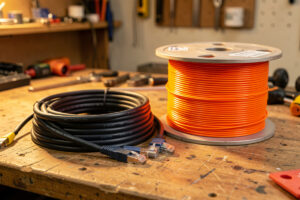
For a permanent 10G run inside a wall, pull fiber if you possibly can — it’s thinner, immune to interference, future-proof past 10G, and runs cool, where Cat6a tops out at 10G, runs hot at the PHY, and is bulky to pull. The exception is when you need to power a device over the same cable or terminate into RJ45-only gear; then Cat6a wins. This is the one decision you make once and live with for years, so it’s worth getting right.
I’ve pulled both. The single OM3 fiber run that crosses from my rack into the office is the cable I’m gladdest I chose fiber for, and the Cat6a runs I have exist because the devices on their ends only speak RJ45. Here’s how to decide which to pull when you’re opening a wall and won’t open it again soon.
What each cable actually does at 10G
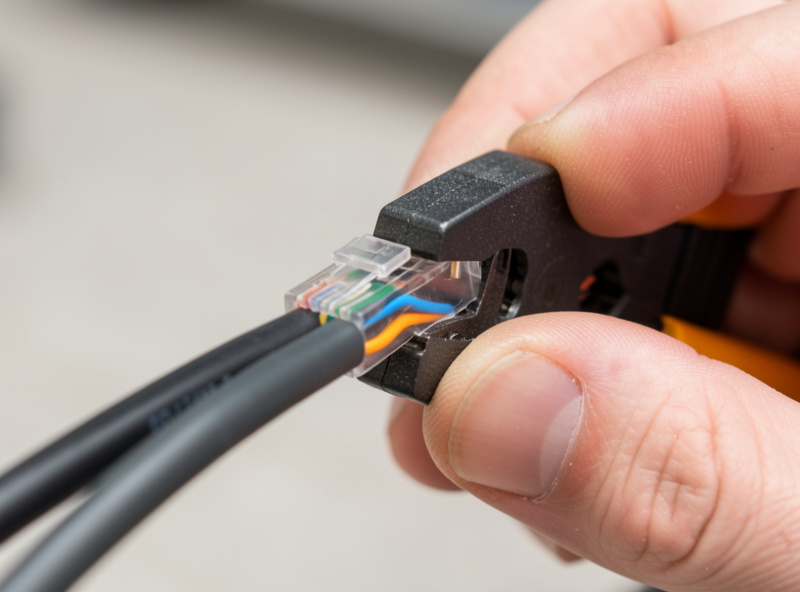
Cat6a is shielded twisted-pair copper rated for 10GBASE-T over a full 100-meter run. It terminates in the RJ45 jacks you already know, can carry Power over Ethernet, and works with any 10GBASE-T port. The downside is physical: it’s thick, stiff, has a large bend radius, and the 10G PHY at each end burns 8-10W and runs hot. It’s also a dead end at 10G — there’s no faster tier over the same cable.
Fiber for a home 10G run means OM3 or OM4 multimode terminated in LC connectors, with an SFP+ optical transceiver at each end. It carries 10G to 300 meters, is thin and flexible with a tiny bend radius, draws less power than a copper PHY, and is completely immune to electrical interference — which matters if the run passes near mains wiring or motors. Crucially, the same fiber will carry 25G or 40G later with only a transceiver swap, so it’s the future-proof choice. The transceiver and connector details are in the SFP+ and DAC cable guide.
| Factor | Cat6a | Fiber (OM3/OM4) |
|---|---|---|
| Max 10G distance | 100m | 300m+ |
| Future speed headroom | None (10G ceiling) | 25G/40G with new optics |
| Power/heat at endpoints | High (8-10W PHY) | Low |
| Cable size/bend radius | Thick, stiff | Thin, flexible |
| Interference immunity | Shielded, still copper | Total (optical) |
| Carries PoE? | Yes | No |
| Terminates to RJ45 gear? | Yes, directly | Needs SFP+ port |
When Cat6a is the right pull
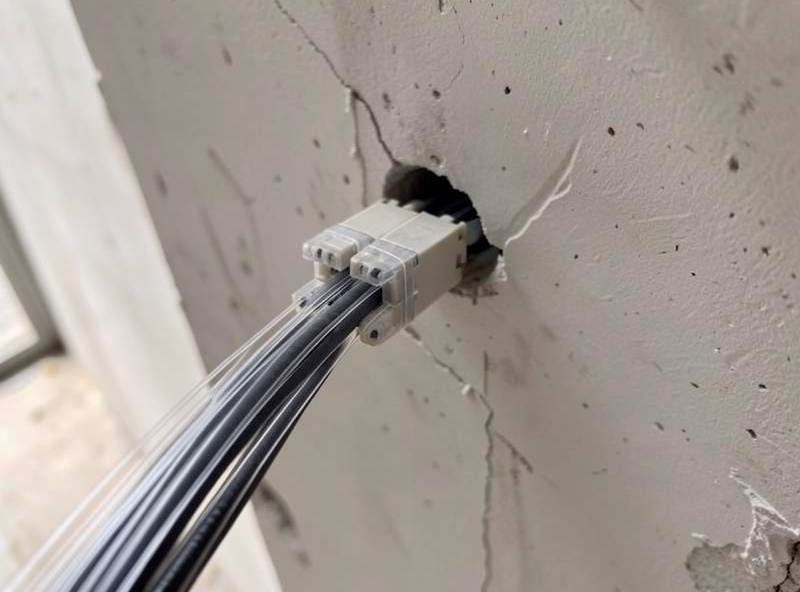
Copper wins in a few concrete situations. If the device at the far end has only an RJ45 10G port and no SFP+ cage — many NAS units, mini PCs, and 10G-equipped motherboards — Cat6a terminates directly without a media converter. If the run also needs to deliver Power over Ethernet, fiber simply can’t — an access point or camera on a single cable means copper. And if the run is short, accessible, and you’re certain 10G is the ceiling you’ll ever need, Cat6a is cheaper to terminate because you crimp it yourself rather than buying optics.
The familiarity matters too. You can terminate Cat6a with tools and skills you probably already have; fiber termination is either a pre-made patch cable pulled carefully through the wall or a fusion splice that needs gear most people don’t own. For a short, simple, copper-friendly run, that practicality often tips the decision. The cabling standards behind each Cat rating are covered alongside the rest of the physical layer in DAC vs fiber vs copper for 10G.
When fiber is worth the extra effort
Fiber earns its place on the runs you most want to get right the first time: long runs over 30 meters where copper’s heat and signal margin get marginal, runs that pass near electrical noise sources, and any run you’d hate to re-pull when 10G stops being enough. Because the fiber itself carries far more than 10G, upgrading to 25G later is a transceiver swap, not a wall-opening — that alone justifies fiber for a backbone run between floors or buildings.
It’s also the quieter, cooler choice at scale. A handful of 10GBASE-T ports throwing off 8-10W each adds real heat to a closed rack; the equivalent fiber links run noticeably cooler, which feeds back into whether your switch can stay fanless — a point I make in best 10G switches for a home lab. For the one structural run I knew I’d never want to redo, fiber was the obvious call despite the slightly higher upfront fiddle.
What each run actually costs
Cost rarely decides this on its own, but it shapes the edges. A Cat6a run is cheap in materials — bulk shielded Cat6a cable runs well under a dollar a meter and the RJ45 keystones or plugs are a few dollars each — and you terminate it yourself with a crimp tool you may already own. The hidden cost is the 10GBASE-T ports at each end, which are pricier and hotter than SFP+ cages, so the cable saves money while the endpoints give some back.
Fiber inverts that. The OM3 patch cable itself is inexpensive, but you need two SFP+ optical transceivers at roughly $10-20 each, so a fiber link lands around $30-45 before the switch and NIC. As an Amazon Associate I earn from qualifying purchases. The flip side is that the endpoints are cheaper and cooler — SFP+ cages and DAC-class power draw — and the link will outlive 10G. Over the life of a structural run that you’d otherwise re-pull at 25G, the fiber works out cheaper in total even though it costs more on day one. The endpoint economics tie into the NIC choices and the switch you pair them with.
Pulling and terminating without regret
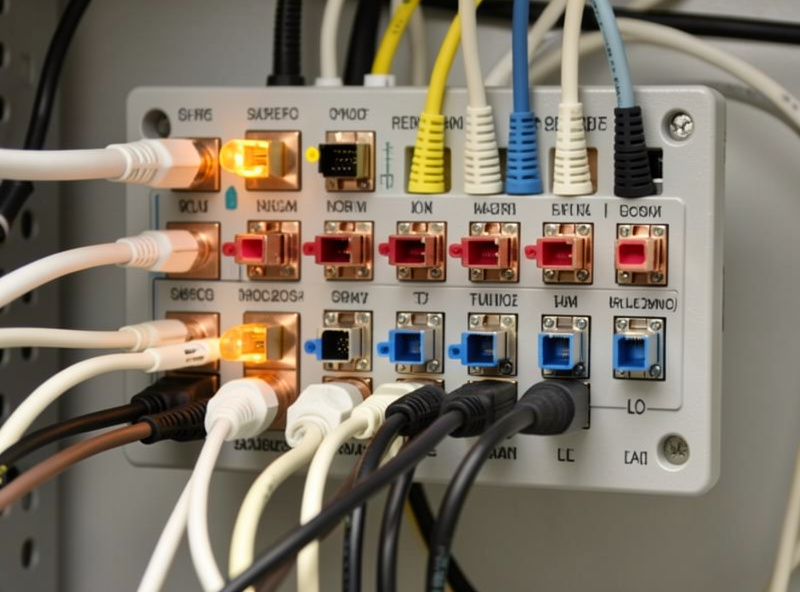
The practical side trips people up more than the technology. For Cat6a, respect the bend radius — that thick shielded cable kinks easily, and a sharp bend at 10G degrades the signal in ways that are maddening to diagnose later. Pull it gently, avoid running it parallel and close to mains wiring, and ground the shield properly at one end. Terminate to keystones in a patch panel rather than crimping plugs directly where you can; it’s tidier and easier to test.
For fiber, the golden rule is never pull on the connectors. Use a pre-terminated patch cable with a pulling sock over the LC ends, or terminate after the pull, and keep the dust caps on until the moment you plug in — a speck of dust on a fiber endface kills the link. Leave a service loop of slack at both ends so you can re-route or re-terminate without re-pulling. Whichever you choose, label both ends before you close the wall; an unlabeled run is a future afternoon of beeping a toner through the house.
Test the run before you trust it
Whichever cable you pull, prove it works at 10G before you close the wall and build on top of it. For Cat6a, the honest test is to plug both ends into 10GBASE-T ports and run iperf3 looking for 9+ Gbps sustained — a marginal run will link at 10G but quietly drop frames under load, which is far harder to chase down once everything is buttoned up. A proper cable certifier is better still if you can borrow one, but an iperf3 soak test catches the runs that link but can’t carry. For fiber, check the link comes up clean and watch for errors over a few minutes of heavy transfer; a dirty endface or a tight bend shows up as a link that flaps or throttles rather than failing outright. Five minutes of testing now saves a wall-reopening later, and it’s the step I never skip on a permanent run.
The honest default
If I had to give one answer for a fresh permanent run with no PoE requirement and SFP+-capable gear, it’s fiber — the future headroom and cool running win over a horizon of years, and the higher day-one cost amortizes the moment you’d otherwise re-pull. Cat6a is the right call when PoE or RJ45-only devices are in the picture, or when the run is short, accessible, and certain to stay at 10G. Run the decision per cable, not per house, and you’ll end up with a mix — which is exactly what I have, and exactly what the rest of the 10G and multi-gig home network guide is built around. For the cabling that doesn’t go in walls at all — the short rack hops — DAC is usually the answer.
The pull-once rule
Because in-wall cable is the most permanent thing in your network, bias toward the choice that ages best. My rule: if the run terminates in SFP+ gear and might ever need more than 10G, pull fiber and don’t look back. If it must carry PoE or terminates in RJ45-only devices, pull Cat6a and accept the heat. And if you’re unsure which the far-end device will be, pull fiber plus a single Cat6a as a spare in the same conduit — conduit space is cheap, and reopening a wall is not.
Whichever you pull, it’s one link in a larger topology, and the medium should match the rest of your plan. If you’re building the whole multi-gig network from scratch, start with the 10G and multi-gig home network guide for the big picture, then the NIC guide for what terminates these cables and the 10G NAS setup guide for the link that most often justifies the whole project. Pull it once, label it well, and you won’t think about that cable again for a decade.