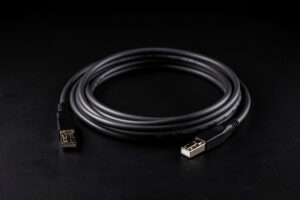
For 10G, use a DAC cable inside the rack, fiber between rooms, and 10GBASE-T copper only when Cat6a is already in the wall. A passive DAC costs about $15 all-in with the transceivers built in and draws almost no power; fiber wins past about 7 meters; copper is the fallback, not the default. That one rule covers 90% of home 10G cabling decisions.
The medium you pick changes cost, heat, distance, and how much can go wrong. I run DAC for the short hops in my rack and OM3 fiber for the single run that crosses into the office, and I reach for 10GBASE-T copper only where I’m stuck with existing cable. Here’s how the three actually compare when you’re the one buying and crimping. As an Amazon Associate I earn from qualifying purchases.
DAC: the default for short runs
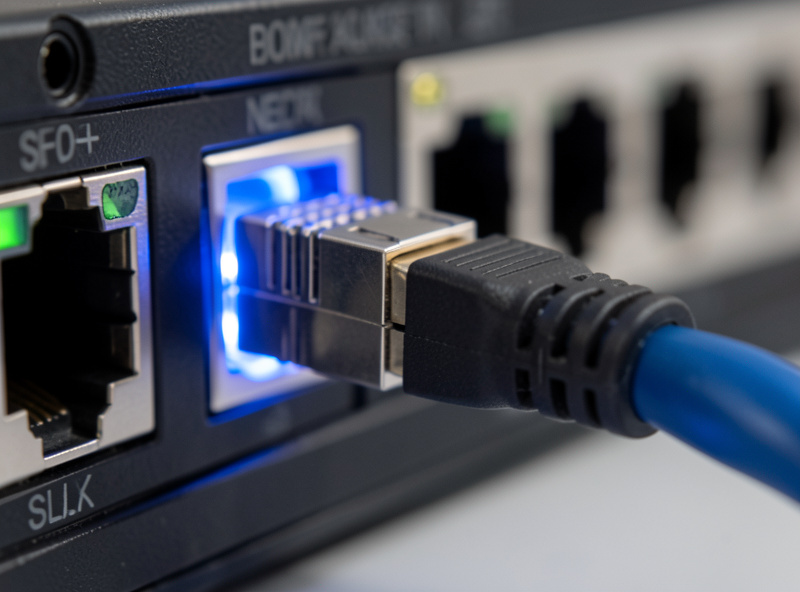
Direct-attach copper (DAC) is a twinax cable with the SFP+ transceivers permanently fixed to both ends. It’s the cheapest, simplest, lowest-power way to link two SFP+ devices within a couple of meters — a single SFP+ DAC cable at about $15, no separate transceivers to buy or match, near-zero power draw, and no latency penalty. Inside a rack where the NAS, switch, and Proxmox host sit close together, DAC is the obvious choice and the one I use most.
The limits are distance and rigidity. Passive DAC is reliable to about 3 meters; active DAC stretches to 7-10 but costs more and partly defeats the simplicity. The cable is also thick and stiff, so it’s awkward for anything but short, direct runs. And because the transceiver ends are integrated, a DAC that one switch’s firmware rejects on a vendor-lock check can’t be re-coded — you buy one matched to your gear. For rack-internal links, none of that matters; DAC just works.
Fiber: the choice for distance
Once a run leaves the rack — between rooms, up to an attic, across a house — fiber takes over. You buy two SFP+ optical transceivers and an LC fiber patch cable; OM3 multimode handles 10G to 300 meters, far beyond any home run, and the cable itself is thin, flexible, and immune to electrical interference. Fiber draws a little more power than DAC because the optics are active, but it’s still far cooler than 10GBASE-T copper.
| Medium | Typical distance | Cost per link | Power/heat | Best use |
|---|---|---|---|---|
| Passive DAC | Up to 3m | ~$15 | Negligible | Rack-internal links |
| Active DAC | Up to 10m | ~$30 | Very low | Within-rack-row runs |
| OM3 fiber + 2 SFP+ optics | Up to 300m | ~$30-45 | Low | Between rooms/floors |
| 10GBASE-T (Cat6a) | Up to 100m | ~$35/port + cable | High (8-10W) | Existing in-wall copper |
The cost gap with DAC is smaller than people expect once you price the transceivers, so the decision is mostly about distance and flexibility rather than money. The deeper comparison of fiber against copper for in-wall runs specifically is in Cat6a vs fiber for 10G runs — that’s the article to read if you’re opening up a wall.
10GBASE-T copper: the fallback, not the default
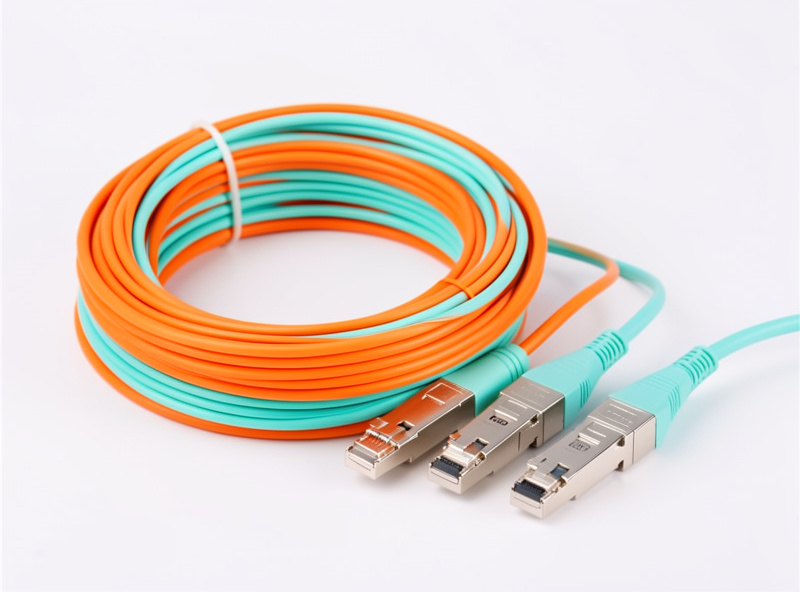
Copper 10G over RJ45 is the medium everyone reaches for first because it’s familiar, and the one I recommend least for a fresh build. The PHY that drives 10G over twisted pair burns 8-10W per port, runs hot, adds a few microseconds of latency, and demands Cat6a for a full 100-meter run — Cat6 only manages 10G over short distances, and Cat5e won’t do it at all. In a closed case or a small switch, that heat is a real reliability factor.
Where copper earns its place is the wall. If your house is already wired with Cat6a and your fast devices are in different rooms, pulling fiber means opening walls; 10GBASE-T lets you use what’s there. It’s also the only option when a device has only an RJ45 10G port and no SFP+ cage. So copper isn’t wrong — it’s situational. Just don’t default to it for rack-internal links where DAC is cheaper, cooler, and more reliable. The cabling standards and what each Cat rating actually supports are covered in the SFP+ and DAC cable guide.
How I mix all three in one network
My setup uses all three deliberately. DAC links the NAS, the switch, and the Proxmox host inside the rack — three short, cheap, cool connections. A single OM3 fiber run carries 10G from the rack to the workstation in the office, because that crosses a wall and fiber is the clean way to do it. And the few 10GBASE-T ports I use exist only because a couple of devices came with RJ45 10G and no SFP+ option.
That mixed approach is the point: there’s no single best medium, only the right one per link. Match the cable to the distance, keep the heat down where you can, and don’t pay for fiber optics on a link a $15 DAC would serve. Everything ties back to the overall topology in the 10G and multi-gig home network guide, and the NICs that terminate these cables are in best 10G network interface cards. For the switch that all of this plugs into, see best 10G switches for a home lab.
Transceiver vendor lock: the gotcha that kills links
The most common reason a fiber or transceiver-based 10G link sits dark on first boot isn’t a bad cable — it’s vendor lock. Many switches whitelist the transceivers they’ll accept by reading a coded EEPROM, and a generic SFP+ module either refuses to come up or links at the wrong speed. Cisco, Juniper, and some UniFi gear are stricter than MikroTik or generic switches, which is part of why I lean toward DAC for short links: a passive DAC sidesteps the whole issue because its integrated ends are matched to the cable and there’s no separate module to reject.
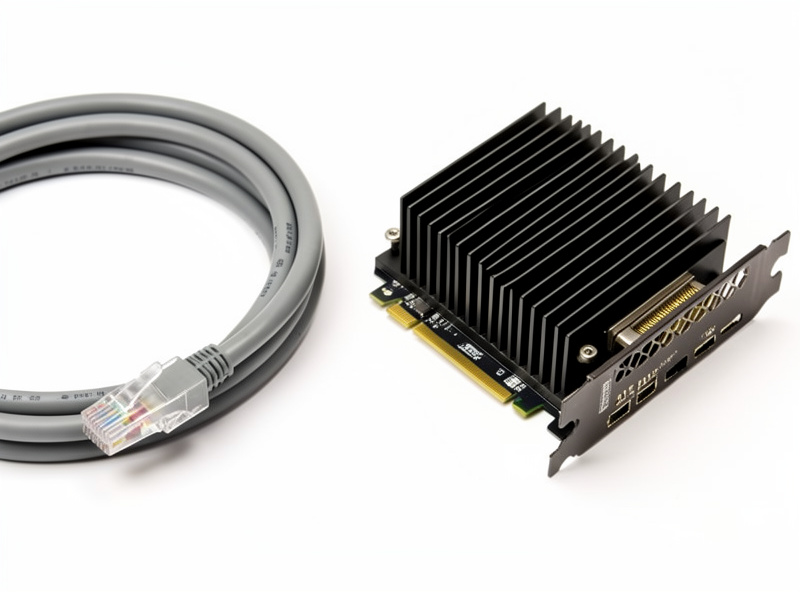
When you do need fiber, buy transceivers coded for your specific switch brand, or buy a switch that doesn’t enforce the lock. The sellers who specialize in homelab gear will code modules to MikroTik, UniFi, or Intel on request — ask before you buy. It’s a $5 difference that turns a dead link into a working one.
A quick decision rule
If you remember nothing else: measure the run. Under 3 meters, same rack — passive DAC, every time. Between 3 and 10 meters in the same row — active DAC or fiber, leaning fiber for flexibility. Crossing a wall, floor, or room — fiber with coded transceivers. Stuck with RJ45-only devices or existing Cat6a in the wall — 10GBASE-T copper, and accept the heat. That single decision tree, applied per link, gives you a cabling plan that’s cheap where it can be and robust where it has to be. The physical-layer details behind each choice are in the SFP+ and DAC cable guide.
Frequently Asked Questions
Is DAC better than fiber for 10G?
For short rack-internal links, yes. DAC is cheaper at about $15, draws almost no power, and needs no separate transceivers. Fiber wins past roughly 7 meters or when you need a thin, flexible cable between rooms.
How far can a DAC cable run?
Passive DAC is reliable to about 3 meters and active DAC to roughly 10. Beyond that, switch to fiber, which carries 10G over OM3 multimode to 300 meters, far more than any home run requires.
Do I need Cat6a for 10G over copper?
For a full 100-meter 10GBASE-T run, yes. Cat6 only carries 10G over short distances, and Cat5e cannot do 10G at all. If you want to avoid new cable entirely, use DAC or fiber with SFP+ instead.
Why does 10GBASE-T copper run hot?
Driving 10G over twisted-pair copper requires a power-hungry PHY chip that burns 8-10W per port. That heat is significant in a closed case or small switch, which is why DAC and fiber are cooler choices for rack links.
Can I mix DAC, fiber, and copper in one network?
Yes, and it is the smart approach. Use DAC inside the rack, fiber between rooms, and 10GBASE-T copper only where existing Cat6a or RJ45-only devices force it. Match the medium to each link’s distance and heat needs.