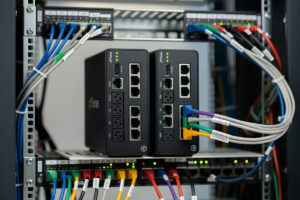
pfSense High Availability with CARP delivers near-zero-downtime networking — when the primary firewall fails, the secondary takes over automatically in under 1 second. In ~40 words: configure two pfSense boxes in a CARP cluster, sync configuration via XMLRPC, share virtual IPs that float between primary and secondary, and connect a sync interface between them. Total setup: 4-6 hours for first-time deployment.
This guide walks through pfSense’s own High Availability documentation, from hardware requirements through verified failover testing. HA is overkill for typical home networks but essential for small businesses, home labs hosting critical services, or anyone who can’t tolerate the 15-30 minute recovery time of single-box pfSense restoration after hardware failure.
When HA is Worth the Complexity
HA adds significant complexity. Two pfSense boxes instead of one, additional network configuration, more potential failure modes during setup. The benefit is automatic failover — minimal downtime when hardware fails.
Use HA when: you host services that can’t tolerate downtime (production VPN, hosted websites, business connectivity), you have remote users dependent on always-on access, or you simply value the reliability for personal reasons.
Skip HA when: home network where 15-30 minute recovery is acceptable, you’re new to pfSense (HA’s complexity will frustrate you), or you don’t have spare hardware for the second node. Single-box pfSense with regular config backups is sufficient for most home users.
For typical pfSense deployments without HA, see our pfSense configuration guide.
Hardware Requirements
HA requires two pfSense boxes — typically identical hardware. Production HA pairs use matched models so failover behavior is predictable. Mismatched hardware (Protectli + Topton, for example) works but introduces variables.
Network requirements: each box needs WAN, LAN, and a dedicated SYNC interface. The SYNC interface is a direct connection between the two boxes (cable directly between them, no switch). Three NICs minimum per box.
For typical small business deployments: two Topton N100 mini PCs (~$300 total), three Ethernet ports each, one cable directly connecting them on the SYNC port. Total hardware cost ~$300 for full HA. See our DIY router hardware guide for hardware sizing.
Initial Configuration of Both Nodes
Set up both pfSense boxes individually first. Each needs basic setup: install pfSense, configure interfaces, set initial admin password. Don’t configure HA-specific settings yet.
Set unique LAN IPs per box. The primary uses 192.168.1.1; the secondary uses 192.168.1.2. The CARP virtual IP (the shared address that floats between them) will be 192.168.1.3 — this is the IP your devices use as their gateway.
Configure SYNC interface on each box. Use a dedicated network port not connected to your main network. Assign IPs (e.g., 10.10.10.1 on primary, 10.10.10.2 on secondary). Connect the cable directly between the two SYNC ports.
Verify SYNC interface connectivity by pinging from primary to secondary across the SYNC link. If pings fail, check cable, port settings, or possible NIC issues. SYNC must work before proceeding.
Configure CARP Virtual IPs
On the primary node: Firewall → Virtual IPs → Add. Select Type: CARP. Specify:
Interface: LAN. Address: the virtual IP (192.168.1.3 in our example) with the same subnet as LAN. Virtual IP password: random string both nodes share. VHID Group: 1 (any unique number, must match on secondary). Advertising frequency: 1, 0 (default). Description: “LAN CARP VIP.”
Save. Repeat for WAN — create another CARP VIP on the WAN interface with your public IP information. The CARP VIP is the IP devices outside (and inside) actually communicate with; the underlying physical IPs are just node addresses for HA management.
Verify the VIP shows as MASTER on the primary (Status → CARP). The secondary should show this VIP as BACKUP once configured. The primary holds the VIP unless it fails.
XMLRPC Configuration Sync
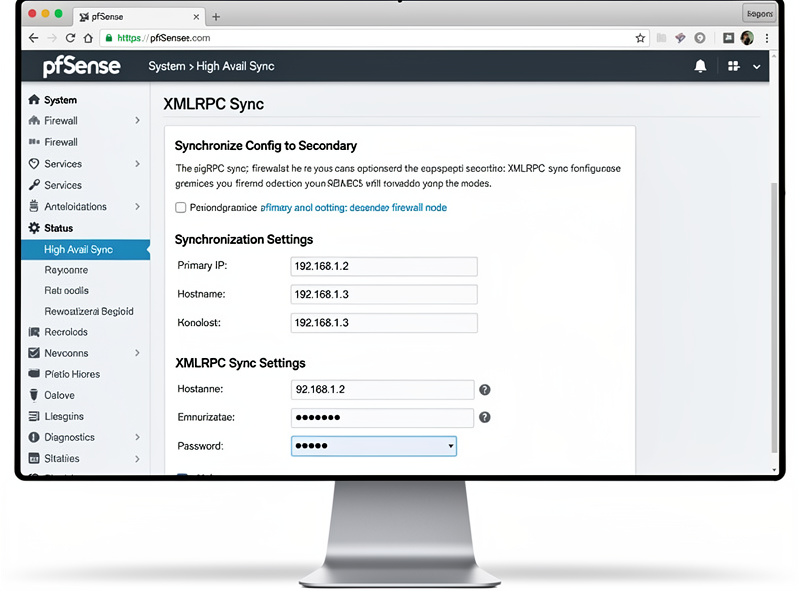
HA requires that both nodes have nearly identical configuration. Manually keeping them in sync is error-prone. XMLRPC sync handles this automatically — changes on the primary push to the secondary instantly.
System → High Availability Sync. On primary: enable XMLRPC sync, target node = secondary’s SYNC IP, username = admin, password = secondary’s admin password. Select sections to sync (typically all of: Firewall Rules, Aliases, NAT, Schedules, OpenVPN, IPsec, DHCPD, etc.).
Save. Make a small change on the primary (add a test alias). Verify it appears on the secondary within a few seconds. Sync working means configuration changes propagate; HA failover will work because both nodes have the same config.
Critical sync exclusion: do NOT sync interface configurations. Each node needs its own physical interface IPs (192.168.1.1 vs 192.168.1.2). Syncing interfaces would break this. The default sync configuration excludes interfaces appropriately.
Testing Failover
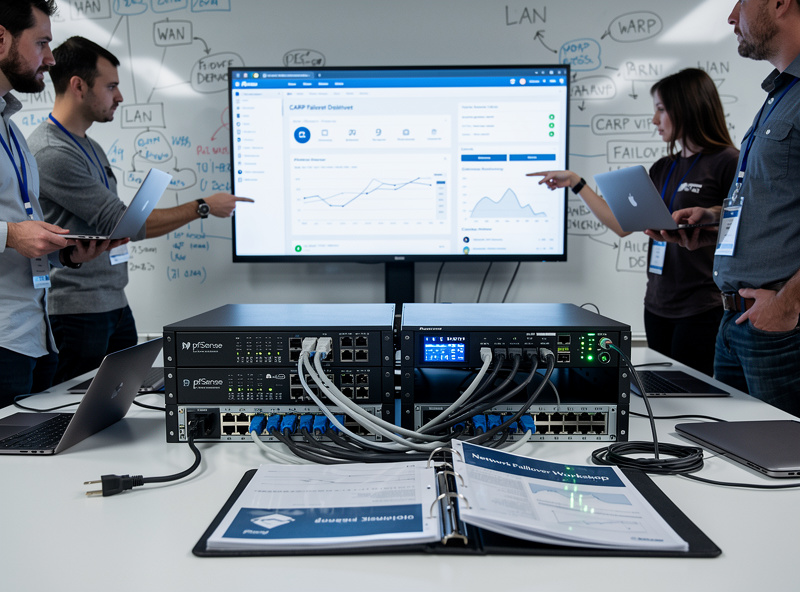
Failover testing is essential. Without testing, you don’t know if HA actually works.
Test 1 — Manual failover: on primary, navigate to Status → CARP → “Enter Persistent CARP Maintenance Mode.” Primary stops advertising VIPs. Secondary takes over. Verify connectivity from a client device — internet should still work.
Test 2 — Hardware power test: physically unplug the primary’s power cable. Within 1-2 seconds, secondary should take MASTER status. Verify connectivity. Plug primary back in; it should rejoin as BACKUP.
Test 3 — Network failure: unplug WAN from primary. Secondary takes over (assuming WAN CARP is configured). Verify outbound connectivity. Plug WAN back in; primary takes MASTER again.
If any test fails: review CARP configuration, sync settings, and physical connectivity. HA can fail in subtle ways that aren’t apparent until tested. Test each scenario before relying on HA in production.
Config Backup Strategy (For Non-HA Users)
For users not running HA, regular config backups are essential. Single-box pfSense with backups recovers from hardware failure in 15-30 minutes — slower than HA’s auto-failover, but vastly simpler.
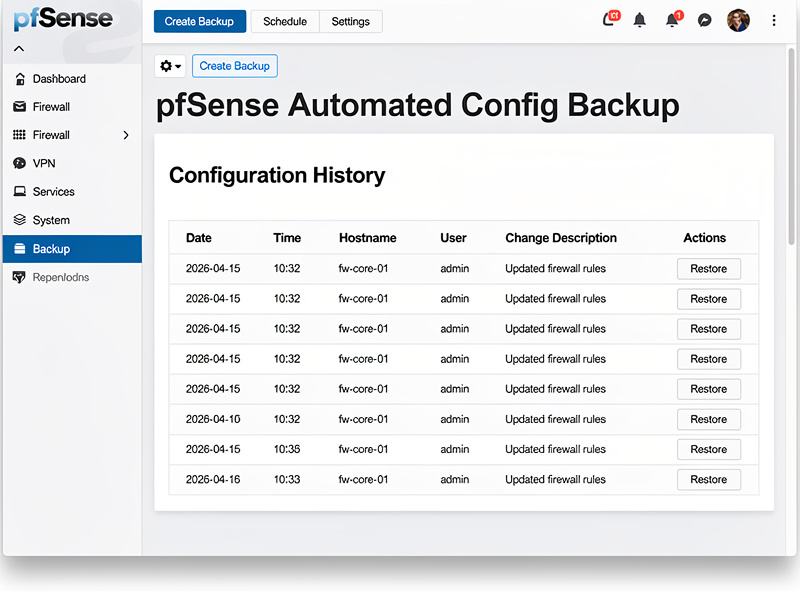
Configure automated backups: Diagnostics → Backup & Restore → ACB (Auto Config Backup). Enable, save. pfSense uploads config to Netgate’s backup service after every change.
For local backups: weekly download of config to your file storage. Diagnostics → Backup & Restore → Download config → save. Test restore: install pfSense on identical hardware, upload config, verify everything works. Without verified restore, backups give false security.
Combined approach: automated cloud backup (Netgate ACB) + weekly local backup + verified restore quarterly. This three-layer redundancy means hardware failure is recoverable in 15-30 minutes without needing full HA infrastructure.
Frequently Asked Questions
Is pfSense HA worth the complexity for home use?
Usually no. Home networks tolerate 15-30 minutes of downtime fine; HA’s complexity outweighs the benefit. Use HA for small businesses, home labs hosting critical services, or specific use cases where downtime is unacceptable. For most home networks, single-box pfSense with regular config backups is the right answer.
How fast does CARP failover happen?
Sub-second on properly configured systems. The primary stops advertising VIPs (because of failure or maintenance mode); the secondary takes over within the advertising frequency interval (1 second by default). Active TCP connections may need to reconnect; UDP traffic continues seamlessly.
Can I use mismatched hardware for HA pair?
Yes but with caveats. Mismatched hardware works for basic CARP failover but introduces variables — different CPU performance, NIC behavior, etc. For production HA, match hardware exactly. For experimental HA, mismatched is fine but expect troubleshooting along the way.
Do I need a dedicated SYNC port?
Strongly recommended. Without dedicated SYNC, sync traffic competes with normal LAN traffic which can cause sync delays and split-brain scenarios where both nodes think they’re master. A dedicated direct cable between SYNC ports eliminates this risk.
How does CARP differ from VRRP?
CARP is FreeBSD’s protocol; VRRP is the IETF standard used by Linux. Functionally similar — both provide IP failover between cluster members. pfSense uses CARP because it’s based on FreeBSD. The protocols don’t interoperate; you can’t mix CARP and VRRP in the same cluster.
What happens if both nodes fail?
Network goes down until at least one node recovers. HA protects against single-node failures, not two-node failures. For protection against complete cluster failure, you need geographic redundancy (separate site with separate cluster), which is rarely justified for home network use cases.
Should I run pfBlockerNG and Suricata in HA?
Yes, both sync via XMLRPC and run on both nodes simultaneously. The active node serves traffic; the standby node has the same rules ready to go. After failover, the new primary continues serving with no rule loss.
Related Articles
- Complete pfSense Configuration Guide
- pfSense Firewall Rules Tutorial
- pfSense WireGuard Setup
- DIY Router Hardware Guide
- Troubleshooting Home Network