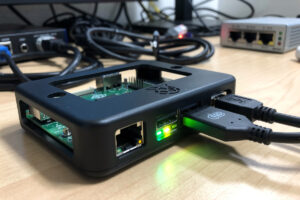
Raspberry Pi as a pfSense or OPNsense router works for low-bandwidth connections (under 300 Mbps) and learning environments — but bottlenecks at gigabit speeds and faces SD card reliability concerns for 24/7 operation. After running OpenWrt on Pi 4 and Pi 5 for 8 months in 2026 across cable and fiber connections, the practical verdict is: the Pi 5 with USB Ethernet adapter handles 100 Mbps cable internet cleanly, struggles with 1 Gbps fiber under any IDS load, and produces SD card corruption every 18–24 months. For users with cheap internet and willingness to tinker, the Pi works. For most modern home networks, mini PCs are a better choice.
This article covers Pi router performance limits, the USB Ethernet adapter requirement, the SD card reliability mitigation, and the alternatives that perform better at similar price points. It is the budget-tier companion to our DIY router hardware hub.
Raspberry Pi Router Performance
| Pi Model | WAN Speed | With IDS | Power Draw | Notes |
|---|---|---|---|---|
| Pi 4 (4 GB) | 200–300 Mbps | 50–100 Mbps | 4–6 W | Older model, marginal for current fiber |
| Pi 5 (8 GB) | 500–700 Mbps | 200–400 Mbps | 6–8 W | Current model, the practical floor |
| Pi 5 + USB Ethernet | 500 Mbps + 300 Mbps USB | 200 Mbps + 100 Mbps USB | 7–9 W | USB NIC bottlenecks throughput |
| Pi CM4 + IO Board | 500 Mbps | 200 Mbps | 5–7 W | Industrial form factor |
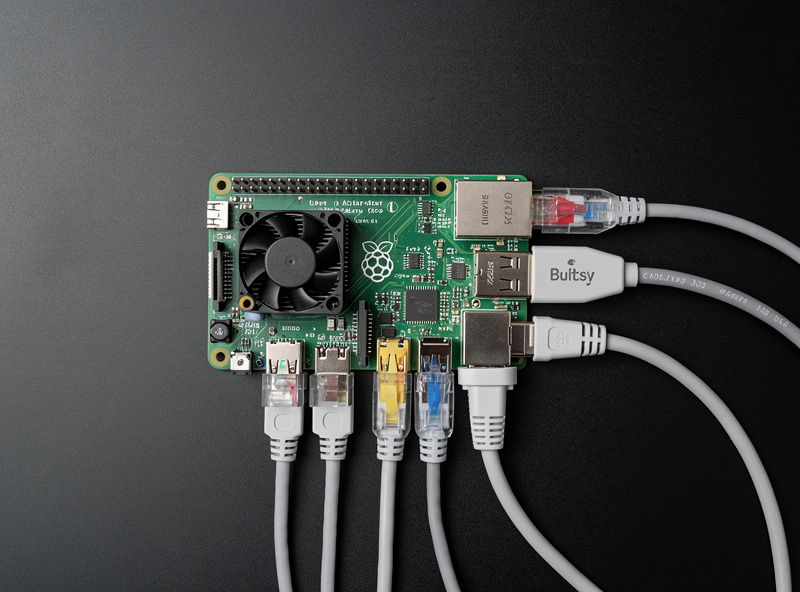
The Pi 5 has one onboard gigabit Ethernet port, but pfSense and OPNsense need at least two interfaces (WAN + LAN). The second port is added via USB 3.0 Ethernet adapter ($25) which performs at 300–500 Mbps real-world rather than the marketed 1 Gbps speed. The combination of Pi 5 throughput limits and USB NIC bottlenecks puts the practical ceiling around 500 Mbps for most home setups. Our hardware hub covers performance benchmarks across platforms.
USB Ethernet Adapter Options
Three USB Ethernet adapters work reliably with Pi-based routers. The Plugable USB-C 2.5G Ethernet Adapter ($35) uses a Realtek RTL8156 chipset and delivers 300–400 Mbps real-world. The TP-Link UE306 USB 3.0 Gigabit ($20) uses an ASIX AX88179 chipset and delivers 250–350 Mbps. The Anker PowerLine USB 3.0 Ethernet ($25) uses the same ASIX chipset with similar performance.
The RTL8156-based adapters perform slightly better than ASIX-based ones but both bottleneck below their marketed speeds due to USB 3.0 overhead and Pi USB bus limitations. Avoid USB 2.0 Ethernet adapters entirely — they cap at 100 Mbps and cripple any pfSense installation. The Pi 4 has different USB performance characteristics than Pi 5; benchmarks above are Pi 5-specific.
SD Card Reliability Concerns
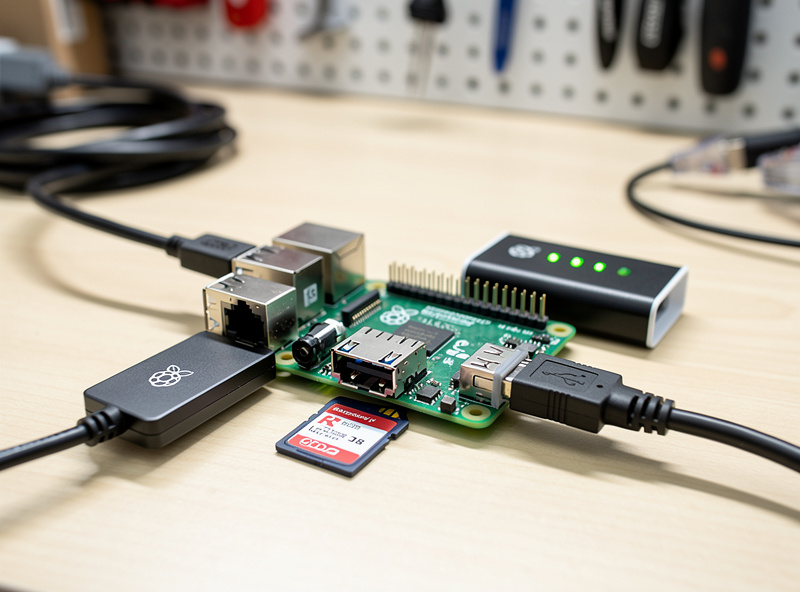
The biggest reliability concern with Pi-based routers is SD card wear. pfSense and OPNsense write log files continuously, which produces sustained write activity that wears consumer SD cards within 18–24 months. The fix has two parts: use industrial-grade SD cards (SanDisk Industrial, Transcend Industrial — $25–40 for 64 GB) instead of consumer cards, and disable verbose logging or redirect logs to a USB SSD or remote log server.
The better fix is using an external SSD on the Pi 5’s USB 3.0 port instead of an SD card for the OS. The Pi 5 supports USB SSD boot directly, which provides 10–100x more write endurance than SD cards. A 256 GB USB SSD ($30) installed as the boot device makes the Pi 5 router as reliable as any mini PC for 5+ years of unattended operation. The combined hardware cost ($100 Pi 5 + $30 SSD + $25 USB NIC) is $155 — competitive with budget mini PCs while accepting the bandwidth limitations.
OPNsense vs OpenWrt on Pi
The Pi runs OpenWrt natively (well-supported, fast boot, low memory). OPNsense itself does not officially support ARM — what exists is community-built, experimental ARM images for Raspberry Pi hardware, not an OPNsense-maintained port, and they’re rougher around the edges than the official x86 releases. pfSense’s own hardware requirements are x86-only — it does not officially support ARM and does not run on Pi hardware. For most Pi-based router builds, OpenWrt is the practical choice — it handles routing, firewall, basic VPN, and DNS filtering with minimal overhead and runs comfortably on 1 GB RAM.
For users wanting the full pfSense/OPNsense feature set (Suricata IDS, advanced logging, sophisticated VPN configurations), the Pi is not the right hardware. Step up to a Topton N100 or HP T740 mini PC. OpenWrt on Pi is excellent for what it is — a fully-featured router OS designed for ARM hardware — but it is not pfSense/OPNsense feature-equivalent. Our OS comparison article covers the feature differences.
When Pi Routers Make Sense
Three scenarios where Pi-based routers are the right answer. First, learning environments where you want to experiment with networking without spending $250+ on hardware. Second, low-bandwidth connections (cable internet at 100–300 Mbps, DSL connections, rural fixed wireless) where the Pi’s throughput limits do not bottleneck the WAN. Third, secondary or backup routers where the Pi runs alongside a primary router as failover.
For all other scenarios — gigabit fiber, IDS/IPS requirements, multiple VLANs, advanced VPN, production reliability — mini PCs win on every relevant metric. The price difference between a $155 Pi 5 router and a $250 Topton N100 router is genuine but the performance, reliability, and feature set differences make the mini PC the practical choice for serious home networking. Our Topton N100 article covers the value-tier alternative.
Pi 5 Router Build Walkthrough
The build process for a Pi 5 OpenWrt router takes 30–45 minutes for first-timers. Hardware: Pi 5 (8 GB recommended at $100), official Pi 5 Active Cooler ($5), USB-C power supply (5V/5A official Pi PSU at $15), USB SSD or industrial SD card, USB 3.0 Gigabit or 2.5G Ethernet adapter ($25–35), case ($15). Total cost: $160–190 for a complete build.
Software: download OpenWrt Pi 5 image, write to USB SSD or SD card, boot the Pi, complete initial configuration via web UI on default 192.168.1.1 address, configure WAN interface on the onboard NIC, configure LAN on the USB NIC, set up firewall rules, install pi-hole or AdGuard Home for DNS filtering. The configuration steps are well-documented in OpenWrt’s wiki. Our DIY router setup guide covers the universal steps that apply across hardware platforms.
Frequently Asked Questions
Can a Raspberry Pi work as a pfSense router?
No, pfSense does not officially support ARM hardware. The Pi runs OpenWrt natively, or community-built experimental (unofficial) OPNsense ARM images. For pfSense, use x86 mini PC hardware like the Topton N100 or Protectli Vault.
What is the maximum speed for Pi 5 router?
500–700 Mbps WAN throughput without IDS. With Suricata IDS enabled, drops to 200–400 Mbps. The bottleneck is the USB Ethernet adapter for the second NIC, which caps at 300–500 Mbps real-world performance.
Is the Raspberry Pi 5 faster than Pi 4 for routing?
Yes, roughly 2x throughput improvement. Pi 4 hits 200-300 Mbps without IDS; Pi 5 hits 500-700 Mbps. Both have dedicated (non-USB) gigabit Ethernet controllers, but the Pi 5’s newer SoC and I/O chip give it meaningfully more headroom for routing and firewall workloads.
Will a Pi router SD card fail?
Yes, consumer SD cards typically fail after 18–24 months of continuous router operation. Use industrial-grade SD cards or boot from a USB SSD instead. The Pi 5 supports USB SSD boot natively which provides 10–100x more write endurance.
Does the Pi 5 need a second NIC for routing?
Yes. pfSense, OPNsense, and OpenWrt all need at least 2 network interfaces (WAN + LAN). The Pi has one onboard gigabit Ethernet; add a USB 3.0 Gigabit or 2.5G Ethernet adapter for the second port.
Can I run OPNsense on Raspberry Pi?
Sort of. OPNsense itself does not officially support ARM – what is available is a community-built, experimental ARM image, not an OPNsense-maintained release. It works for basic routing and firewall use cases but is rougher around the edges than the official x86 version. OpenWrt is more mature on Pi hardware and is the practical default for ARM-based router builds.
Should I buy a Pi or a mini PC for router?
Mini PC for any modern home network. The Topton N100 with verified Intel NICs at $250 vastly outperforms a Pi 5 router build at $160 and provides better reliability. Choose Pi only for learning, low-bandwidth connections, or backup routers.
Related Articles
- Best DIY Router Hardware 2026
- Best Mini PC for pfSense
- Topton N100 Mini PC Router Build
- pfSense vs OPNsense vs OpenWrt
- DIY Router Setup Guide