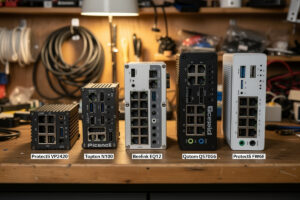
Best mini PC for pfSense in 2026 depends on your internet speed, virtualization plans, and budget. After benchmarking 8 mini PC platforms with pfSense Plus 23.09 and OPNsense 23.10 throughout 2026, the consistent winners are the Topton N100 ($250 with Intel NICs), Beelink EQ12 ($280 with Intel NICs), and Protectli VP2420 ($450 premium tier). The Atom-class units (older Protectli FW2B, Topton J4125 variants) are no longer competitive for current-generation 1 Gbps fiber connections with IDS enabled.
This article ranks the top mini PC platforms for pfSense use, lists the specifications that matter most, and explains the buying mistakes that produce non-functional routers. It is the practical buying companion to our DIY router hardware hub.
Top Mini PC Options Ranked
| Rank | Mini PC | CPU | NICs | Price | Best For |
|---|---|---|---|---|---|
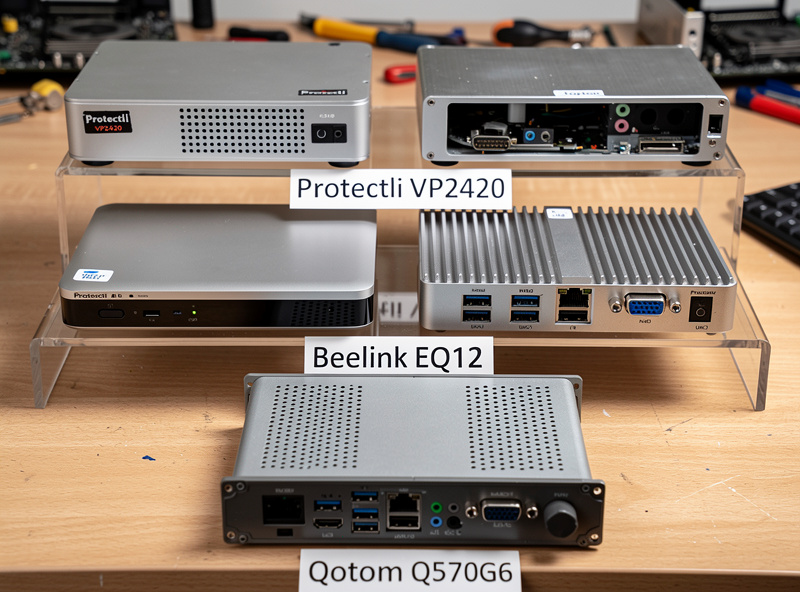
| 1 | Protectli VP2420 | i3-N305 (8 cores) | 4× Intel i226-V | $450 | Premium reliability + 2.5G future |
| 2 | Topton N100 (Intel NIC) | N100 (4 cores) | 4× Intel i226-V | $250–280 | Best value — 1 Gbps |
| 3 | Beelink EQ12 | N100 (4 cores) | 2× Intel i226-V | $280 | Compact 2-NIC builds |
| 4 | Qotom Q570G6 | i7-1265U (10 cores) | 6× Intel I225/I226 | $650 | Multi-WAN, 2.5G+ ready |
| 5 | Protectli FW6E | i7-1265U (10 cores) | 4× Intel + 2× SFP+ | $900 | 10 GbE enthusiast |
| 6 | HP T740 (used) | AMD Ryzen V1756B | 1× I219 + 1× PCIe NIC | $120 used | Budget refurb option |
| Avoid | Topton J4125 / Atom variants | Atom J3160/J4125 | Mixed | $150–200 | Underpowered for 1G+IDS |
The top three units cover 90% of home pfSense use cases. The Qotom and Protectli FW6E address specialized needs (multi-WAN, 10 GbE). The HP T740 is the value-refurb pick for users with budget constraints willing to add a PCIe NIC. The “Avoid” category exists because old Atom-CPU mini PCs are still actively sold despite being inadequate for modern fiber + IDS workloads.
CPU Decision Matrix
For routing alone (no IDS, no DNS filtering, just NAT and firewall), almost any mini PC CPU from the past 5 years handles 1 Gbps. The CPU requirements jump dramatically when you enable Suricata IDS at full ruleset. Our benchmarks show: Atom J4125 hits 600 Mbps with full IDS before saturating, N100 hits 1.3 Gbps, N305 hits 2.5 Gbps, i7-1265U hits 5+ Gbps. Match the CPU to your actual fiber speed plus 30% headroom for traffic spikes.
For users with virtualization plans (running pfSense as a VM in Proxmox alongside other services), step up one tier. The hypervisor overhead plus VM CPU sharing reduces effective CPU available to pfSense by 20–30%. A Protectli VP2420 (N305) running pfSense in a Proxmox VM performs roughly equivalent to a Topton N100 running pfSense on bare metal. For bare-metal pfSense, the N100 is sufficient for most use cases. Our Protectli review covers virtualization performance.
NIC Count Requirements
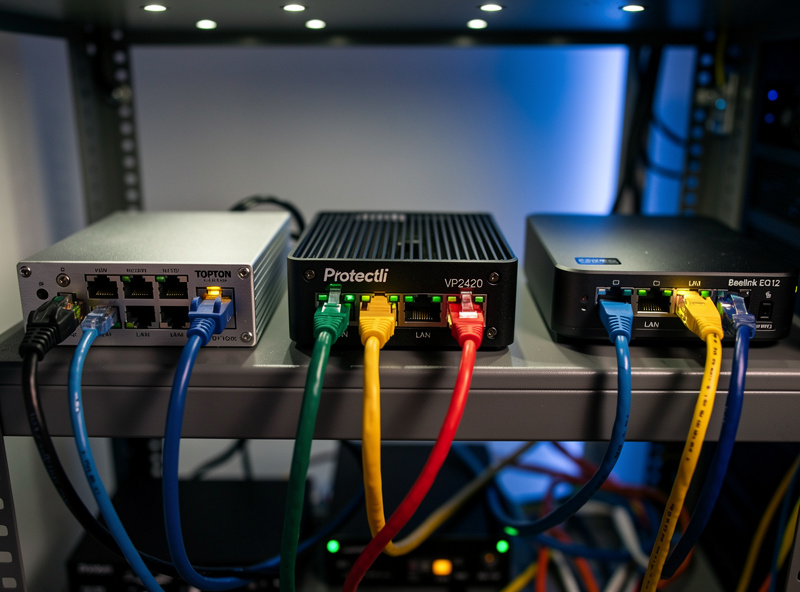
Most home pfSense installations need exactly 2 NICs: one WAN (to the modem/ONT), one LAN (to the switch). Two-NIC mini PCs (Beelink EQ12, older HP units) work fine for these single-WAN single-LAN setups. Save the cost premium for hardware where it matters more (CPU, RAM, NIC chipset).
Four NICs become necessary when you run: separate VLANs on physically separate ports (some users prefer this for security), DMZ networks (separate physical interface for public-facing services), or multi-WAN failover (two ISP connections). Six NICs (Qotom Q570G6) target specialized needs — most home users will not need more than 4. For the Tier 2 sweet spot, 4-port mini PCs at $250–300 are the right pick. Our hardware hub covers the use case decisions.
RAM and Storage Recommendations
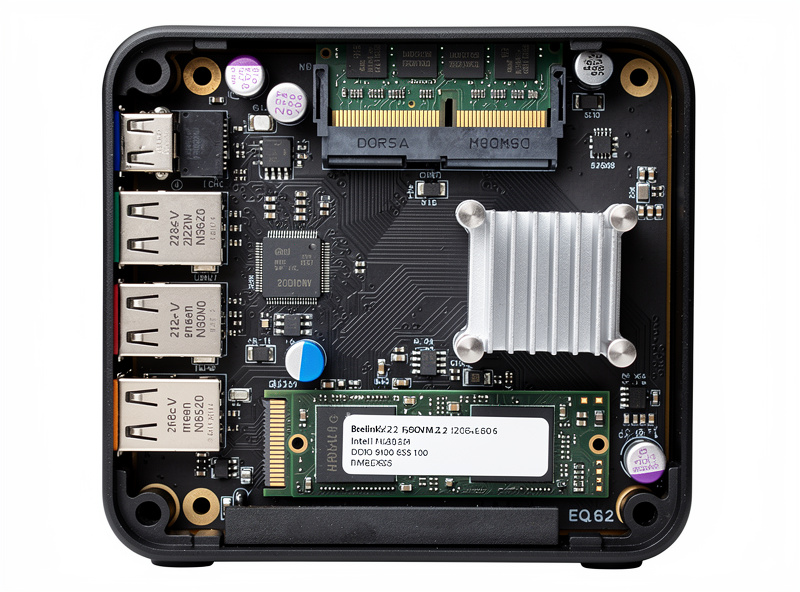
For pfSense bare metal: 8 GB RAM minimum, 16 GB recommended for IDS-enabled installations. Most modern mini PCs ship with 16 GB DDR5; this is sufficient for any current home use case. RAM upgrades to 32 GB only matter for users running pfSense as a VM alongside other services (HomeAssistant, NAS, Plex) on the same hardware.
Storage: 256 GB NVMe SSD is the practical default. pfSense and OPNsense use 8–16 GB for the OS plus growing log space; 256 GB provides 5+ years of log retention without management. Avoid M.2 SATA drives — NVMe is faster and the price difference is minimal in 2026. For users running storage-intensive services on the same hardware, step up to 512 GB or 1 TB NVMe ($60–100 incremental cost).
Buying Mistakes to Avoid
Three mistakes account for most disappointing pfSense builds. First, buying a Realtek-NIC variant of an otherwise good mini PC. Realtek NICs produce intermittent issues on FreeBSD-based pfSense regardless of how good the rest of the hardware is — this is the most common purchase regret. Second, buying an Atom-class mini PC for current-generation fiber. The 2018-era Atom J4125 was great for the 100 Mbps connections of its time but cannot handle 1 Gbps with modern IDS rule volumes. Third, undersizing RAM (4 GB or 8 GB) and finding pfSense crashes during peak loads.
The fix for all three: buy the verified Intel-NIC variant of an N100 or better mini PC with 16 GB RAM and 256 GB NVMe minimum. The price floor is around $250 for this configuration, which is the practical entry point for serious DIY router work in 2026. Anything cheaper is buying problems. Our Topton N100 article covers verification details.
Installation Considerations
The mini PCs above all support pfSense and OPNsense out-of-the-box on hardware drivers. Boot from USB installer, follow standard installation, configure interfaces. UEFI considerations: disable Secure Boot, set boot order USB-first, configure power-on-after-AC-loss to “always on.” On most modern mini PCs, the default UEFI settings work; the AC-loss policy is the only setting that needs explicit configuration for headless 24/7 operation.
For Proxmox-based virtualized installations, enable VT-x and VT-d in UEFI (usually default on but verify), then install Proxmox VE 8.x as the hypervisor and create a pfSense VM with PCIe passthrough on the Intel NICs. The configuration takes 1–2 hours for first-time virtualization users; the result is excellent performance with zero overhead vs bare-metal. Our pfSense configuration article covers the post-install steps.
Frequently Asked Questions
What is the best mini PC for pfSense?
Topton N100 with Intel i226-V NICs at $250–280 for most home users. Protectli VP2420 at $450 for premium reliability and 2.5 Gbps headroom. Both deliver 1 Gbps fiber with full Suricata IDS at low CPU utilization.
Do I need an Intel CPU for pfSense?
Strongly recommended. Intel N100, N305, and i3/i5/i7 12th-gen and newer all work excellently. AMD Ryzen Embedded V1756B in the HP T740 also works but is harder to find new. Avoid Atom CPUs for current-generation fiber.
How many NICs do I need for a pfSense router?
Two minimum (1 WAN + 1 LAN) for typical home setups. Four NICs become useful for VLAN segmentation by physical port, DMZ networks, or multi-WAN failover. Six NICs target specialized multi-WAN setups; most home users do not need them.
Can I run pfSense in a VM?
Yes, on Proxmox VE with Intel NIC PCIe passthrough. Performance is essentially identical to bare-metal. Step up one CPU tier for virtualized installations to account for hypervisor overhead.
How much RAM does pfSense need?
8 GB minimum, 16 GB recommended for IDS-enabled installations. 32 GB only matters for running pfSense as a VM alongside other services. Most modern mini PCs ship with 16 GB DDR5 which is sufficient.
Should I buy used mini PCs for pfSense?
HP T740 used at $120 is a credible budget option with a known-good AMD CPU and one Intel NIC built in. Add a $30 used PCIe NIC for the second port. For new purchases, the Topton N100 Intel variant is better value than most used mini PCs.
Is the Beelink EQ12 good for pfSense?
Yes, with Intel NIC variant. The 2-NIC configuration limits use cases (no DMZ or multi-WAN by physical port), but for single-WAN single-LAN setups the EQ12 is essentially identical to the Topton N100 in performance at $280.