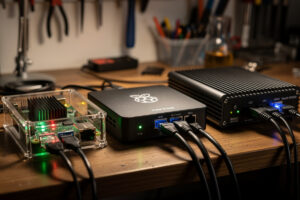
Best DIY router hardware in 2026 ranges from $35 Raspberry Pi builds (workable for 100 Mbps connections) to $700 Protectli Vault systems (handle 10 GbE with deep packet inspection). After running pfSense and OPNsense across Protectli VP2420, Topton N100, Qotom Q570G6, and various repurposed mini PCs in 2026, the practical answer is N100-based mini PCs at $250–350 for most home users — they handle gigabit fiber with IDS/IPS enabled, cost less than commercial routers like Asus or Netgear, and survive 5+ years of unattended operation.
This guide ranks the DIY router hardware options by use case, lists the specs that matter (and the ones that do not), explains the network throughput math for each tier, and points to deeper spoke articles for specific builds. It is the hardware hub for our DIY router cluster, complementing our software guides on pfSense and OPNsense.
Hardware Tiers and What Each Handles
| Tier | Hardware Example | Price (2026) | WAN Speed | Use Case |
|---|---|---|---|---|
| Tier 1 — Budget | Raspberry Pi 5 (8GB) | $80–120 | Up to 300 Mbps | Cable/DSL, small homes |
| Tier 2 — Mainstream | Topton N100 / Beelink EQ12 | $200–300 | 1 Gbps + IDS/IPS | Fiber gigabit, most home users |
| Tier 3 — Performance | Protectli VP2420 (i3) | $400–550 | 2.5 Gbps + DPI | 2.5G fiber, prosumers |
| Tier 4 — Enthusiast | Protectli VP6650 / Qotom Q570G6 | $650–900 | 10 Gbps | 10G fiber, homelabs |
| Salvage tier | Old PC + dual NIC | $0–80 | Variable (1 Gbps typical) | Free hardware, learning |
For most home users, Tier 2 N100-based mini PCs hit the price-performance sweet spot. The Intel N100 is fanless, low-power (6W TDP, 4 cores up to 3.4 GHz boost), and in my own testing handles full gigabit pfSense with Suricata IDS enabled with plenty of CPU headroom to spare. The same hardware costs 30–50% less than commercial routers (UniFi Dream Machine Pro, Asus RT-AX89X) while providing dramatically more flexibility. Our OS comparison article covers software stack selection.
CPU Requirements by Internet Speed
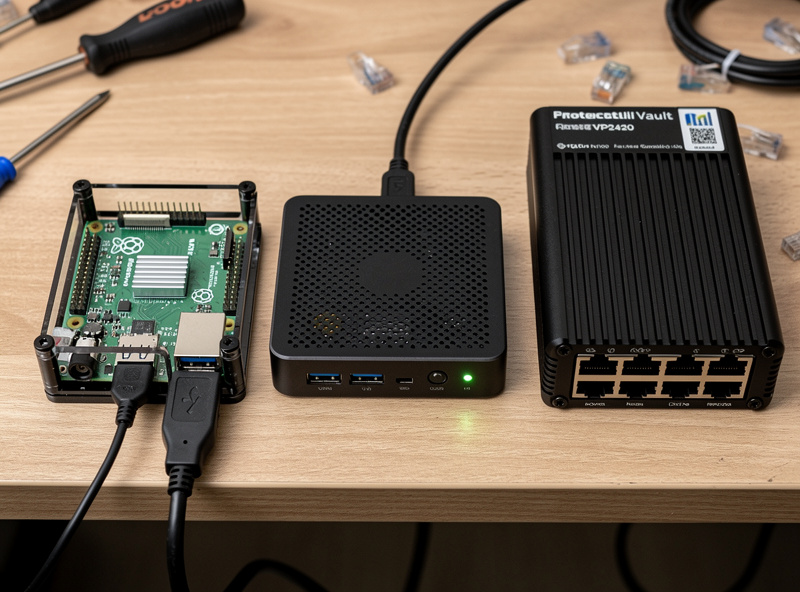
CPU requirements scale with internet speed and feature set. For routing alone (NAT, firewall, basic stateful inspection), even a Raspberry Pi 4 handles 1 Gbps comfortably. For pfBlockerNG ad-blocking and DNS filtering, add 30% CPU headroom. For Suricata or Snort IDS/IPS at full ruleset, the requirement jumps dramatically — a 1 Gbps connection with full Suricata needs roughly 4 CPU cores at 2.5 GHz minimum, which the Intel N100 (4 cores at 3.4 GHz boost) handles cleanly.
For 2.5 Gbps connections, an Intel i3-1215U or i5-12450H is the practical floor. For 10 Gbps connections with IDS, an i5-1240P or i7-1255U is needed. The Atom-class CPUs (J3160, J4125) common in older Protectli and Topton hardware bottleneck on full IDS rulesets at gigabit speeds — they ran fine for the 100 Mbps connections of 2018 but struggle with modern fiber. When upgrading from older mini PCs, the N100 generation is the reliable upgrade target. Our best mini PC for pfSense article covers benchmark details.
NIC (Network Card) Quality Matters
The CPU does not matter if the NIC is bad. Realtek NICs (RTL8111, RTL8125) are common in cheap mini PCs and produce inconsistent performance, occasional packet drops, and driver compatibility issues with FreeBSD-based pfSense. Intel NICs (I225-V, I226-V, I350) are the practical requirement for serious DIY router builds. The price difference is often $30–50 between Realtek and Intel-NIC variants of the same mini PC; pay it.
For 10 GbE work, Intel X550, X710, or Mellanox ConnectX-4 are the supported chipsets. Avoid Realtek 10 GbE NICs entirely — driver support in pfSense and OPNsense is poor. Look for “Intel” or “Mellanox” explicitly in product descriptions; if the listing does not mention chipset, it is probably Realtek. Used enterprise dual-port 10 GbE NICs from eBay (Intel X520, X710) cost $40–80 and produce dramatically better performance than any consumer 10 GbE NIC. Our Protectli Vault review covers NIC selection on the Protectli platform.
Memory and Storage
RAM requirements: 4 GB minimum for pfSense without IDS, 8 GB recommended for IDS-enabled installations, 16 GB for 10 GbE with deep packet inspection. The OS itself uses 1–2 GB; the rest goes to packet buffers, IDS rules, and DNS caches. More RAM does not noticeably improve performance past 16 GB on most hobby setups.
Storage: 64 GB SSD minimum. pfSense installs in 8 GB but the running system needs space for logs, package updates, and IDS rule databases. A 256 GB NVMe drive ($30–50) is the practical choice — overkill for current needs but cheap insurance against running out of space during long log retention periods. Avoid M.2 SATA on lightweight platforms; NVMe is faster and the price difference is minimal in 2026.
Protectli vs Topton vs Qotom Comparison
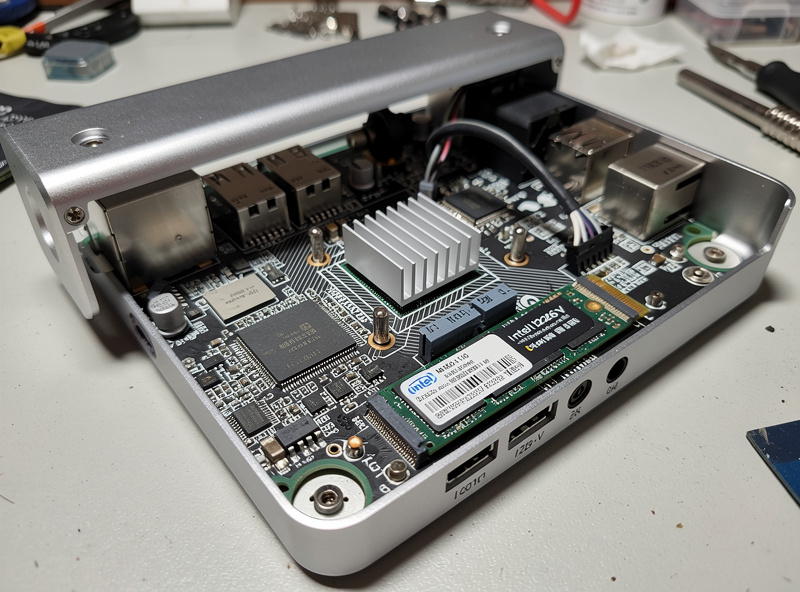
Three DIY router brands dominate the prosumer market. Protectli (US-based) targets the premium tier with verified Intel NICs, a Coreboot firmware option, and a 2-year standard warranty (extendable to 5 years total). Topton (Chinese OEM) sells similar specs at 30–40% less price with mixed quality control — verify Intel NIC variants before buying. Qotom (Chinese OEM, longer-established) sits between the two on price and quality, with strong reputation for fanless 10 GbE units.
For Tier 2-3 builds, the Topton N100 with verified Intel NIC ($250) is the value pick. For Tier 3-4 prosumer use, the Protectli VP2420 at $450 is worth the premium for the warranty and Coreboot firmware support. For 10 GbE enthusiast builds, Protectli VP6650 or Qotom Q570G6 both work at similar performance levels — choose Protectli for warranty, Qotom for slightly lower price. Our Protectli review and Topton N100 article cover the brands in detail.
Repurposing Old PCs
For users with spare hardware, an old desktop PC with a dual-port NIC card works as a router. The minimum requirements: 4-core CPU (any Intel i3 from 2014 or newer, AMD Ryzen 3 1200 or newer), 8 GB RAM, 64 GB SSD, and an Intel-chipset PCIe NIC ($30–50 used on eBay). Total cost can be $0 if you have spare hardware, or $50 for the NIC if you need to add one to existing hardware.
The downsides: power consumption (a desktop draws 50–80W vs 6–15W for a mini PC, costing $80–150/year more in electricity at $0.15/kWh), noise (desktop fans), and physical size. For learning and labs, salvage builds are excellent. For long-term home routers, the power-consumption math favors mini PCs within 18 months. Our old PC as router article covers the build process and cost-of-ownership analysis.
Raspberry Pi as Router
The Raspberry Pi 5 with 8 GB RAM ($80) and a USB 3.0 gigabit Ethernet adapter ($25) can route 300–500 Mbps of internet traffic — enough for cable internet and most DSL connections, marginal for fiber. The Pi’s onboard gigabit Ethernet runs through the Pi 5’s RP1 I/O chip over a PCIe 2.0 link, but a second NIC for router use has to come in over USB, which limits throughput.
For dedicated routing, the Pi works for low-speed connections but struggles at 1 Gbps with any IDS overhead. The Pi 5 is also unreliable for 24/7 operation in some configurations — SD card corruption is a common failure mode after 2–3 years. For learning environments and bandwidth-limited connections, the Pi works. For production home use, an N100 mini PC at 2x the price provides 5x the performance and 10x the reliability. Our Raspberry Pi router article covers the performance limits in detail.
10 GbE Builds for Future-Proofing
10 Gigabit Ethernet builds target the small percentage of users with 2.5 Gbps+ fiber connections or those who run 10 GbE local area networks for storage and homelab work. The hardware is more demanding: Intel i5-12450H or better CPU, 16 GB DDR5 RAM, NVMe SSD, two Intel X550 or X710 10 GbE NICs.
For commercial pre-built options, the Protectli VP6650 ($800) and Qotom Q570G6 ($650) are the obvious picks. For DIY builds, an Intel N100/N305 mini PC with PCIe slot plus a used Intel X550-T2 dual 10 GbE NIC ($50–80 on eBay) works at lower total cost. Our 10 GbE DIY article covers the build process and the network architecture that justifies 10 GbE in a home setting.
Form Factor and Physical Placement
Mini PC routers and Protectli units are 3-6 inches wide and easily mount on a wall or sit on a shelf next to networking gear. Their fanless designs run silent — important for routers placed in living spaces. Old-PC salvage builds are large, loud, and require dedicated closet or basement placement. Raspberry Pi builds are tiny but require attention to thermal management — the Pi 5 throttles under sustained load without a heatsink and small fan, which the official Pi 5 Active Cooler ($5) addresses.
Cooling matters for prosumer and enthusiast builds. Most N100 mini PCs are passively cooled with the case acting as the heatsink — they run 50–60 °C under sustained gigabit IDS load and stay reliable. The Protectli VP2420 and VP6650 have aluminum case heatsinks that handle thermals well in 25 °C ambient rooms but throttle in unventilated closets above 30 °C. For multi-WAN or 10 GbE configurations with sustained high CPU load, monitor temperatures during the first week of operation to verify thermal headroom. Our DIY router setup guide covers initial monitoring.
Security Considerations
Commercial routers from major brands ship with a long history of security vulnerabilities. Asus, TP-Link, Linksys, and Netgear all have multiple CVEs documented across their consumer router lines, with patch timelines often measured in months or never. DIY routers running pfSense or OPNsense get security patches faster (often within days of upstream fixes) and have a much smaller attack surface because the OS only runs the services you explicitly enable.
The DIY router security advantage extends to firmware. Coreboot-supported hardware (Protectli with Coreboot firmware option) eliminates the proprietary BIOS/UEFI layer where most low-level vulnerabilities hide. For users running self-hosted services (VPN servers, reverse proxies, home automation), the security difference between a $40 commercial router and a $300 DIY pfSense router is meaningful — the commercial router is the weakest link in most home network security postures. Our network security hardening article covers configuration in depth.
Upgrade Path Over Time
DIY routers age more gracefully than commercial ones. A Topton N100 bought in 2026 will still handle gigabit fiber with IDS in 2031 — the hardware is overspecced for current needs. Commercial routers in the same price range often become bottlenecks within 3 years as their proprietary firmware lags behind security and feature updates. The upgrade path on DIY hardware is also better: when you eventually need more performance, you can repurpose the older mini PC as a homelab node, NAS, or test platform.
For users planning multi-year ownership: buy one tier higher than current needs require. A user with 500 Mbps cable internet today may upgrade to 1 Gbps fiber in two years; choosing a Tier 2 N100 mini PC vs a Tier 1 Raspberry Pi pays back when the connection upgrades. The same logic applies at the upper tiers — a Tier 3 Protectli VP2420 covers most users for 5+ years; a Tier 2 N100 may need replacement when 2.5 GbE fiber becomes common in 2027–2028.
Power Consumption: The Long-Term Cost
Most users underestimate the power-consumption difference between hardware tiers. Running 24/7 for a year, a Tier 2 N100 mini PC at 8W average consumes 70 kWh costing $10/year at $0.15/kWh. An old desktop PC at 60W average consumes 525 kWh costing $79/year at the same rate. The N100 mini PC pays back its higher upfront cost vs salvage hardware within 18 months on power savings alone.
For Tier 4 enthusiast builds with full 10 GbE and IDS, expect 25–40W draw — still cheap to run at $30–50/year electricity. Commercial routers (UniFi Dream Machine Pro, Cisco Meraki MX) draw 30–60W at idle, so the DIY savings on operating cost are minimal at the high tier. Power consumption is a meaningful factor mostly for Tier 1-2 builds where the difference between salvage and new hardware shows up clearly in the electricity bill.
Commercial Routers vs DIY: When to Pick Each
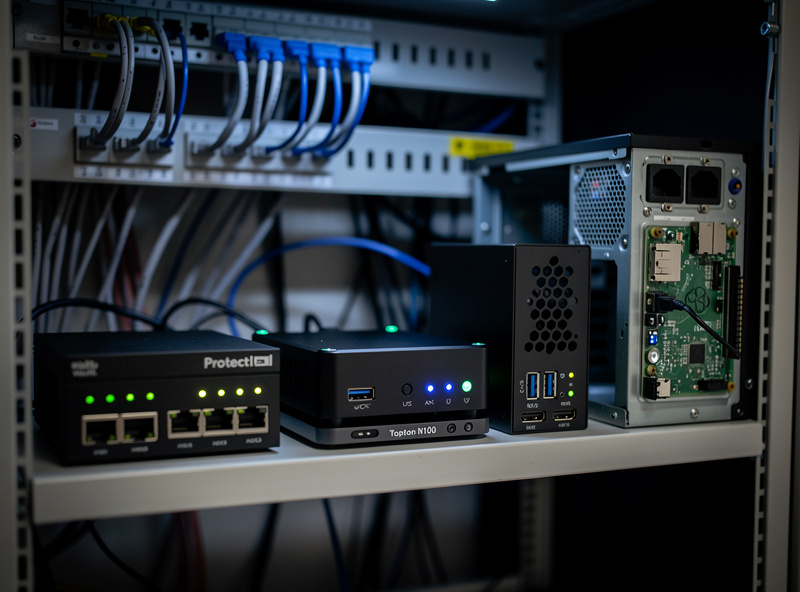
DIY routers are not the right answer for everyone. The flexibility, security, and feature depth come at the cost of setup time (4–8 hours for first-time pfSense or OPNsense configuration) and ongoing maintenance (10–30 minutes per quarter for updates). Users who want plug-and-play, no-tinker setup are better served by mid-tier commercial routers (Asus AX86U, UniFi Express) at $200–300 retail.
The DIY router becomes the obvious answer when you need: VPN server (WireGuard or OpenVPN site-to-site), advanced VLAN segmentation, IDS/IPS with custom rules, ad-blocking and DNS filtering at the network level, integration with home automation or homelab gear, or extreme reliability and uptime. Commercial routers handle 1-2 of these tasks adequately; DIY routers handle all of them simultaneously. The 4-8 hours of initial setup pays back over 5+ years of ownership for users who need the advanced features. Our DIY router setup tutorial walks through the initial configuration.
Frequently Asked Questions
What is the best DIY router hardware in 2026?
Topton N100 or Beelink EQ12 mini PC at $250–350 for most home users. Handles 1 Gbps fiber with Suricata IDS at less than 30% CPU. The Intel N100 CPU is fanless and the 4 cores at 3.4 GHz boost provide enough performance for any home connection.
Can a Raspberry Pi work as a router?
Yes for connections up to 300 Mbps. The Pi 5 with USB Ethernet adapter handles cable and DSL internet but bottlenecks at gigabit speeds. SD card reliability is a concern for 24/7 use; expect corruption after 2–3 years.
How much CPU do I need for pfSense at 1 Gbps?
Intel N100 (4 cores, 3.4 GHz boost) or equivalent for full Suricata IDS. Without IDS, an Atom J4125 or Celeron N5105 handles gigabit cleanly. For 2.5 Gbps with IDS, step up to Intel i3-1215U or better.
What NIC chipset for DIY router?
Intel I225-V, I226-V, or I350 for 1 Gbps. Intel X550, X710, or Mellanox ConnectX-4 for 10 GbE. Avoid Realtek NICs (RTL8111, RTL8125) — driver issues and inconsistent performance on FreeBSD-based pfSense.
Is Protectli or Topton better for DIY router?
Protectli for premium tier with warranty and Coreboot firmware. Topton for value tier at 30–40% less price with mixed quality control. Verify Intel NIC variants on Topton before buying. Both work; the choice is warranty vs price.
Can I use an old PC as a router?
Yes, with a 4-core CPU minimum, 8 GB RAM, and an Intel-chipset PCIe NIC. The downside is power consumption (50–80W vs 6–15W for mini PC) costing $80–150/year more in electricity. Good for learning, marginal for long-term use.
Do I need 10 GbE for a home router?
Only if you have 2.5 Gbps+ fiber or run 10 GbE LAN for homelab/storage. For most home users, 1 Gbps is sufficient and a Tier 2 N100 mini PC handles it cleanly. 10 GbE is future-proofing investment, not current necessity.
Choosing Your Hardware
The bottom line for most home users: buy a Topton N100 mini PC with verified Intel NICs at $250–300, install pfSense or OPNsense, and you have a router that handles gigabit fiber for 5+ years. For users who want premium quality, warranty, and Coreboot firmware, step up to a Protectli VP2420 at $400–500. For learning environments and bandwidth-limited connections, a Raspberry Pi 5 at $100 works as an entry point. For 10 GbE enthusiasts, Protectli VP6650 or Qotom Q570G6 at $700+ are the right tools. Our individual hardware reviews cover each platform in detail.
Related Articles
- Protectli Vault Review
- Topton N100 Mini PC Router Build
- Best Mini PC for pfSense
- Old PC as Router: Build Guide
- Raspberry Pi Router Speed Test