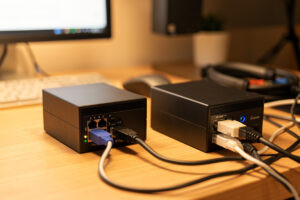
AdGuard Home and Pi-hole both do the same core job — a filtering DNS resolver that blocks ads and trackers for your whole network. The honest difference: AdGuard Home bundles encrypted DNS (DoH/DoT) and per-client rules in one Go binary, while Pi-hole has the larger community, deeper documentation, and a more mature ecosystem. I run both, on purpose, and here is exactly how I’d choose if you only want one.
This is the comparison spoke of the home DNS layer. If you have not picked a filter yet, read this before you commit, because switching later means re-pointing your whole network. Neither tool is universally “best” — they fit different setups, and the right pick depends on whether you value an all-in-one binary or the weight of the bigger project behind you.
The short answer
If you want one binary that filters and also serves encrypted DNS to your devices without bolting on a second service, pick AdGuard Home. If you want the most-documented path, the biggest community to search when something breaks, and a dashboard that has been refined for years, pick Pi-hole and pair it with a recursive resolver. For most first-time builders I lean AdGuard Home, simply because the built-in DoH/DoT removes a whole moving part.
Both are free, open source, and run on the same hardware — a Pi, a container, a NAS, an old laptop. Both filter at the network level, so both catch ads in apps and on smart TVs that browser extensions never touch. The disagreements are all in the details, and the details are what this spoke is about.
Filtering and blocklists
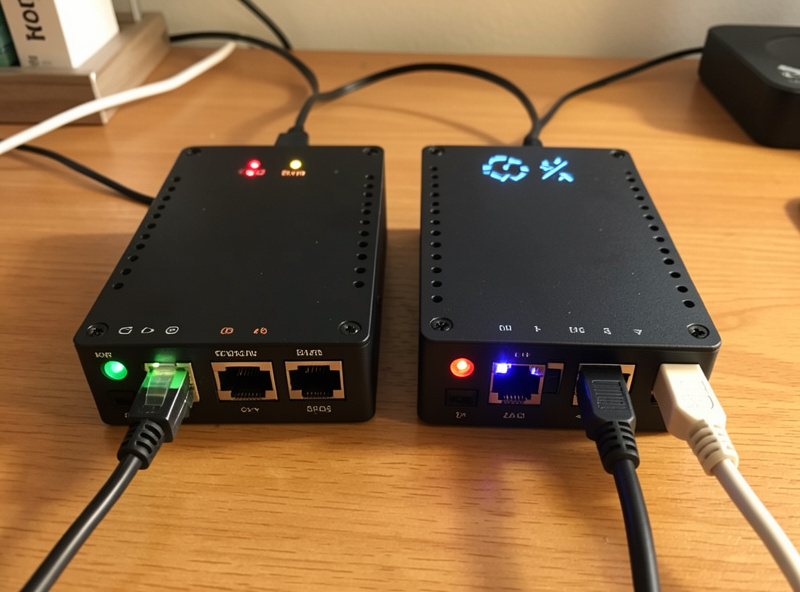
On raw blocking, the two are close enough that you will not notice a difference in daily use. Both load blocklists of ad, tracker, and malware domains and refuse to resolve them. Pi-hole uses a curated default aggregate; AdGuard Home ships with its own filters enabled and understands AdGuard’s own filter syntax in addition to standard hosts lists, which gives it slightly more expressive rules out of the box.
Where AdGuard Home pulls ahead is per-client control. It can apply different rules and upstreams to different devices natively — the kids’ tablets get a stricter list, the lab subnet gets none. Pi-hole does this too, through its Group Management feature, but it is a touch more manual to set up. If you have no interest in per-device policy, this advantage is irrelevant and they tie.
Interface and day-to-day use
Pi-hole’s dashboard is the one most people have seen in screenshots, and it is genuinely good — clear query log, fast whitelisting, years of polish. AdGuard Home’s interface is cleaner and more modern to my eye, and it surfaces the encrypted-DNS settings right alongside the filtering, which matters because in Pi-hole those live in a separate service you have to wire up yourself.
For the thing you actually do most — finding the one domain a blocklist broke and whitelisting it — both are a few clicks from the query log. I do not think interface should decide this for you. If you want to see what the diagnosis loop looks like in either, that is the troubleshooting spoke.

Encryption: AdGuard Home’s real edge
This is the difference that actually moves my recommendation. AdGuard Home speaks DNS over HTTPS and DNS over TLS natively, both as a client (encrypting its upstream queries) and as a server (so your phone can use it securely from outside the house). Pi-hole does neither on its own — you add a local cloudflared or a recursive Unbound alongside it to get encrypted upstream, and serving DoH to roaming devices is more work still.
If encryption is on your list — and the full case for it is in the DoH and DoT guide — AdGuard Home gets you there with a checkbox instead of a second container. That said, if you run your own recursive resolver, you are already talking straight to authoritative servers and the encryption-upstream win shrinks. Decide which privacy model you want before you let this tilt the decision.
Side by side
| Feature | AdGuard Home | Pi-hole |
|---|---|---|
| Core ad/tracker blocking | Yes | Yes |
| Built-in DoH/DoT (client + server) | Yes | No (add cloudflared/Unbound) |
| Per-client rules | Native | Group Management (more manual) |
| Architecture | Single Go binary | dnsmasq/FTL + web UI |
| Filter syntax | Hosts lists + AdGuard rules | Hosts lists |
| Community / docs depth | Growing | Largest, most mature |
| Built-in DHCP server | Yes | Yes |
| Cost | Free, open source | Free, open source |
Performance and footprint
Both are featherweight at home scale — query volume on a household network is trivial and neither will tax a Raspberry Pi. AdGuard Home being a single static Go binary makes it marginally simpler to deploy and update (one file, no PHP), while Pi-hole’s installer pulls a few more components. In practice the resource difference is noise; do not pick on performance. Pick on whether you want encryption built in and how much you value the bigger community behind Pi-hole.
Why I run both
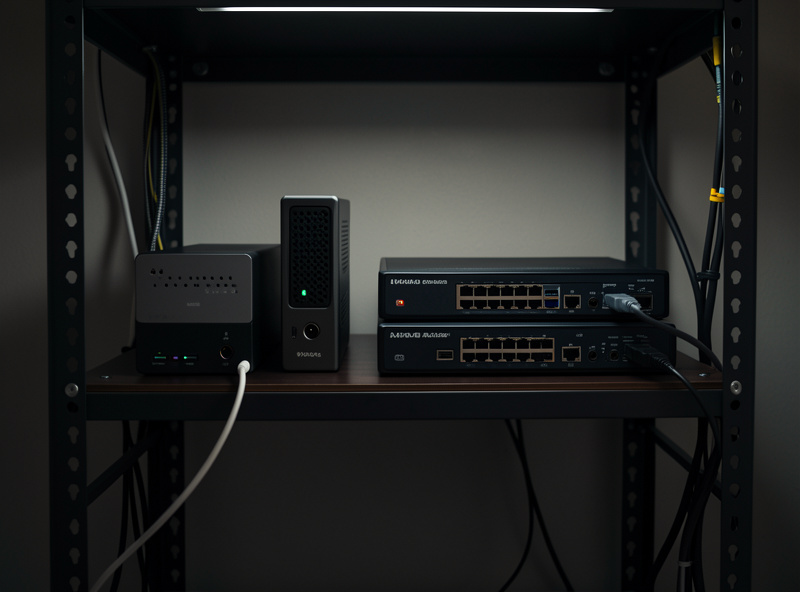
Here is the move most comparisons miss: you do not have to choose if your real goal is reliability. I run AdGuard Home and Pi-hole at the same time, handed out as primary and secondary DNS in every DHCP scope, on different hosts. Because they are independent codebases, a bad blocklist update or a crash on one never takes DNS down for the whole house — the other answers. That is the single best argument for running the “loser” of this comparison anyway.
The catch is they must carry the same blocklists, or your filtering becomes a coin flip depending on which resolver a device happens to ask. Keeping the pair in sync and understanding what “failover” actually means at the client level is its own failover and redundancy spoke. If you already run pfSense and would rather keep filtering on the firewall, the third option is pfBlockerNG instead of either of these.
Can you switch later?
Yes, and it is less painful than it sounds, which takes some pressure off the decision. Both tools read standard hosts-format blocklists, so your lists carry over by re-adding the same URLs. Custom whitelist and blacklist entries you migrate by hand, but for most home setups that is a short list of a dozen domains you whitelisted to fix a broken site. The real work of switching is not the app — it is re-pointing the network.
Because devices learn their DNS server from DHCP, you change the resolver IP in your DHCP scope and then wait for leases to renew, or force a renew on each device. If you assigned a static IP to the old resolver, the cleanest trick is to give the new one that same IP, so nothing downstream has to change at all. I keep the resolver addresses fixed precisely so a swap is an IP reassignment, not a network-wide reconfiguration. Run the two in parallel for a day before you retire the old one — that overlap is also exactly the redundancy setup I argue for anyway.
My verdict
Choosing one and only one: AdGuard Home for most people, because built-in encrypted DNS removes a moving part and the per-client rules are genuinely useful in a house with mixed devices. Pi-hole if you want the deepest documentation and community, or if you will pair it with Unbound for recursion anyway and do not need the encryption baked in. Either way you end up with network-wide ad blocking that works on every device — start with whichever fits, following the Pi-hole setup guide if you go that route, and add the second later for redundancy.
Frequently Asked Questions
Is AdGuard Home better than Pi-hole?
For most home users I lean AdGuard Home because it includes DNS over HTTPS and DNS over TLS in one binary and does per-client rules natively. Pi-hole wins on community size and documentation depth. Neither is universally best; they fit different priorities.
Can I run AdGuard Home and Pi-hole at the same time?
Yes, and it is a strong setup. Hand out one as primary DNS and the other as secondary in your DHCP scope, on different hosts. Because they are independent codebases, a crash or bad update on one does not take DNS down. They must carry the same blocklists to stay consistent.
Does Pi-hole support encrypted DNS like AdGuard Home?
Not on its own. AdGuard Home speaks DNS over HTTPS and TLS natively, as client and server. Pi-hole needs a helper like cloudflared or a recursive Unbound for encrypted upstream, and serving encrypted DNS to roaming devices takes extra work.
Do AdGuard Home and Pi-hole block the same ads?
Effectively yes for everyday browsing. Both load blocklists of ad and tracker domains and block at the network level, so both catch in-app and smart-TV ads. AdGuard Home understands a slightly richer filter syntax, but for typical use the blocking results are comparable.
Which uses fewer resources, AdGuard Home or Pi-hole?
Both are extremely light at home scale and neither will tax a Raspberry Pi. AdGuard Home is a single Go binary, which is marginally simpler to deploy and update, but the actual resource difference is negligible. Do not choose between them on performance.
Related Guides
- Home DNS and network-wide ad blocking — the full layer both fit into
- Pi-hole setup guide — stand up the Pi-hole side
- Unbound recursive DNS — Pi-hole’s encryption-free upstream
- DNS failover and redundancy — why running both makes sense
- DNS over HTTPS and DNS over TLS — AdGuard Home’s headline feature