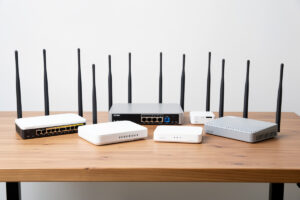
The best modem for a failover WAN is the cheapest device that supports bridge mode, covers your carrier’s bands, and takes external antennas — not the one with the flashiest speed rating. A failover backup mostly sits idle, so reliability and clean integration with your firewall matter far more than peak throughput. For most homes that means a dedicated Cat 6 or higher LTE router in bridge mode costing well under $200; 5G is worth it only in specific cases.
I have run a fair spread of these on my second WAN over the years — an industrial Teltonika unit, a pocket GL.iNet router pressed into backup duty, a consumer Netgear 5G box — and the pattern is always the same. The expensive, fast modem stuffed in a signal-hostile rack loses to the modest one with a good antenna near a window. So this roundup is organized by what actually matters for failover, not by megabits. If you have not read how cellular backup fits into the wider build, start with internet failover with a 5G or LTE backup modem, then come here to pick the hardware.
As an Amazon Associate I earn from qualifying purchases.
What Makes a Good Failover Modem?
Three things, in order: bridge mode support, the right band coverage for your carrier, and external antenna connectors. Bridge mode lets the modem hand its connection straight to your firewall with no second NAT layer; band coverage decides whether you get a usable signal at all; antenna ports let you fix a weak signal without buying a faster modem. Speed rating comes a distant fourth.
Bridge mode is non-negotiable, and it is where cheap devices fail. A modem stuck in router mode puts your OPNsense box behind it and creates the double NAT that breaks port forwards and inbound VPN. Confirm the device supports true bridge or pass-through before you buy — some budget units simply do not. Band coverage matters next: a modem has to support the specific LTE and 5G bands your carrier uses in your area, or it will underperform no matter how good its category. And external antenna connectors (usually SMA or TS-9) are what let you rescue a marginal signal with a panel or MIMO antenna, which does more for real-world speed than jumping a modem tier. A device that nails these three, in a modest category, beats a fast device that misses any one of them.
What Do LTE Categories and 5G Actually Mean?
LTE “categories” describe a modem’s maximum theoretical speed, standardized by 3GPP’s UE category specifications. Cat 4 tops out around 150 Mbps down, Cat 6 around 300 Mbps, Cat 12 around 600 Mbps, and Cat 18 into the gigabit range. 5G sub-6 goes higher still. Those are ceilings under ideal conditions you will rarely see — real speed depends far more on signal and congestion than on category.
For failover, this reframes the whole spec sheet. A Cat 4 modem’s 150 Mbps theoretical ceiling is already more than enough to keep a household’s important traffic running during an outage, especially if you use policy routing to keep the heavy stuff off the backup. Paying for Cat 12 or 5G to back up a line you use a few hours a year is usually money better spent on a good antenna. Where higher categories earn their price: you work from home, outages are long and frequent, and you need near-primary performance during them — or your area simply has weak LTE and strong 5G, in which case a 5G modem is about getting a usable signal, not chasing peak speed. Match the category to how hard your backup will actually work, which for most homes is “not very.”
Which Tier Is Right for You?
There are four practical tiers: a budget USB or entry Cat 4 device, a mid-range dedicated Cat 6-plus router (the sweet spot for most homes), a rugged industrial unit for set-and-forget reliability, and a 5G router for the demanding minority. Here is how they compare on what matters for failover:
| Tier | Typical device | Bridge mode | Best for | Cost band |
|---|---|---|---|---|
| Budget | USB LTE modem or entry Cat 4 router | Sometimes — check first | Occasional short outages, low stakes | $ |
| Sweet spot | Dedicated Cat 6/12 LTE router | Yes | Most homes wanting reliable failover | $$ |
| Industrial | Ruggedized Cat 6+ router (Teltonika-class) | Yes, robust | Set-and-forget, harsh or remote installs | $$$ |
| 5G | Consumer or industrial 5G sub-6 router | Yes, on better units | Long outages needing near-primary speed | $$$$ |
Most readers should land in the sweet-spot row. It is the point where you get guaranteed bridge mode, external antenna ports, and enough category headroom without paying for 5G you will not use. The tiers below and above it exist for genuine edge cases, not the default.
Budget Tier: When Is a USB Modem or Cheap Router Enough?
A budget option makes sense when your primary is reliable, outages are rare and short, and you just want a basic safety net. A simple USB LTE modem feeding a small device, or an entry Cat 4 router, can absolutely carry a house through a brief outage for essential traffic. The catch is that bridge mode is inconsistent at this price, so verify it before you commit.
I keep a pocket-sized GL.iNet travel router in the drawer that has doubled as an emergency backup more than once — small, cheap, and it supports bridge mode cleanly, which is exactly what disqualifies a lot of similarly-priced gear. If you go this route, search for a Cat 4 LTE router with confirmed bridge mode and read the spec sheet for the word “bridge” or “pass-through” before buying. What you are trading away versus higher tiers is speed headroom and antenna flexibility — fine for a rare, short outage, frustrating if your backup ends up carrying the house for hours.
The Sweet Spot: A Dedicated Cat 6+ LTE Router
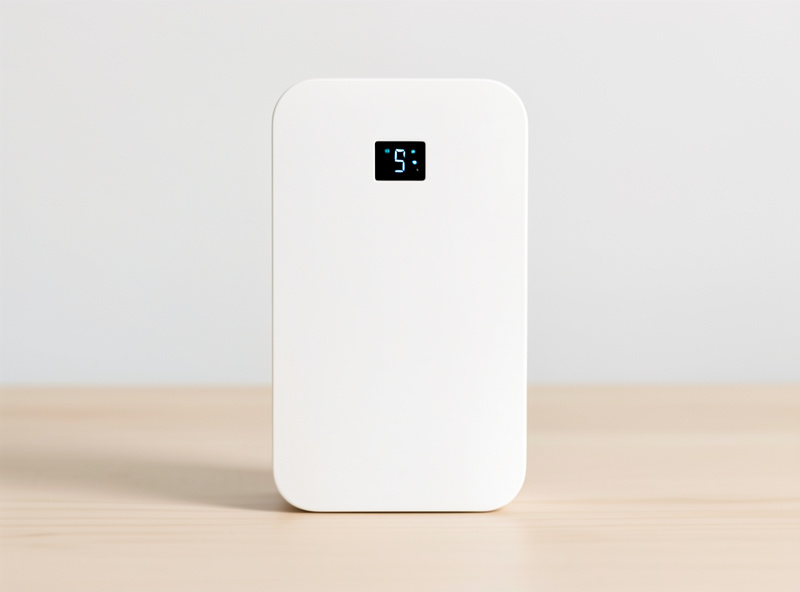
A dedicated Cat 6 or Cat 12 LTE router in bridge mode is the right answer for most homes. It guarantees clean firewall integration, offers real external antenna ports, and has enough theoretical speed that even a longer outage stays comfortable. This is the tier I steer almost everyone toward, because it removes the compromises of the budget tier without the cost of 5G or industrial gear.
What you are buying here is boringness in the best sense — a device that pulls an address, hands it to your firewall in bridge mode, and disappears until needed. Look for dual SMA or TS-9 antenna connectors so you can add a panel antenna, confirmed bridge or pass-through mode, and support for your carrier’s bands. A solid Cat 6 LTE failover router sits at the intersection of price and capability where I think most home labs should land. Pair it with a good antenna and it will outperform a pricier modem in a worse location every time — placement beats category, as I never stop saying.
Industrial Tier: Is Set-and-Forget Worth the Premium?
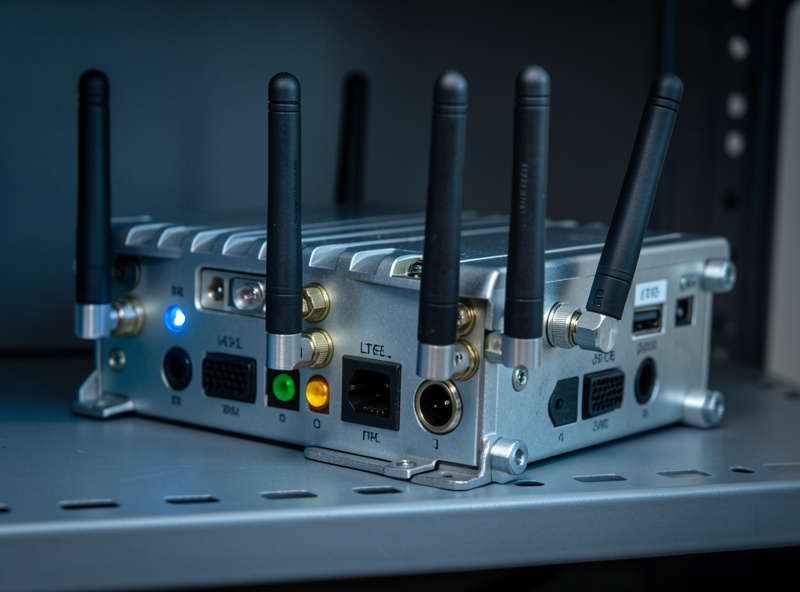
Industrial routers — the ruggedized, metal-cased units from vendors built for unattended deployment — are worth it when you value reliability over everything and want something you install once and never think about. They tend to have superb bridge-mode and failover feature sets, robust thermals for a hot rack, and firmware built for years of uptime rather than consumer churn.
My longest-serving backup was an industrial Teltonika unit, and the reason I trusted it on the second WAN was exactly that unglamorous ruggedness — it just sat there and worked, through summer heat in the rack and months without a reboot. You can read the feature depth on the Teltonika Networks site; the industrial class generally supports every failover and bridge feature you could want, plus dual-SIM and remote management most homes never use. The premium buys longevity and a feature set aimed at people who cannot afford a backup that flakes. If your failover genuinely matters — home office, remote property, a rack you cannot babysit — it is money well spent. For a typical home, it is more than you need, and the sweet-spot tier is the smarter buy.
Does Antenna Choice Beat Modem Choice?
For real-world failover speed, yes. A modest modem with a well-placed external antenna beats a top-tier modem reading one bar in a metal rack. Signal quality — RSRP and SINR at the install location — sets your usable throughput far more than the modem’s category does, so the antenna is where your next dollar should go after bridge mode is sorted.
My rack is a terrible spot for cellular: metal all around, interior wall, nowhere near a window. A MIMO panel antenna mounted high near a window with the coax run down to the modem turned a marginal signal into something genuinely usable, and the difference in a failover test was night and day — pages that crawled on the bare modem loaded normally once the antenna was up. If your install spot is signal-hostile, budget for an external LTE/5G MIMO antenna as part of the build. Check the modem’s signal page — aim for RSRP stronger than about -90 dBm and the highest SINR you can get — before and after mounting it, and the numbers will make the case for you. It is consistently the highest-return upgrade in the whole cellular-backup stack. For the firewall side of the build, the same right-sizing philosophy applies as in choosing a mini PC for pfSense or OPNsense — buy for the job, not the spec sheet.
Further Reading
- Multi-WAN & Internet Failover: A Home Network Guide
- Internet Failover With a 5G or LTE Backup Modem
- Setting Up Multi-WAN Failover in OPNsense
- Policy-Based Routing for VLANs
What is the most important feature in a failover modem?
Bridge mode. It lets the modem hand its connection straight to your firewall with no second NAT layer, avoiding the double NAT that breaks port forwards and inbound VPN. After bridge mode, prioritize the right band coverage for your carrier and external antenna connectors, then speed category last.
Do I need a 5G modem for failover, or is LTE enough?
LTE is enough for most homes. A backup line mostly sits idle and carries only essential traffic during an outage, so even a Cat 4 or Cat 6 LTE modem is plenty. Choose 5G only if outages in your area are long and you need near-primary speed during them, or if your local 5G signal is simply stronger than LTE.
Why does antenna placement matter more than modem speed?
Because real-world cellular throughput depends on signal quality at the install location, not the modem’s theoretical category. A modest modem with a MIMO antenna near a window will beat a fast modem reading one bar in a metal rack. Check RSRP and SINR on the modem’s signal page and improve them before spending on a faster unit.
Are industrial LTE routers worth the extra cost at home?
Only if reliability is critical, such as a home office, a remote property, or a rack you cannot babysit. Industrial units offer robust bridge-mode and failover features plus firmware built for years of uptime. For a typical home with a reliable primary line, a mid-range Cat 6 router in bridge mode is the smarter, cheaper buy.
How do I make sure a modem supports bridge mode before buying?
Read the spec sheet or manual for the words bridge or pass-through, and check owner reviews and the manufacturer’s documentation. Some budget and USB devices only operate in router mode, which forces double NAT. Confirming true bridge support before purchase saves you from a modem that cannot integrate cleanly with your firewall.