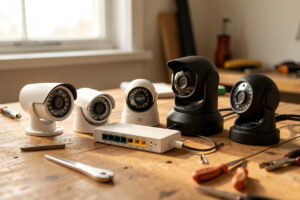
The best PoE camera for a self-hosted NVR is whichever one speaks standard RTSP and ONVIF, supports H.265, and doesn’t require a vendor app to configure. Everything else — sensor size, IR range, form factor — is secondary to those three, because a camera that hides its stream behind a proprietary app is useless to Frigate, Blue Iris, or Synology no matter how good its sensor is. In my setup, eight cameras across three brands all record to one NVR precisely because they share those open standards.
I’ve bought the wrong cameras and the right ones. The wrong ones were “smart” Wi-Fi cameras that only talked to their own cloud app — I couldn’t get an RTSP URL out of them, and they became doorstops the day I stood up a real recorder. The right ones are boring, wired, standards-compliant PoE cameras that just show up on the network and hand over their stream. This guide is how I choose them now, and what actually matters versus what the spec sheets shout about.
As an Amazon Associate I earn from qualifying purchases.
What Makes a PoE Camera Good for a Self-Hosted NVR?
Three non-negotiables: a documented RTSP stream, ONVIF Profile S or T compliance, and H.265 encoding. RTSP and ONVIF guarantee the camera works with any real NVR; H.265 halves your storage and bandwidth versus H.264 at the same quality. A camera with all three drops into Frigate in minutes. A camera missing any of them is a fight you’ll lose. I confirm those three lines on the spec sheet before I look at anything else, and I explain why in RTSP, ONVIF, and the streaming protocols behind IP cameras.
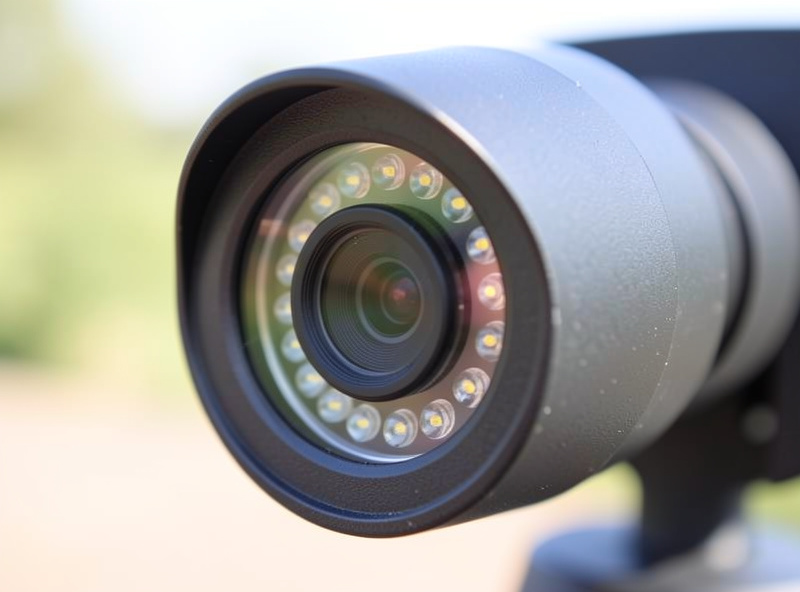
After those three, the things that actually change your day-to-day are sensor size and low-light performance, IR or spotlight range, field of view, and whether the camera publishes a proper main/sub stream pair. A bigger sensor gathers more light, so a 1/1.8″ sensor at 4 MP will usually beat a tiny 1/3″ sensor at 8 MP after dark — resolution is not the whole story, and the marketing loves to pretend it is. You can browse ONVIF PoE bullet cameras to see the range, but read the sensor spec, not just the megapixels.
Bullet, Dome, or Turret — Which Form Factor?
Form factor is mostly about mounting and IR glare, not image quality. Bullet cameras are visible and easy to aim, good for a clear deterrent and long throws down a driveway. Domes are discreet and vandal-resistant but the dome bubble can cause IR reflection. Turrets — the eyeball style — are my default because they avoid the dome’s IR glare problem while staying compact and easy to point.
Here’s how I choose between them:
| Form factor | Best for | Watch out for | My pick when |
| Bullet | Long driveways, visible deterrent, easy aiming | More obvious, easier to knock askew | I want range and a clear “you’re on camera” |
| Dome | Discreet ceilings, vandal resistance | IR glare off the dome bubble at night | Indoor or high-mount where tampering is a risk |
| Turret | General outdoor use, clean night image | Slightly more exposed than a dome | Most of my exterior runs — the default |
I run turrets on the eaves, a couple of bullets covering the driveway approach, and one dome in the garage. There’s no single “best” — it’s about matching the mount and the glare behavior to the spot. You can compare PoE turret cameras side by side to see the compact eyeball style I lean on most.
Which Brands Actually Play Nice With Self-Hosting?
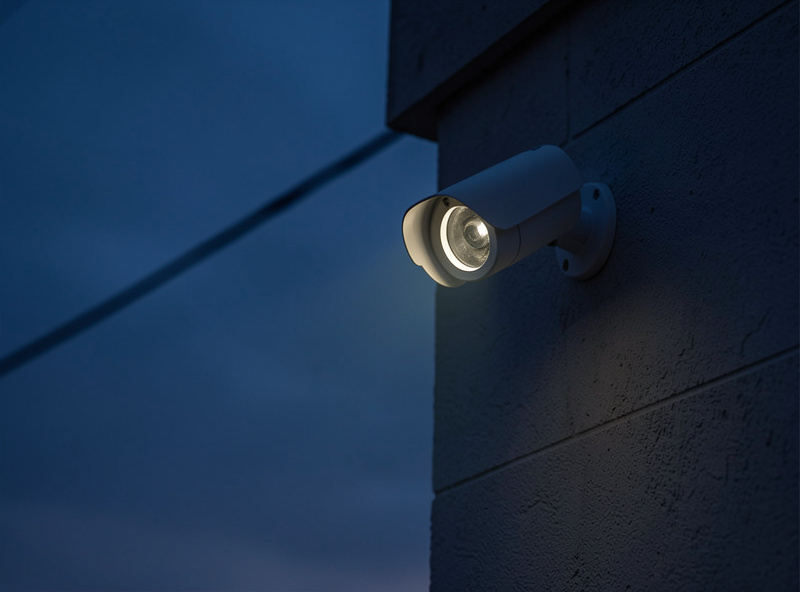
The brands that consistently expose clean RTSP and ONVIF for self-hosting are Reolink, Amcrest, Dahua, Hikvision, and Axis at the premium end. Each has a documented RTSP URL scheme and ONVIF support, which is what matters for Frigate. What varies is polish, price, and how loudly they’d rather you use their own app.
Reolink is the popular budget-to-midrange choice — genuinely good value, publishes RTSP paths, and its cameras drop into Frigate fine, though I keep them egress-blocked on the camera VLAN like everything else. Amcrest and Dahua (Amcrest is closely related to Dahua’s OEM lineage) give strong image quality and solid ONVIF. Hikvision and its OEM brands are ubiquitous and capable. Axis sits at the professional tier — excellent and expensive, more than a home rig needs. Whatever the brand, I treat them all as untrusted firmware and isolate them, which is the whole point of the camera VLAN with no internet egress. The brand earns a spot on the network; it never earns trust.
How Do You Match Cameras to Your PoE Switch Budget?
Every camera you add draws power from the switch, so you size the switch’s total PoE budget to the sum of all cameras at their peak draw, not the per-port maximum. A typical PoE bullet or turret draws 4–12 W with IR active; a cheap eight-port switch might offer eight PoE ports but only 60 W of total budget, which browns out the moment all eight fire their IR at dusk. I size for every camera at maximum simultaneously, plus headroom.
PoE comes in tiers: 802.3af delivers up to 15.4 W per port, 802.3at (PoE+) up to 30 W, which covers any standard fixed camera comfortably; PTZ cameras with heaters can need PoE++ (802.3bt). Match the switch’s per-port class and total budget to your fleet before you buy the cameras. A properly specced managed PoE switch with enough total wattage is the foundation everything hangs off — I cover the tagging and trunking side in managed switch setup and the PoE power math more broadly in PoE for access points, which uses the same budgeting logic.
Does Resolution or Low-Light Performance Matter More?
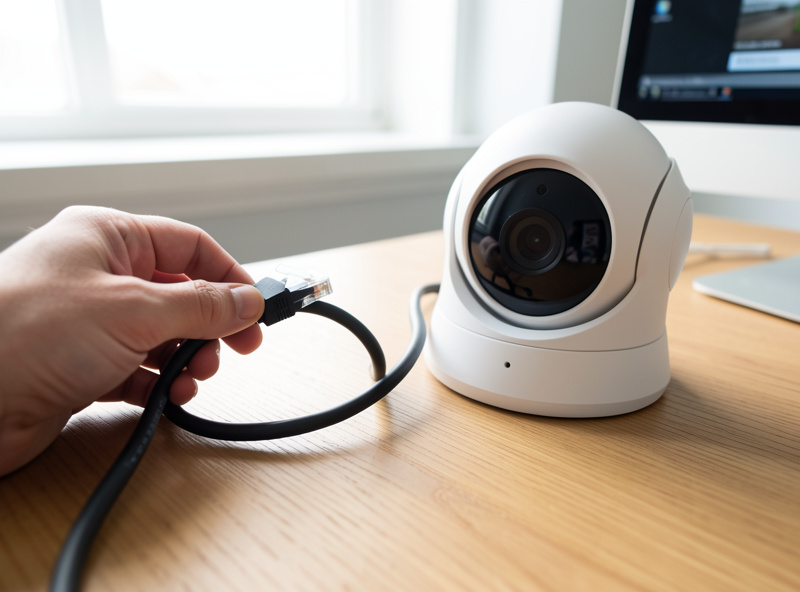
Low-light performance matters more than raw resolution for most home use, because the footage you actually need — someone in the yard at 2 a.m. — happens in the dark. A 4 MP camera on a large sensor with good IR will give you a usable, identifiable image at night, while an 8 MP camera on a tiny sensor turns to mush the moment the sun drops. Manufacturers advertise the megapixel number because it’s easy to print; the sensor size and lens aperture are what determine whether the image is any good.
My rule: buy 4 MP to 5 MP on the largest sensor in your budget, prefer H.265, and treat “8 MP / 4K” as a nice-to-have only when the sensor is genuinely large. Higher resolution also costs you storage — 4K continuous recording eats disk fast, which feeds straight into the math in sizing storage for 24/7 camera recording. I’d rather have four well-lit, well-tuned 4 MP cameras than two 4K cameras I can’t afford to record continuously.
What Weatherproofing Rating Do Outdoor Cameras Need?
For outdoor cameras, look for an IP66 or IP67 ingress-protection rating — the two-digit code where the first digit is dust resistance and the second is water resistance. IP66 means fully dust-tight and protected against powerful water jets, which covers driven rain and hose-down cleaning; IP67 adds protection against temporary immersion. Anything rated below IP66 I keep under an eave or indoors, not exposed to weather.
The rating people forget to check is the operating temperature range, which matters in a Swedish winter. My eave cameras sit through hard frosts, and a camera rated only to 0°C will fail exactly when a cold snap makes you want it working. I buy for the coldest night, not the average one. The IP code is standardized, so it’s one of the few spec-sheet numbers you can actually trust at face value — unlike the “starlight” low-light marketing, which has no standard behind it at all.
The Camera Mistake I Made So You Don’t Have To
My most expensive lesson was buying on megapixels. I bought an 8 MP camera for the driveway because bigger number, better camera, right? At night it was useless — the tiny sensor couldn’t gather enough light, and the license plate I actually cared about was an unreadable smear. I replaced it with a 4 MP camera on a larger sensor and suddenly could read the plate under the same streetlight. The megapixels went down; the useful information went up.
The other lesson: buy the cameras after you’ve built the switch and the VLAN, not before. I’ve watched people buy eight cameras, plug them into the ISP router, and only then discover there’s no PoE budget and no segmentation. Build the network first — the switch, the camera VLAN, the NVR — then hang cameras that fit the budget you’ve already sized. The camera is the easy part; the network it lives on is the project.
Do all PoE cameras work with Frigate and other NVR software?
No. A PoE camera works with self-hosted NVR software only if it exposes a standard RTSP stream and supports ONVIF. Cameras that require a proprietary vendor app and hide their RTSP URL will not integrate with Frigate, Blue Iris, or Synology. Always confirm documented RTSP and ONVIF support before buying.
Is a 4K camera better than a 4MP camera for security?
Not necessarily. Sensor size and low-light performance matter more than resolution for most security use. A 4MP camera on a large sensor often produces a more usable night image than a 4K camera on a small sensor, and 4K also consumes far more storage when recording continuously.
How much PoE power does a security camera use?
A typical fixed PoE bullet or turret camera draws roughly 4 to 12 watts, more when its infrared illuminators are active at night. Standard 802.3af provides up to 15.4 watts per port and 802.3at up to 30 watts. Size the switch total PoE budget to all cameras at peak draw, not just the per-port rating.
Which camera brands are best for a self-hosted setup?
Reolink, Amcrest, Dahua, Hikvision, and Axis at the premium end all expose clean RTSP and ONVIF that work with self-hosted NVRs. Reolink offers strong value, Amcrest and Dahua strong image quality, and Axis professional-grade performance. Whatever the brand, isolate the cameras on a dedicated VLAN.
Further Reading
- Home Camera Network & NVR: The Self-Hosted Guide — where cameras fit the whole build.
- Putting Cameras on Their Own VLAN — isolate whatever you buy.
- Sizing Storage for 24/7 Camera Recording — how resolution drives your disk needs.
What I’d do starting today: pick 4 MP to 5 MP turrets from a brand with documented RTSP, size your PoE switch to the full fleet at peak draw, and skip the megapixel arms race entirely. The camera that reads a face at midnight beats the one with the biggest number on the box every time.