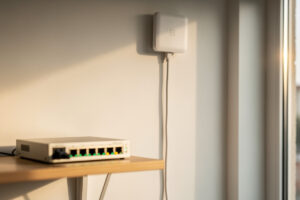
Powering an access point over PoE means one Ethernet cable carries both data and power, so a ceiling AP needs no nearby outlet and no power brick. You feed it from a PoE switch or a single PoE injector, match the PoE standard to what the AP draws, and the AP boots the moment the cable is live. That single-cable simplicity is what makes the wired-AP layout practical to mount where coverage actually belongs.
This is the PoE knowledge you need specifically for access points — the standards, how to budget power, and the injector-vs-switch decision — without wading into general switching theory. If you want the full managed-switch configuration (trunks, tags, VLANs), that’s in managed switch setup; here I’m staying on the power side. It fits the wireless layout from the home Wi-Fi setup guide.
What PoE Does for an Access Point
Power over Ethernet sends DC power along the same Cat5e/Cat6 cable that carries the AP’s data, so the AP gets everything it needs from one run back to the switch. No electrician, no outlet on the ceiling, no wall-wart dangling beside a mounted AP — just one cable doing both jobs.
This is the whole reason ceiling APs are practical for a home. Mounting an AP where it covers best — centered, on the ceiling — is trivial when the only thing it needs is an Ethernet drop, and nearly impossible if it also needs mains power up there. PoE removes the power problem entirely, which is why I treat “is it PoE-powered?” as a hard requirement when buying a home AP. A unit that needs a separate adapter is one you’ll end up mounting near an outlet rather than where the coverage map wants it. The single-cable approach also keeps the install clean: one labeled run per AP, terminated at a patch panel, powered by the switch.
PoE Standards: af, at, and bt
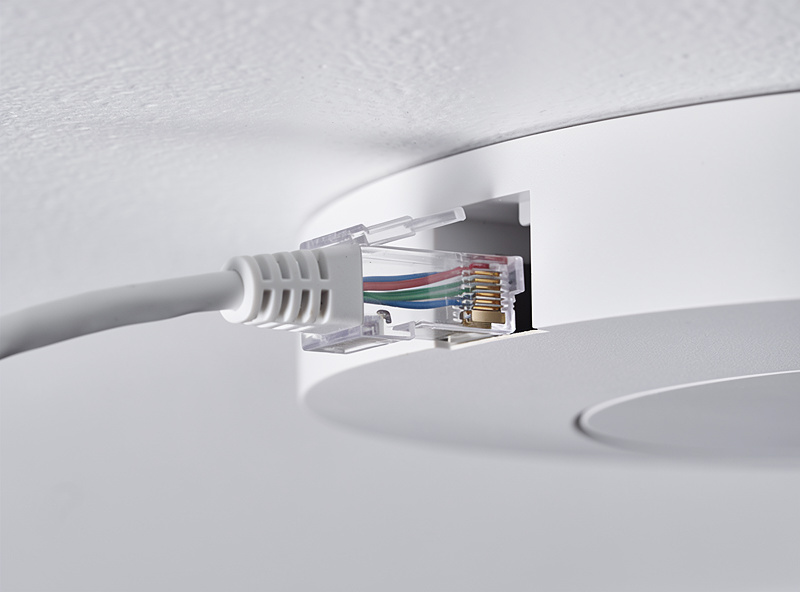
There are three PoE standards that matter for APs: 802.3af delivers about 15W, 802.3at (PoE+) about 30W, and 802.3bt (PoE++) 60W and up. Most home access points run on af or at, so any switch or injector meeting the AP’s required standard will power it.
The numbers above are what the power source supplies; the AP draws somewhat less after cable loss. For a home, the practical guidance is simple: check the AP’s spec for the PoE standard it needs, and make sure your switch or injector meets or exceeds it. A basic Wi-Fi 6 AP is usually happy on 802.3af; a higher-end AP with more radios or a second Ethernet port often wants 802.3at. The bt standard is overkill for typical home APs — it’s there for power-hungry devices like PTZ cameras or multi-radio enterprise units. Don’t overthink it: match the standard, leave a little headroom, done. Passive PoE (the non-standard kind some older or cheaper gear uses at a fixed voltage) is the one trap — never feed a standards-based AP from a passive injector or a passive injector’s voltage into a standards device, because the voltage handshake that protects the hardware isn’t there.
| Standard | Common name | Power at source | Typical use |
|---|---|---|---|
| 802.3af | PoE | ~15W | Basic Wi-Fi 6 APs, VoIP phones |
| 802.3at | PoE+ | ~30W | Higher-end APs, some cameras |
| 802.3bt | PoE++ | 60W and up | Multi-radio APs, PTZ cameras |
| Passive PoE | (non-standard) | Fixed voltage | Avoid for standards-based APs |
PoE Switch vs PoE Injector
A PoE switch powers every connected AP from one box and is the right choice for two or more APs. A single PoE injector adds power to one Ethernet run and is the cheap, simple option when you only have one AP to power.
The decision is basically a count. One AP? An injector is fine — it sits inline between your existing switch and the AP, adds power to that one run, and costs little. Two or more APs, or any plan to grow? Buy a PoE switch and power them all centrally; it’s tidier, it gives you a single power budget to manage, and a managed PoE switch also handles the VLAN trunking your SSIDs need anyway. I run a managed PoE switch because it does double duty — power and tagging in one device — which is exactly the gear discussed in multiple SSIDs with VLAN tagging. For a single-AP starter setup, a gigabit PoE injector is the whole shopping list; for a multi-AP home, an 8-port PoE switch covers power and growth.
Cable Type and Distance Limits
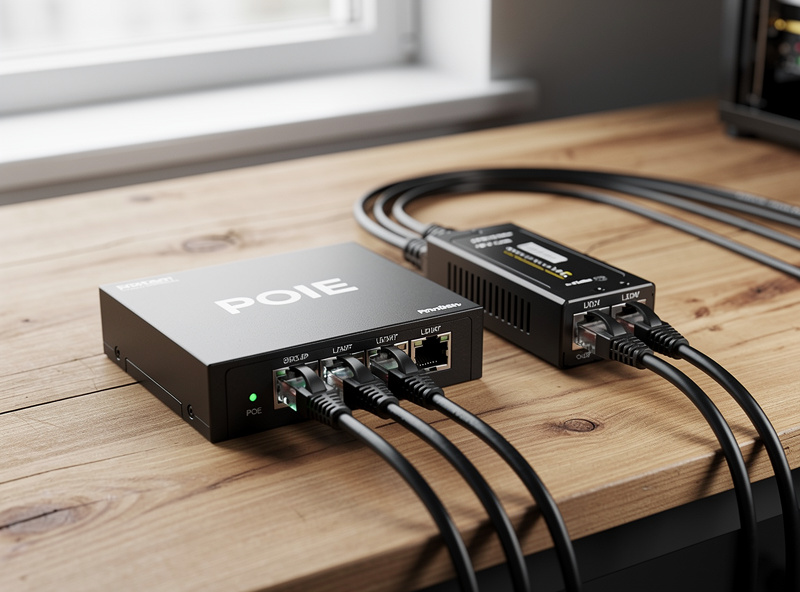
PoE works over standard Cat5e or Cat6 up to about 100 meters (328 feet) per run — the same distance limit as regular Ethernet. For any run inside a home you’re nowhere near that ceiling, so a normal Cat6 cable terminated cleanly is all an AP needs for both power and data.
Two small things are worth knowing. First, very long runs near the 100-meter limit lose a bit of voltage to cable resistance, so an AP at the far end of a maximum run on thin cable can occasionally fall short on power — not a real-world problem at home distances, but a reason to use decent solid-core Cat6 rather than thin stranded patch cable for the in-wall run. Second, cheap copper-clad-aluminum cable (sold as “Cat6” but not real copper) is genuinely bad for PoE: it has higher resistance and heats up, which is a fire-safety reason to buy pure-copper cable for any powered run. I pull solid copper Cat6 for AP drops and keep stranded patch cable only for the short jumpers at each end. Terminate both ends cleanly, test continuity before you mount the AP, and the power side is set-and-forget. For the structured-wiring discipline around this, the cabling notes in the home Wi-Fi setup guide cover terminating to a patch panel.
Budgeting the PoE Power
A PoE switch has a total power budget shared across all its ports — add up the wattage of every AP and PoE device you’ll connect, and make sure the total stays under the switch’s budget with headroom. A switch that powers eight ports rarely supplies full PoE+ on all eight at once.
This is the spec people skip and then wonder why an AP won’t power up. A switch’s port count and its PoE budget are two different numbers: an 8-port switch might advertise PoE on every port but only have, say, a 60W total budget — fine for several basic APs, not for eight power-hungry ones plus cameras. I add up the worst-case draw of everything I’ll plug in (APs, and any PoE cameras or phones on the same switch), then make sure the switch’s total budget comfortably exceeds it. Leaving 20–30% headroom means a future AP doesn’t force a switch upgrade. If you’re also running PoE cameras for an outdoor or coop setup, that draw counts against the same budget — the outdoor cabling case is covered in farm IoT network setup. Get the budget right and the power side of your wireless layer just works, leaving placement and roaming as the only things to tune, per access point placement.
Frequently Asked Questions
What PoE standard do home access points need?
Most home APs run on 802.3af (about 15W) or 802.3at PoE+ (about 30W). Check the AP’s spec and make sure your switch or injector meets or exceeds that standard. 802.3bt PoE++ is overkill for typical home access points.
Do I need a PoE switch or just an injector?
For one access point, a single PoE injector inline on its cable is enough and cheap. For two or more APs, a PoE switch powers them all centrally and, if managed, also handles the VLAN trunking your SSIDs require.
Can one Ethernet cable power and connect an access point?
Yes — that is exactly what PoE does. The same Cat5e or Cat6 cable carries both DC power and data to the AP, so a ceiling-mounted access point needs no nearby outlet and no separate power adapter.
What is a PoE power budget?
It is the total wattage a PoE switch can supply across all ports combined, which is separate from the port count. Add up every connected device’s draw and keep the total under the switch’s budget with 20 to 30 percent headroom.
Is passive PoE safe for my access point?
No, not for a standards-based AP. Passive PoE sends a fixed voltage without the handshake that 802.3af/at/bt use to protect the hardware. Always match a standards-based AP to a standards-based PoE switch or injector.