
The best OpenWrt router in 2026 for most people is a current MediaTek Filogic-based Wi-Fi 6 box like the GL.iNet Flint 2, because it pairs strong upstream support with the flash and RAM headroom OpenWrt actually needs — well past the 128 MB flash and 256 MB RAM I treat as the floor. Below that, the right pick depends on whether you want one router, a wired powerhouse, or something for the road.
I pick hardware the way I pick anything that goes near the production rack: against the OpenWrt Table of Hardware first, never the marketing box. Everything here is chosen on the two things that decide whether an OpenWrt build is a joy or a constant fight — memory headroom and CPU under SQM — not on advertised peak speed. If you are new to all this, read the OpenWrt guide first, then come back to choose a box. As an Amazon Associate I earn from qualifying purchases.
What Actually Makes a Good OpenWrt Router
Three things, in order. First, memory: at least 128 MB of flash and 256 MB of RAM, because that is what leaves room for WireGuard, SQM, and ad-blocking on top of the base system. Older 8 and 16 MB devices boot OpenWrt but choke the moment you add packages. Second, CPU headroom: traffic shaping with SQM is CPU-bound, and small router silicon runs out of grunt before it hits gigabit shaping — if you have a fast line, the processor matters more than the radios. Third, upstream support: a device with active mainline OpenWrt support gets security patches for years; one relying on a stale community port does not. (Confirm support status on the supported-devices list before buying.)
Notice what is not on that list: the headline Wi-Fi number. A router advertised at AX6000 is not better at being an OpenWrt box than an AX3000 if it has less RAM and a weaker CPU. The spec that sells routers is almost never the spec that makes them good OpenWrt targets.
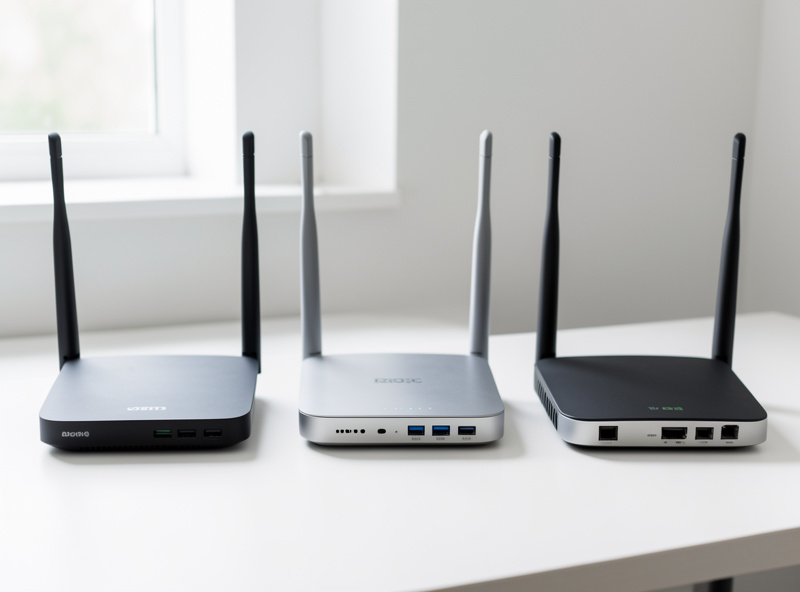
Best Overall: A Current Filogic Wi-Fi 6 Router
The sweet spot for a single do-everything OpenWrt router right now is the MediaTek Filogic generation, and the GL.iNet Flint 2 (GL-MT6000) is the one I point people to most. It ships with GL.iNet’s own OpenWrt-based firmware out of the box — a friendly GUI over a real OpenWrt base — and you can run the GL build or move to vanilla OpenWrt as you grow into it. It has the RAM and flash to never feel cramped, multi-gig ports, and a CPU that handles SQM at real-world speeds.
That dual nature is why I recommend it for newcomers and stubborn tinkerers alike: it is a soft landing that does not become a dead end. You can browse the GL.iNet Flint 2 and check the current revision against the Table of Hardware before buying.
Best Budget Learner: Belkin RT3200 / Linksys E8450
If you want to learn OpenWrt properly without spending much, the Belkin RT3200 — sold as the Linksys E8450 in some regions — remains the standout. It is built on the MT7622 platform, has Wi-Fi 6, enough memory to be genuinely useful, and one of the most well-trodden OpenWrt install paths anywhere, which means the device-specific quirks are thoroughly documented.
The one caveat worth knowing: the recommended install involves moving the device to a UBI flash layout, an extra step the community guides walk through carefully. Do it once, follow the notes exactly, and you have a rock-solid Wi-Fi 6 OpenWrt router for learner money. Check listings for the Belkin RT3200 and confirm availability in your region.
Best Wired Workhorse: NanoPi R5S and x86 Mini-PCs
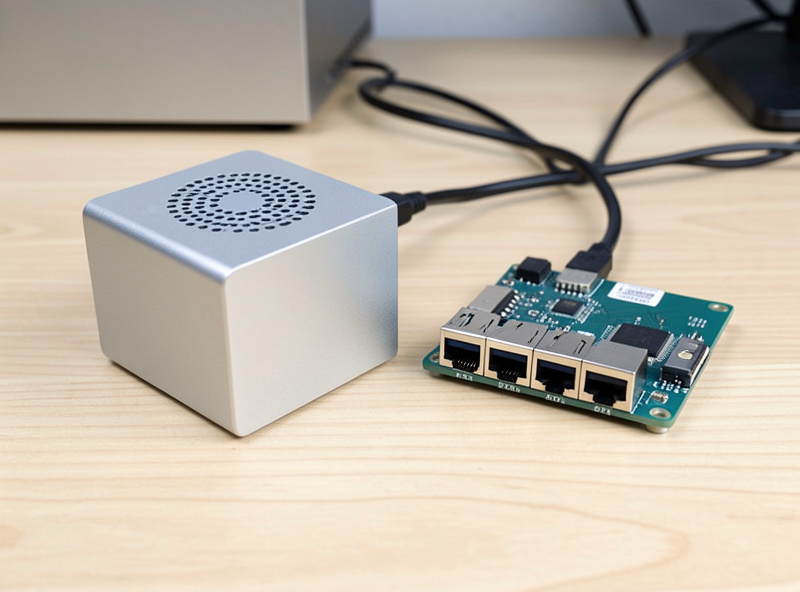
If your router does not need to broadcast Wi-Fi — because, like mine, your access points are separate devices on the trunk — the calculus changes completely. A small ARM board like the FriendlyElec NanoPi R5S (RK3568, dual 2.5 GbE plus a gigabit port) or an Intel N100-class x86 mini-PC gives you far more CPU than any consumer router SoC, which is exactly what you want for SQM at multi-gigabit and for running extra services on the box.
This is the route I quietly favour for a serious build: let a wired router-on-a-stick do the routing and shaping, and hand Wi-Fi to dedicated access points. It is also the cleanest on-ramp to a full firewall OS later if you outgrow OpenWrt — the same hardware class runs OPNsense. A NanoPi R5S or a fanless N100 mini-PC is the place to start. If you are setting it up purely to feed access points, my dumb access point guide covers the wireless half.
Best for Travel: GL.iNet Pocket Routers
The router that actually lives in my bag is a GL.iNet pocket model — the Slate and Beryl lines. They run OpenWrt under a travel-focused GUI, fit in a jacket pocket, and let you put a trusted, WireGuard-tunnelled network between you and whatever sketchy hotel Wi-Fi you are forced to use. For a first OpenWrt device they double as a low-stakes learning toy, because there is nothing critical depending on them.
They are not your main router — the radios and CPU are sized for a suitcase, not a house — but for what they are, nothing else comes close. A GL.iNet travel router is the easiest possible introduction to the platform.
Comparison: Matching the Router to the Job
| Pick | Class | Wi-Fi | Best For |
|---|---|---|---|
| GL.iNet Flint 2 | Filogic Wi-Fi 6, high RAM | Yes | One capable all-in-one router |
| Belkin RT3200 / E8450 | MT7622 Wi-Fi 6 | Yes | Learning on a budget |
| NanoPi R5S | ARM router-on-a-stick | No | Wired routing + SQM, feeds APs |
| Intel N100 mini-PC | x86, high CPU | No | Multi-gig shaping, future OPNsense |
| GL.iNet Slate / Beryl | Pocket travel router | Yes | Travel, learning, VPN on the road |
What I Would Avoid
Two traps. First, ultra-cheap 8 MB-flash routers sold as “OpenWrt compatible” — technically true, practically useless once you want packages. Second, buying purely on the biggest advertised Wi-Fi number; that AX-whatever figure tells you nothing about whether the box has the memory and CPU to run a real OpenWrt build with shaping enabled. If you are choosing a wireless standard to target across your whole layout, Wi-Fi 6E vs Wi-Fi 7 is the more useful question than chasing peak link rate on one box.
Whatever you land on, the workflow is identical: confirm the exact revision on the Table of Hardware, confirm a recovery path, then follow how to install OpenWrt. And if you are still deciding whether the flash is worth it at all, OpenWrt vs stock firmware makes the case both ways.
Frequently Asked Questions
What is the best OpenWrt router in 2026?
For most people, a current MediaTek Filogic Wi-Fi 6 router such as the GL.iNet Flint 2, because it has the RAM and flash OpenWrt needs and a CPU that handles SQM. For wired-only setups, a NanoPi R5S or an Intel N100 mini-PC offers far more CPU headroom.
How much RAM and flash does an OpenWrt router need?
Aim for at least 128 MB of flash and 256 MB of RAM. That leaves room for WireGuard, SQM, and ad-blocking on top of the base system. Older 8 and 16 MB devices boot OpenWrt but run out of space as soon as you add packages.
Do I need Wi-Fi built into my OpenWrt router?
Not if your access points are separate devices. A wired router-on-a-stick like a NanoPi R5S or an x86 mini-PC gives more CPU for shaping and routing, and you hand Wi-Fi to dedicated access points on the network for better coverage.
Is a GL.iNet router real OpenWrt?
Yes. GL.iNet ships a friendly GUI layered over a genuine OpenWrt base, so you can use the simplified interface or drop into standard LuCI underneath. That dual nature makes their routers an easy starting point that does not become a dead end.
Why is CPU more important than the Wi-Fi speed rating?
Because traffic shaping with SQM is CPU-bound. A router can advertise a huge Wi-Fi number yet stall when shaping a fast line if its processor is weak. On high-bandwidth connections, CPU headroom decides real performance more than the headline radio rating.
Related Guides
- The OpenWrt Guide (Start Here)
- How to Install OpenWrt
- SQM and QoS on OpenWrt
- OpenWrt as a Dumb Access Point
- pfSense vs OPNsense vs OpenWrt