
I have run all three of these in anger. OPNsense is the firewall I trust the whole house to — it sits on a fanless multi-NIC x86 box and routes every VLAN in my rack. pfSense ran on that same hardware for a long stretch before it, and I still keep a build around to check myself. OpenWrt lives on the cheap travel router in my bag and has rescued more than one consumer access point from its own awful stock firmware. So this isn’t a spec-sheet readout. It’s the comparison I wish someone had handed me before I burned a weekend picking.
The short version: pfSense and OPNsense are the same kind of thing — serious x86 firewall/router platforms built on FreeBSD and the pf packet filter — and you choose between them on philosophy and polish. OpenWrt is a different category entirely: a Linux distribution that turns a consumer router (or a small SoC board) into something configurable. Half the arguments online are noise because people compare OpenWrt to pfSense as if they solve the same problem. They mostly don’t.
As an Amazon Associate I earn from qualifying purchases.
The hardware I link is the class of box I actually run or would buy; the links go to current listings so you can check specs and price yourself.
The comparison at a glance
| pfSense CE / Plus | OPNsense | OpenWrt | |
|---|---|---|---|
| Base OS | FreeBSD | FreeBSD (security-hardened lineage) | Linux |
| Packet filter | pf | pf | netfilter / nftables (fw4) |
| Latest (mid-2026) | CE 2.8.x (free) · Plus 26.03.x (Netgate) | 26.1 “Witty Woodpecker” (26.1.x) | 25.12.x stable |
| Runs best on | x86 appliance (mini-PC, multi-NIC) | x86 appliance (mini-PC, multi-NIC) | Consumer routers, SoC boards, x86 too |
| Release model | Slow; big jumps between major versions | Fixed 6-month cadence (Jan / Jul) + weekly security patches | Stable branch + point releases; per-device builds |
| Web UI | Mature, dense, familiar | Cleaner, MVC, full config API | LuCI — functional, less hand-holding |
| VLAN / 802.1Q | Excellent | Excellent | Good, more manual |
| VPN | OpenVPN, IPsec, WireGuard | OpenVPN, IPsec, WireGuard (built in) | WireGuard, OpenVPN via packages |
| Add-on ecosystem | Packages (pfBlockerNG, Suricata, HAProxy…) | Plugins (Sensei, CrowdSec, Suricata…) | opkg/apk — thousands of packages |
| Learning curve | Moderate | Moderate | Steeper for full firewall use |
| Licensing | CE free; Plus free on Netgate hardware, paid elsewhere | Fully open source, free | Fully open source, free |
| Best for | People who want the established standard | People who want frequent updates + a clean UI (my daily driver) | Reusing consumer hardware; embedded/travel; tinkering |
The one decision that splits the field: your hardware
Before any feature argument, answer one question: are you buying a dedicated x86 box, or reusing a router you already own? That single fork settles most of this.
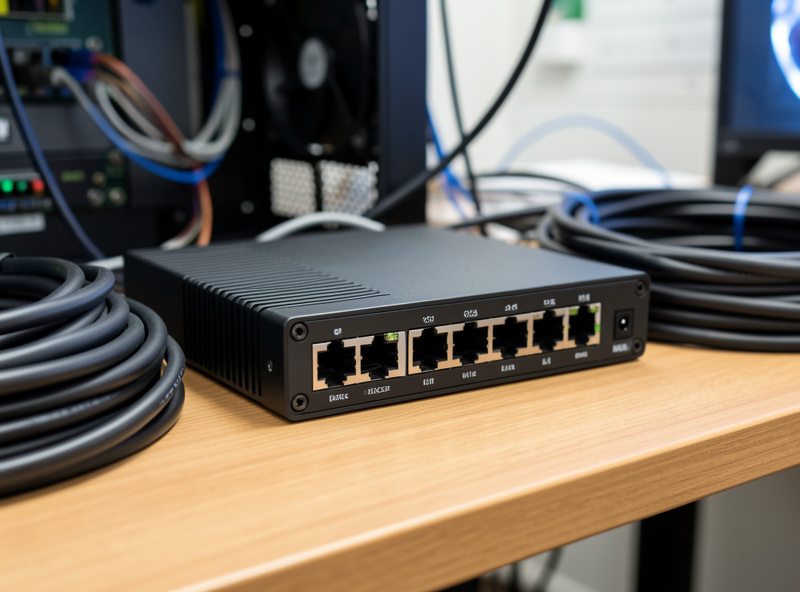
If you are putting a fanless mini-PC with two-plus Intel NICs on your network — the quad-i226 class boxes are the homelab sweet spot right now — then you are choosing between pfSense and OPNsense. Both will saturate a gigabit symmetrical line on modest hardware and do real inter-VLAN routing without breaking a sweat. OpenWrt can run on x86, but you would be giving up the polished firewall tooling that makes the BSD pair worth the rack space. If you’re shopping for the box itself, I keep a running shortlist in best mini-PC for pfSense/OPNsense and the full selection logic in how to choose DIY router hardware — and you can see the quad-i226 appliances here.
If you are reusing a consumer router or a small ARM/MIPS board — an old flagship access point, a GL.iNet travel router, a Raspberry Pi with a USB NIC — then you are choosing OpenWrt, and the BSD pair isn’t even on the table. They don’t run on that silicon. This is the part the “pfSense vs OpenWrt” threads keep getting wrong: they are usually answering two different questions. (If repurposing an old PC or testing a Pi as a router is your plan, those two cover the gotchas.)
pfSense — and the CE vs Plus split you have to understand
pfSense is the platform most people have heard of, and for good reason: it is stable, deeply documented, and there is an answer to almost any question you will ever have. The UI is dense and a little dated, but once it is in your fingers you stop noticing. My full walkthrough lives in the pfSense configuration guide.
The thing newcomers miss is that pfSense now comes in two editions, and Netgate’s own release documentation spells out the split: pfSense CE (Community Edition) is the free, community-maintained build — currently 2.8.x. pfSense Plus (currently 26.03.x) is Netgate’s edition: it is free if you run it on Netgate’s own appliances, otherwise it is a paid license on your own hardware. The two have drifted apart over the last few years, with Plus getting features first. None of this is a dealbreaker, but go in knowing that “pfSense” on a forum could mean either, and that the free-on-your-own-hardware path is CE. The biggest practical gripe I have with pfSense is the release rhythm: long quiet stretches, then a large major-version jump. It is rock solid, but it does not feel like it is moving.
OPNsense — what I actually run, and why
OPNsense started as a pfSense fork and has grown into its own thing with a distinct personality. It is what is on my box today, and I moved for three concrete reasons. The setup path I’d hand a newcomer is in my OPNsense setup guide.
The release cadence. OPNsense ships a major release every six months — 26.1 “Witty Woodpecker” landed in January, with 26.7 following mid-year — with patch updates almost weekly and a long lineage of taking security hardening seriously. As someone who would rather get a steady drip of small, tested updates than wait a year and then take a nervous leap, this rhythm fits how I actually maintain the network.
The interface and the API. The UI is cleaner and more consistent, and — the part that matters once your config gets serious — every setting is reachable through a documented configuration API. When I rebuild or back up firewall rules, that structure is worth a lot.
Plugins. The plugin set covers what I need: WireGuard built in (see the OPNsense WireGuard tutorial), Suricata for IDS/IPS, CrowdSec for collaborative blocking, and reporting that is genuinely readable rather than an afterthought. If you are coming from pfSense, almost everything has a direct equivalent; the menus are just laid out differently. My shortlist of what to actually install is in essential OPNsense plugins — give yourself an afternoon to relearn where things live and the muscle memory transfers.
OpenWrt — a different job entirely
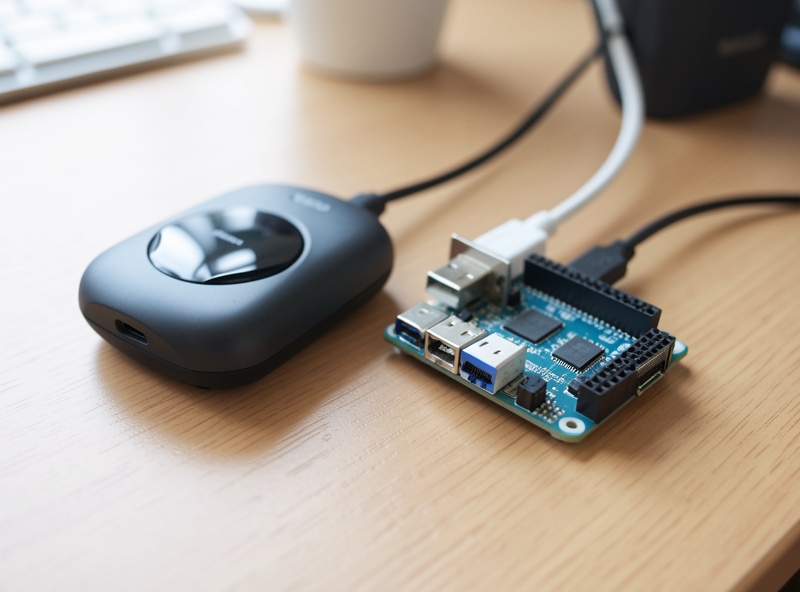
OpenWrt is not a firewall appliance OS that happens to run small. It is a full Linux distribution for embedded network hardware, and that framing explains both its strengths and its sharp edges. It turns a $30 router or a recycled flagship AP into something you actually control: real VLANs, WireGuard, ad-blocking, SQM for bufferbloat, and an enormous package repository through opkg/apk.
Where it shines: reusing hardware and going small. The travel router in my bag runs OpenWrt so that every hotel network looks the same to my devices, with a WireGuard tunnel home and my own DNS. No x86 firewall does that job. Where it bites: it assumes more of you. The LuCI web interface is capable but won’t hold your hand, firewall rules are closer to the metal, and you have to match the exact build to your specific device and flash it correctly — get the model revision wrong and you can brick it. For a single-box “protect my whole network” firewall, the BSD pair is less work. For squeezing a real router out of hardware you already own, nothing else comes close.
Firewall, VLANs and rules: where they really differ
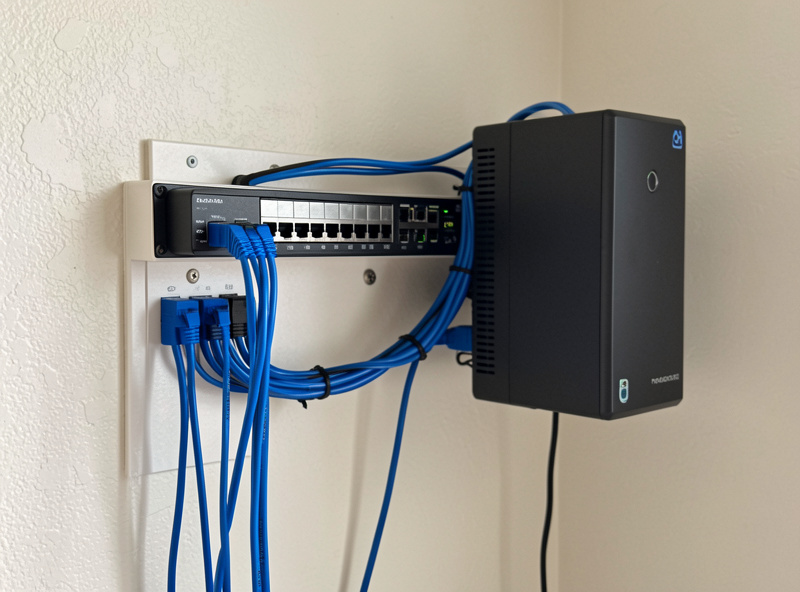
This is where the “they’re basically the same” claim is half true. pfSense and OPNsense share the same engine — FreeBSD’s pf — so the firewalling model is effectively identical: interface-based rules evaluated top-down, first match wins, aliases to keep rule sets sane. If you can write a default-deny rule set with explicit allow-lists on one, you can do it on the other; only the menu layout changes. The way I segment mine — MANAGEMENT, trust LAN, WORK, KIDS, GUEST (fully isolated), and an IOT VLAN with no internet egress except a short whitelist — drops onto either platform the same way. I broke that whole architecture down in network segmentation and the rule-by-rule version in VLAN firewall rules; the IoT-specific case is in VLAN for IoT.
OpenWrt is the genuinely different one. It is Linux, so the firewall is nftables via the fw4 layer, organized around zones rather than per-interface rule lists. It is perfectly capable of the same segmentation, but the mental model is different and more of the work happens closer to the config files. Either way, the VLANs only hold if the managed switch behind the firewall trunks them correctly — a managed 802.1Q switch is the piece people forget. If your whole reason for living is granular firewall control with a polished GUI, the BSD pair wins. If you want a Linux box you can SSH into and script, OpenWrt feels natural.
Updates and long-term maintenance
The unsexy part that decides whether you still love your choice in two years. OPNsense’s frequent, incremental updates mean upgrades are usually uneventful — I apply them without much ceremony. pfSense’s big-jump model means upgrades are rarer but feel higher-stakes; the upside is that a given release is battle-tested by the time you are on it. OpenWrt upgrades are per-device and more hands-on: you typically flash a new image and, depending on the release, may reconfigure rather than carry settings forward cleanly. Whichever you pick, the rule that has saved me every time is the same — back up the config before every upgrade, and keep a serial console cable in the drawer for the day the firewall won’t come back up on its own.
Hardware sizing, homelab-scale and honest
You do not need a datacenter to run any of these. For a gigabit home connection with VLAN routing and a VPN, a modern fanless mini-PC with an Intel N-series CPU, 8 GB of RAM and a small SSD runs pfSense or OPNsense comfortably with headroom for IDS. Turn on Suricata/Sensei-style deep inspection at multi-gigabit and that is when CPU and RAM start to matter — that is the point to size up, not before. OpenWrt’s footprint depends entirely on the device: a cheap router has a few megabytes of flash and will run a lean setup, while OpenWrt on an x86 box has effectively the same headroom as the BSD pair. Resist the urge to over-buy; right-sized beats pretend-enterprise.
So which one should you run?
- Buying a dedicated x86 firewall and want the cleanest modern experience: OPNsense. It is what I run, the update cadence suits real maintenance, and the UI/API hold up as your config grows.
- Buying x86 and you value the established standard, the deepest documentation, or a Netgate appliance: pfSense — CE if it is your own hardware and you want free, Plus if you are on Netgate’s boxes.
- Reusing a consumer router, going embedded, or building a travel router: OpenWrt, no contest. The BSD pair can’t even run there.
- Genuinely torn between pfSense and OPNsense: install both in a VM on whatever hypervisor you have, spend an evening building the same three firewall rules on each, and keep the one whose interface annoys you least. They are close enough that taste is a legitimate tiebreaker — my longer head-to-head is in OPNsense vs pfSense 2026.
There is no universally best router OS — only the right tool for your hardware and your appetite for tinkering. Pick the platform that matches the box you are putting on the network, segment it properly, and the firewall stops being the thing you worry about.
Frequently asked questions
Is OPNsense better than pfSense?
Neither is universally better — they share the same FreeBSD and pf core. OPNsense has a faster release cadence, a cleaner UI and a full config API; pfSense has deeper documentation, a larger install base and the Netgate appliance ecosystem. I run OPNsense for the update rhythm, but pfSense is an equally legitimate choice.
Can OpenWrt replace pfSense or OPNsense?
For reusing consumer hardware or going embedded, yes — and it does jobs the BSD pair cannot, like running on a 30-dollar travel router. For a dedicated x86 firewall with polished GUI rule management, pfSense and OPNsense are less work. They target different hardware, so the honest answer depends on what box you are running it on.
Is pfSense still free?
Yes — pfSense CE (Community Edition, currently 2.8.x) is free on your own hardware. pfSense Plus (currently 26.03.x) is free on Netgate appliances and a paid license elsewhere. If you want free on a mini-PC you bought yourself, that is CE.
What hardware do I need to run pfSense or OPNsense?
For a gigabit line with VLANs and VPN, a fanless mini-PC with an Intel N-series CPU, 8 GB RAM, two or more Intel NICs and a small SSD is plenty. Add headroom only if you plan to run deep packet inspection like Suricata or Sensei at multi-gigabit speeds.
Do pfSense and OPNsense handle VLANs the same way?
Effectively yes — both use FreeBSD’s pf with interface-based, top-down, first-match firewall rules and 802.1Q VLAN tagging. The concepts and rule logic transfer directly; only the menu layout differs. OpenWrt does the same job with Linux nftables organized around zones, which is a different mental model.
Which is easiest for a beginner?
For a first dedicated firewall, OPNsense or pfSense — the GUI walks you through most of it. OpenWrt is the steeper climb for full firewall use, but it is the friendliest path if your goal is simply to put better firmware on a router you already own.
Related guides
- OPNsense vs pfSense 2026: The Full Head-to-Head
- OPNsense Setup Guide
- Home Network Segmentation With VLANs
- Best Mini-PC for pfSense / OPNsense
- How to Choose DIY Router Hardware