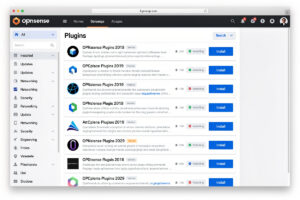
OPNsense’s plugin architecture is the standout differentiator vs pfSense in 2026 — a deep, actively maintained plugin catalog with automatic dependency management, transparent versioning, and unique offerings like Crowdsec and Zenarmor that pfSense doesn’t have. This is the plugin set I’ve actually installed on my own OPNsense box, kept running or ripped back out again — the essential picks every home and small-business deployment should be looking at.
The plugin ecosystem has evolved substantially through 2024-2026. New plugins added since OPNsense 23.7: improved Crowdsec integration, ACME v2 client (Let’s Encrypt automation), Telegraf metrics export (Grafana integration), HAProxy load balancer, and Nginx reverse proxy. Plus the existing strong baseline: WireGuard (now built-in), Suricata IDS, Unbound DNS with blocklists, and dynamic DNS clients.
Essential Plugin Set
| Plugin | Purpose | Setup Time | Priority |
|---|---|---|---|
| os-crowdsec | Community threat intelligence | 15 min | Mandatory |
| os-acme-client | Let’s Encrypt HTTPS automation | 20 min | Mandatory |
| os-telegraf | Metrics export to InfluxDB/Grafana | 30 min | Highly recommended |
| os-ntopng | Real-time network traffic analysis | 15 min | Recommended |
| os-zenarmor-ce | Next-gen firewall (free CE tier) | 30 min | Recommended |
| os-haproxy | Load balancer for self-hosted services | 45 min | For self-hosters |
| os-nginx | Reverse proxy | 30 min | For self-hosters |
| os-clamav | Malware scanning for proxy traffic | 20 min | Optional |
| os-frr | Dynamic routing (BGP, OSPF) | 1+ hour | Advanced/lab only |
| os-tinc | Mesh VPN alternative to WireGuard | 30 min | Specialized use |
os-crowdsec: Community Threat Intelligence
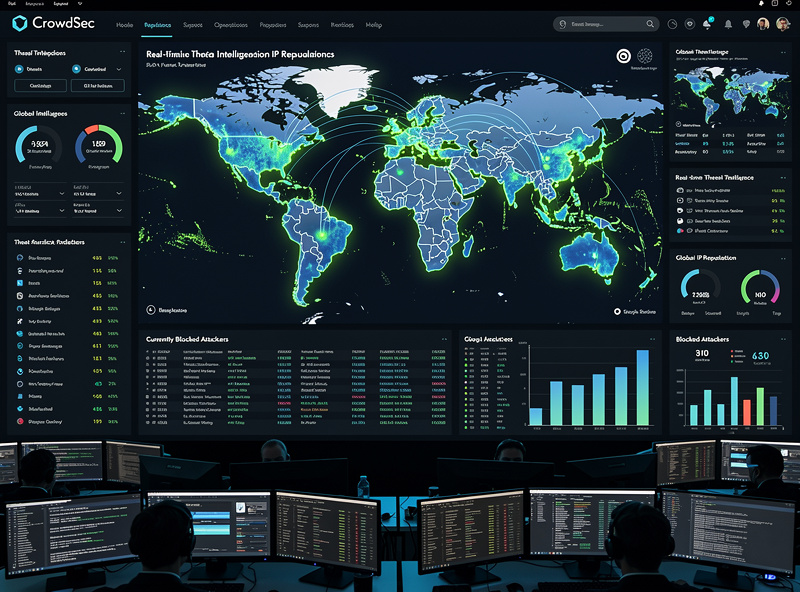
Crowdsec is the standout plugin — community-sourced threat intelligence that blocks IPs reported by other Crowdsec users worldwide. Within 30 minutes of deployment, your firewall is pulling CrowdSec’s free community blocklist — roughly 15,000 known-bad IPs tailored to what your own instance reports — without manual list maintenance.
Setup: Plugins → Available → search “crowdsec” → install. Register a free account at crowdsec.net (3 protected machines free). Configure log scenarios in OPNsense to detect SSH brute force, web app abuse, port scans, and other patterns. Enable the OPNsense bouncer to block detected attackers automatically. See OPNsense Crowdsec integration for the full setup walkthrough.
os-acme-client: HTTPS Automation
The ACME client automates Let’s Encrypt SSL certificate issuance and renewal. With it, your OPNsense web GUI runs HTTPS with a real cert (not the self-signed warning), HAProxy and Nginx services use trusted certs, and renewal happens automatically every 90 days.
Setup: install plugin, configure ACME account (email + ToS acceptance), define one or more challenges (DNS-01 with Cloudflare API is most reliable, or HTTP-01 if port 80 is reachable from internet), and create certificate entries for your domains. Total time: 20-30 minutes. After setup, certificate management is fully automatic.
os-telegraf: Metrics for Grafana
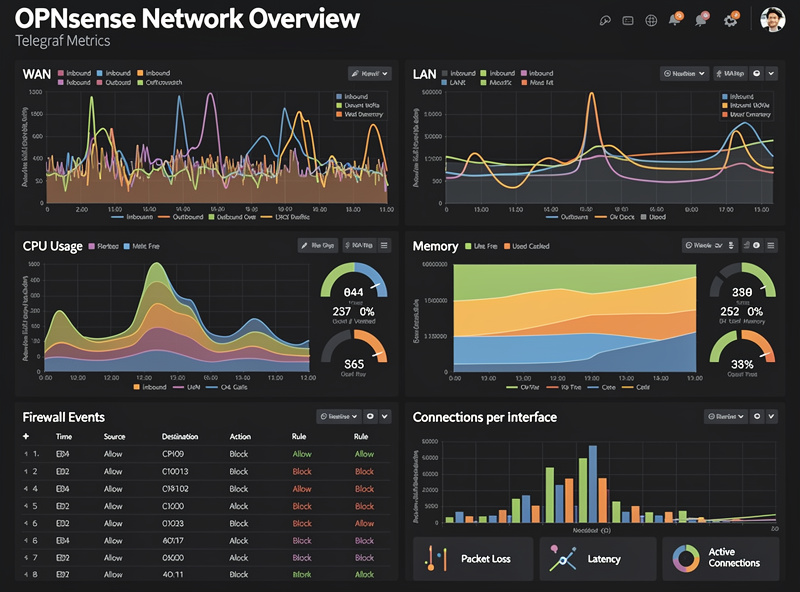
Telegraf exports OPNsense metrics to InfluxDB which feeds Grafana dashboards. The result: production-grade observability — WAN/LAN throughput graphs, CPU/memory time series, firewall rule hit counts, IDS event rates, all visualized in real time.
Setup requires three components: InfluxDB server (Docker container or dedicated VM, 30 min setup), Grafana server (10 min), and OPNsense Telegraf plugin (10 min). Total time: 1-2 hours for complete observability stack. Use the community Grafana template “opnsense-influx-dashboard.json” for immediate visualizations. See our OPNsense setup guide for the broader monitoring strategy.
os-zenarmor-ce: Next-Gen Firewall
Zenarmor (formerly Sensei) is OPNsense’s commercial next-gen firewall plugin — deep packet inspection, application identification, web filtering, and category-based blocking. Free Community Edition (CE) is functional for home use; paid tiers add cloud-managed features for businesses.
Zenarmor catches things traditional firewalls miss: torrenting on guest networks, gaming traffic on work VLANs, phishing domains in real-time. Performance impact is real but modest on typical N100-class hardware — deep packet inspection isn’t free, so budget some throughput headroom rather than treating Zenarmor as a zero-cost add-on. Setup: install plugin, run initial configuration wizard (5-10 min), define policies for each VLAN. Total setup: 30 minutes for basic Zenarmor deployment.
os-ntopng: Network Traffic Visibility
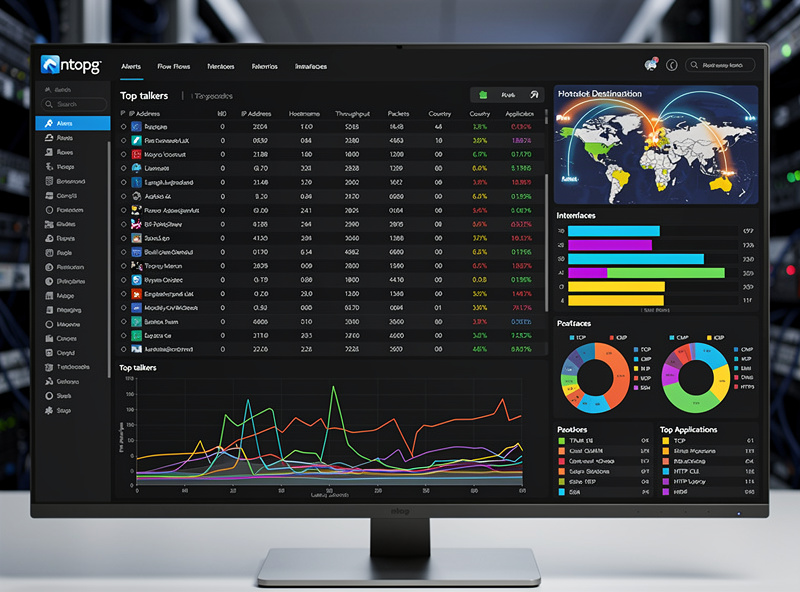
ntopng provides real-time network traffic analysis — see exactly which devices on your network are using bandwidth, which protocols dominate, which destinations they reach. For diagnosing slow networks or identifying chatty IoT devices, ntopng is the right tool.
Setup: install plugin, enable ntopng service, access via Services → ntopng. The web UI shows live flow data within minutes. For long-term retention, configure ntopng to write to a Redis instance or InfluxDB. Total setup: 15 minutes for basic real-time visibility, 1-2 hours for production retention setup.
os-haproxy: Load Balancer
HAProxy is the production-grade load balancer plugin. Use cases: distribute traffic across multiple web servers, terminate SSL with ACME certs, route by hostname or path, provide high availability for self-hosted services. For makers running multiple home servers (NAS, media server, smart home hub), HAProxy lets you front them all behind a single hostname/IP.
Setup is more involved — define backends (your servers), frontends (listening addresses), and routing rules. Total time: 45-90 minutes for basic HAProxy deployment. The OPNsense HAProxy UI is functional but not as polished as standalone HAProxy management tools. For simpler reverse proxy needs, os-nginx is the easier alternative.
os-nginx: Reverse Proxy
Nginx reverse proxy is simpler than HAProxy for basic needs — receive external HTTPS traffic, forward to internal HTTP services. Common use case: expose your home Plex, Jellyfin, Home Assistant, or NAS to the internet through a single hostname (e.g., plex.yourdomain.com → 192.168.1.50:32400).
Setup: install plugin, define upstream servers (your internal services), create server blocks (hostnames + routing), reference ACME certificates for HTTPS. Total time: 30-60 minutes for basic reverse proxy. The Nginx config can be tuned through the OPNsense GUI without editing config files directly.
os-clamav: Antivirus
ClamAV scans HTTP/FTP traffic passing through OPNsense’s web proxy for malware. Useful for organizations with users who download untrusted files frequently. Performance impact is significant — full ClamAV scanning meaningfully cuts proxy throughput, which is the main reason most home setups skip it.
For home use, ClamAV is overkill. Modern endpoint protection on individual devices catches malware better than transit-layer scanning. For small businesses with strict file inspection requirements, ClamAV provides a compliance checkbox. For most deployments, skip ClamAV.
os-frr: Advanced Routing
FRR (FRRouting) enables BGP, OSPF, and other dynamic routing protocols. For makers running home labs with multi-router setups, multi-site VPN with redundant paths, or home BGP for educational purposes, FRR is the right tool. For typical home deployments, FRR is overkill.
Setup is technical — requires understanding of routing protocols, network topology design, and route filtering. Plan 2-4 hours for initial FRR deployment plus ongoing learning curve. Most home users never need FRR; lab users find it educational.
Recommended Baseline (For Most Users)
For a typical home deployment, install: os-crowdsec (security), os-acme-client (HTTPS), os-telegraf (metrics), and os-ntopng (visibility). This 4-plugin baseline provides production-grade security, monitoring, and HTTPS automation in 1-2 hours of setup time.
For self-hosters running services like Home Assistant, Plex, NAS, or Nextcloud, add: os-nginx (reverse proxy) and possibly os-haproxy (if you need load balancing). For business use with policy enforcement: os-zenarmor-ce. Keep the plugin set minimal — every additional plugin adds complexity, attack surface, and resource usage. See our OPNsense setup guide for the integrated deployment.
Decision Framework
Home gigabit firewall (basic): Crowdsec + ACME. 35 minutes setup. The minimum security and HTTPS automation baseline.
Home with monitoring goals: + Telegraf + ntopng. 1-2 hours total. Production observability.
Self-hoster running services: + Nginx (reverse proxy). 30-60 minutes. Internet-facing services with HTTPS.
Small business with policy needs: + Zenarmor CE. 30 minutes. Application-aware filtering.
Lab user with multi-site routing: + FRR. 2-4 hours. BGP/OSPF for advanced topologies.
For deeper context see our OPNsense setup guide, firewall rules tutorial, and Crowdsec integration.
Frequently Asked Questions
What are the most essential OPNsense plugins?
For home users: os-crowdsec (community threat intelligence), os-acme-client (Let’s Encrypt HTTPS), os-telegraf (Grafana metrics), and os-ntopng (real-time traffic visibility). This 4-plugin baseline takes 1-2 hours to set up and provides production-grade security, monitoring, and HTTPS automation.
Does Crowdsec slow down my firewall?
Negligibly. Crowdsec runs as a background process analyzing logs — minimal CPU impact (typically 2-5% additional CPU during analysis windows). Block enforcement is via firewall rules using IP set lookups (millisecond overhead). Throughput impact is essentially zero for home gigabit deployments.
Is Zenarmor worth installing?
For policy enforcement (block torrenting, gaming, social media on specific VLANs), yes. For pure security, the os-crowdsec plugin alone provides better community threat intelligence. Zenarmor CE is free for home use; performance impact is 10-15% throughput reduction. Most home users skip Zenarmor unless they specifically need application-aware filtering.
How do I install OPNsense plugins?
Plugins → Available, search for plugin name, click install. Most plugins install in 30-60 seconds with no reboot required. After install, plugin settings appear in the relevant menu (Services, VPN, Firewall). Configure per plugin documentation.
Can I run too many plugins on OPNsense?
Yes. Each plugin adds memory usage, CPU overhead, and complexity. You’ll feel it sooner on lower-RAM boxes (4GB-class hardware like a Protectli VP2410) than on an 8GB-plus box. Disable or uninstall plugins you’re not actively using rather than letting them sit and consume resources in the background.
What plugins should I avoid?
For home users, skip: os-clamav (overkill for home, kills throughput), os-frr (advanced routing not needed), os-bind (unless replacing Unbound for specific reasons), os-radius (enterprise auth, rarely needed at home). Each is excellent for its specific use case but provides no value for typical home deployments.
Do plugins update automatically?
Yes, OPNsense automatically checks for plugin updates on its release cadence (every 6 months for major versions, more frequent for security fixes). The auto-update is opt-in via Firmware → Settings. Most users enable auto-updates for security plugins (Crowdsec, ACME) and manually update other plugins.
Related Articles
- OPNsense Setup Guide
- OPNsense Firewall Rules
- OPNsense WireGuard Tutorial
- OPNsense vs pfSense 2026
- OPNsense Crowdsec Integration