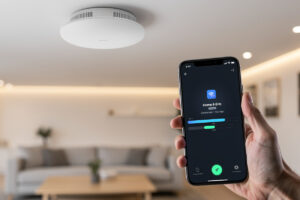
For most homes, Wi-Fi 6E is the upgrade that actually matters, and Wi-Fi 7 is futureproofing you won’t feel yet. Both standards open the clean 6 GHz band — that’s the real win. Wi-Fi 7 adds wider channels and Multi-Link Operation on top, but you only benefit if you already own Wi-Fi 7 client devices and a multi-gig wired backbone to feed them.
This is the comparison stripped of the marketing-number theater. I’ll explain what each standard genuinely adds, why the 6 GHz band is the headline regardless of which you buy, and how to decide what to put on your ceiling. The hardware fits into the wired layout from the home Wi-Fi setup guide.
The 6 GHz Band Is the Real Story
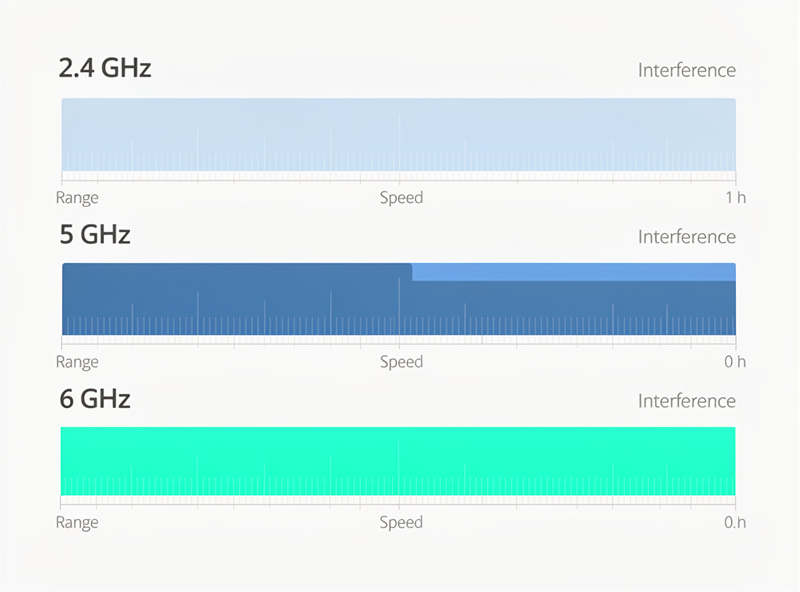
Both Wi-Fi 6E and Wi-Fi 7 can use the 6 GHz band, and that band — not the version number — is where the everyday improvement lives. It’s wide, it’s new, and it’s empty of the legacy devices that congest 2.4 and 5 GHz, so a 6 GHz connection in a busy area feels dramatically cleaner.
The original Wi-Fi 6 (no E) was a 2.4/5 GHz improvement: better efficiency in crowded environments through OFDMA and improved scheduling, but on the same congested spectrum everyone already shares. Wi-Fi 6E added the “E” for extended — a whole new 6 GHz band with far more non-overlapping channels. That’s the leap most people actually feel, because it gives capable devices a private lane. Wi-Fi 7 also uses 6 GHz; it doesn’t invent the band, it builds on it. So when you compare 6E and 7, you’re not comparing “old band vs new band” — you’re comparing two ways of using the same new band, with 7 adding cleverer techniques on top.
| Feature | Wi-Fi 6 | Wi-Fi 6E | Wi-Fi 7 |
|---|---|---|---|
| Bands | 2.4 / 5 GHz | 2.4 / 5 / 6 GHz | 2.4 / 5 / 6 GHz |
| Max channel width | 160 MHz | 160 MHz | 320 MHz |
| Multi-Link Operation | No | No | Yes |
| Biggest real win | Crowded-area efficiency | Clean 6 GHz band | MLO + wider channels |
| Needs new client? | Yes (for any gain) | Yes (for 6 GHz) | Yes (for 6 GHz + MLO) |
What Wi-Fi 7 Actually Adds
Wi-Fi 7’s two headline features are 320 MHz channels (double 6E’s maximum) and Multi-Link Operation, which lets a device use two bands at once. MLO is the genuinely new idea — a client can run 5 GHz and 6 GHz simultaneously for more throughput or lower latency, switching seamlessly if one band gets noisy.
The 320 MHz channels are impressive on paper but practically limited: a 320 MHz channel only fits in the 6 GHz band, and you can only fit a few of them, so in a dense apartment building they collide quickly. MLO is the feature I’d actually pay for, because it’s about reliability as much as speed — a video call can ride two bands and survive one of them getting hit by interference. But here’s the catch that the boxes don’t advertise: every one of these features requires a Wi-Fi 7 client. A Wi-Fi 6 phone on a Wi-Fi 7 AP connects as a Wi-Fi 6 phone. You don’t get MLO retroactively. So the question isn’t “is Wi-Fi 7 better” — it obviously is — it’s “do you own devices that can use it.” For the wired backbone these speeds need, see the 10 GbE router DIY build.
Do You Actually Need Wi-Fi 7?
You need Wi-Fi 7 if you own current flagship phones and laptops, run a 2.5G or 10G wired network behind your APs, and move large files or game competitively over Wi-Fi. For everyone else, Wi-Fi 6E delivers the meaningful part of the upgrade — the clean 6 GHz band — at lower cost.
Be honest about your bottleneck. If your internet is a gigabit connection and your AP feeds off a gigabit switch port, no Wi-Fi standard past Wi-Fi 6 changes your real-world internet speed — you’re capped by the wire and the WAN, not the air. The standards matter for local traffic (moving files to a NAS, streaming 4K between rooms) and for handling a crowd of devices gracefully. If that’s your use case and you have multi-gig wiring, Wi-Fi 7 earns its keep. If you mostly browse, stream, and video-call on a gigabit line, a Wi-Fi 6E AP will feel identical and cost less. The placement and power discipline in access point placement will do more for your daily experience than the version number on the box.
Running a Mixed-Device Network
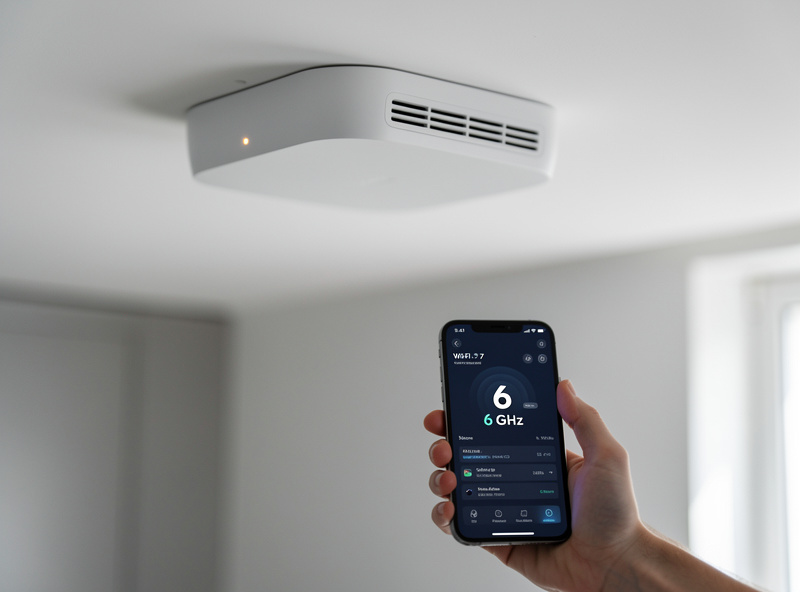
Every home Wi-Fi network is a mixed network — a new AP serves your latest phone and a five-year-old smart plug at the same time, and it handles both fine. Newer standards are backward-compatible, so a Wi-Fi 6E or 7 AP still talks to Wi-Fi 5 and older clients; they just connect at their own standard on the older bands.
This matters because it kills the “but my old devices” worry. You don’t need every device to be Wi-Fi 7 to buy a Wi-Fi 7 AP — the AP downshifts per client automatically. What actually happens in a real house is a split: your modern phone and laptop land on 6 GHz and enjoy the clean band, while the thermostat, the older tablet, and the IoT swarm sit on 2.4 or 5 GHz where they always were. That’s fine, and it’s actually a feature — pushing the capable devices up to 6 GHz frees airtime on the legacy bands for the gadgets that can only live there. I deliberately keep my IoT devices on a 2.4 GHz SSID and let the 6 GHz band stay uncluttered for the things that benefit, which is the same SSID-and-band discipline from multiple SSIDs with VLAN tagging. The one thing to check before buying is whether your region has fully enabled 6 GHz for Wi-Fi — most have, but it’s worth a thirty-second confirmation.
What I’d Buy Today
For a new home deployment, I’d buy a Wi-Fi 6E or Wi-Fi 7 access point — both expose 6 GHz, both will serve a home for years, and the price gap has narrowed. Buy 7 if it’s close in price or you own Wi-Fi 7 clients; buy 6E to save money without giving up the band that matters.
There’s no wrong answer between 6E and 7 for a wired-back home AP — you’re futureproofed either way because both give you 6 GHz. I lean toward buying the newer standard when the price delta is small, simply because an AP stays on the ceiling for years and clients get newer over time. What I would not do is pay a big premium for Wi-Fi 7 while running a single gigabit uplink and a houseful of Wi-Fi 6 devices — that’s spending on a feature nothing in your house can use yet. Whatever you pick, power it over PoE and tag your SSIDs to VLANs as covered in UniFi access point setup. A current-generation AP such as a Wi-Fi 6E access point or a Wi-Fi 7 access point is the right anchor for the wired layout.
Frequently Asked Questions
Is Wi-Fi 7 worth it over Wi-Fi 6E?
Only if you own Wi-Fi 7 client devices and a 2.5G or 10G wired backbone. Wi-Fi 7 adds 320 MHz channels and Multi-Link Operation, but both 6E and 7 expose the clean 6 GHz band that delivers most of the real-world improvement.
What is the difference between Wi-Fi 6 and 6E?
Wi-Fi 6 improves efficiency on the existing 2.4 and 5 GHz bands. Wi-Fi 6E adds a whole new 6 GHz band with many more non-overlapping channels, free of legacy congestion — which is the upgrade most homes actually feel.
What is Multi-Link Operation in Wi-Fi 7?
MLO lets a Wi-Fi 7 client use two bands at once, such as 5 GHz and 6 GHz simultaneously, for higher throughput or lower latency. It can shift traffic away from a band that gets noisy, improving reliability for real-time use.
Do I need new devices to use Wi-Fi 6E or 7?
Yes. The new bands and features only work if the client device supports them. A Wi-Fi 6 phone connecting to a Wi-Fi 7 access point still connects as Wi-Fi 6 — you do not get 6 GHz or MLO retroactively from the AP alone.