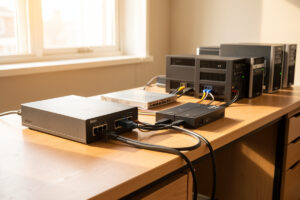
Network UPS Tools (NUT) lets one Linux machine own the USB connection to a UPS and signal every other machine on the network to shut down cleanly when the battery runs low. You install NUT on the host wired to the UPS, run it in netserver mode, define the UPS in ups.conf, expose it with upsd, and point an upsmon monitor on each client at that server. The result: one UPS coordinates an ordered shutdown of the entire rack.
This is the piece that turns a UPS from a dumb battery into real power management. A unit that holds for ten minutes is useless if nothing tells the servers to park themselves at minute eight — they just die when the battery does. NUT is the standard tool for that on a Linux home lab, and once you understand its four moving parts it is genuinely straightforward. This guide builds the primary/secondary setup I run; it slots under the power management hub, and the Proxmox-specific wrinkles live in the Proxmox integration guide.
The four parts of NUT, and how they fit
NUT splits into a driver, a server, a monitor, and a query client, and understanding the split is most of the battle. The driver (for a USB UPS, that is usbhid-ups) talks to the hardware. The server, upsd, exposes the driver’s data on TCP port 3493. The monitor, upsmon, watches that data and runs the shutdown when the UPS signals low battery. And upsc is the command-line client you use to read values and confirm everything works.
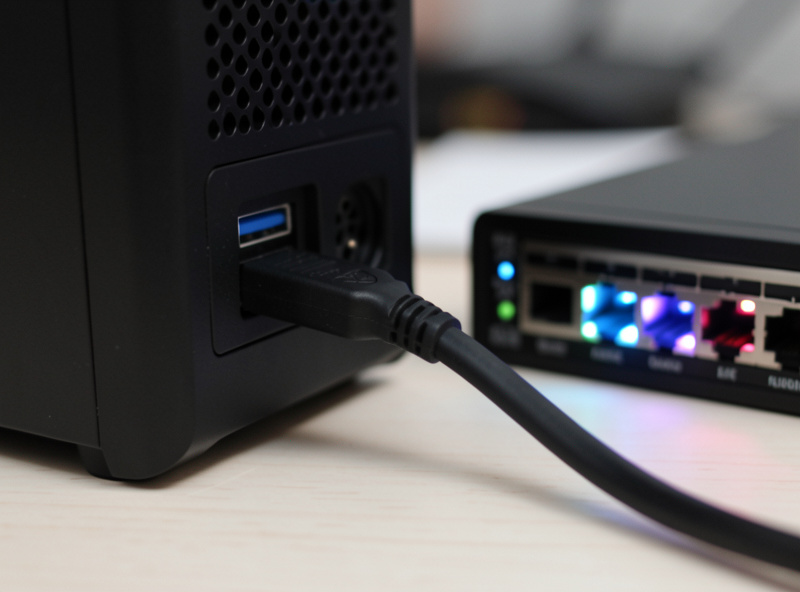
The machine physically connected to the UPS by USB runs all of it: driver, upsd, and an upsmon set as the primary — the last machine to shut down, because it must stay alive long enough to tell the UPS to cut power. Every other machine runs only an upsmon set as a secondary, which connects over the network to the primary’s upsd and shuts itself down earlier. (NUT 2.8 renamed the old master/slave terms to primary/secondary; you may still see the old words in tutorials.)
Step 1: Install NUT and set the mode
On the host wired to the UPS, install the package and set the operating mode. On Debian or Ubuntu:
sudo apt update
sudo apt install nut
Then set the mode in /etc/nut/nut.conf. The host that serves other machines runs in netserver mode:
MODE=netserverIf a single standalone machine were the only thing on the UPS, you would use MODE=standalone instead — but in a home lab with multiple boxes, netserver is what lets the others listen in. Set this on the primary only; the clients do not need NUT’s driver or server at all, just the monitor.
Step 2: Define the UPS in ups.conf
Tell the driver what hardware it is talking to in /etc/nut/ups.conf. For almost any USB UPS, this is all you need:
[homelab]
    driver = usbhid-ups
    port = auto
    desc = "Core rack UPS"
The name in brackets — here homelab — is how you will refer to this UPS everywhere else, so pick something short. Start the driver with upsdrvctl start and watch for it to attach. If it cannot find the UPS, the usual cause is a permissions issue on the USB device or a unit that needs a specific driver; usbhid-ups covers the vast majority of APC and CyberPower units a home lab uses.
Step 3: Expose it with upsd and define a user
The server reads /etc/nut/upsd.conf for which interfaces to listen on. By default it binds to localhost only, which is no good for a network setup — you need it reachable by the secondaries. Add a LISTEN line for the interface on your lab subnet:
LISTEN 0.0.0.0 3493Then define a monitoring user in /etc/nut/upsd.users. The secondaries authenticate as this user; the primary’s own upsmon uses it too:
[monuser]
    password = a-long-random-secret
    upsmon primary
Use a real random secret here, not password. NUT traffic is not encrypted by default, which is one more reason the UPS monitoring path should live on your trusted lab VLAN and not be exposed across zones — the same default-deny instinct I apply to everything in the VLAN setup. Start the server with upsd and confirm it is up.
Step 4: Configure upsmon on the primary
The monitor on the primary reads /etc/nut/upsmon.conf. The key line is MONITOR, which tells it which UPS to watch, how many power supplies that UPS feeds on this machine, and the credentials:
MONITOR homelab@localhost 1 monuser a-long-random-secret primary
MINSUPPLIES 1
SHUTDOWNCMD "/sbin/shutdown -h +0"
MINSUPPLIES 1 means this machine needs at least one good power source to keep running; when the UPS reports low battery, that condition fails and upsmon fires the SHUTDOWNCMD. Because this node is the primary, NUT holds it until the secondaries have gone down first, then it shuts down and signals the UPS to kill power so the batteries are fresh when mains returns.
Step 5: Configure each secondary
On every other machine, install NUT (or just the client package) and edit only /etc/nut/upsmon.conf. The MONITOR line points across the network at the primary’s upsd, and the role is secondary:
MONITOR [email protected] 1 monuser a-long-random-secret secondary
MINSUPPLIES 1
SHUTDOWNCMD "/sbin/shutdown -h +0"
Replace the IP with your primary’s address on the lab subnet. The secondary connects, watches the same UPS status, and shuts itself down when low battery is signalled — earlier than the primary, so it is safely off before the primary tells the UPS to cut power. Open TCP 3493 from the lab subnet to the primary in your firewall, and keep it closed everywhere else.
The config files at a glance
| File | Lives on | Purpose |
|---|---|---|
nut.conf | Primary | Sets MODE (netserver vs standalone) |
ups.conf | Primary | Defines the UPS, driver, and port |
upsd.conf | Primary | Which interfaces upsd listens on |
upsd.users | Primary | Monitoring user and password |
upsmon.conf | Primary + every secondary | MONITOR line, role, shutdown command |
Step 6: Test before you trust it
First confirm data flows. From any machine, query the UPS through the primary:
upsc [email protected]You should see a wall of values — battery.charge, ups.load, battery.runtime, ups.status. If that works from a secondary, your network path and auth are correct. The ups.status field reads OL on line power and OB on battery, with LB added when the battery is low — those are the signals upsmon acts on.
Then test the shutdown logic carefully. The honest test is pulling the mains plug on the UPS and watching the secondaries go down before the primary — but do that only when you can afford the downtime and have confirmed your data first. A forced-shutdown test (upsmon -c fsd) will actually shut machines down, so treat it with the same respect as the real thing. I run a real pull-the-plug test once after building the setup and once a year after that, because a graceful-shutdown config you have never tested is just a hopeful guess.
Frequently Asked Questions
What is NUT (Network UPS Tools) used for?
NUT lets one Linux machine that owns the USB connection to a UPS signal every other machine on the network to shut down cleanly when the battery runs low. It turns a single UPS into a coordinated shutdown controller for an entire home lab, rather than protecting just the one machine plugged into it.
What is the difference between a NUT primary and secondary?
The primary is the machine physically wired to the UPS by USB; it runs the driver and the upsd server and is the last to shut down. Secondaries run only the upsmon monitor, connect to the primary over the network, and shut down earlier. NUT 2.8 renamed the old master and slave roles to primary and secondary.
Which NUT driver do I use for a USB UPS?
For the vast majority of APC and CyberPower home lab units, the usbhid-ups driver works. Set it in ups.conf with port = auto. If the driver cannot find the UPS, the usual cause is a USB device permission issue rather than the wrong driver. Confirm with upsdrvctl start before moving on.
What port does NUT use, and is it secure?
NUT’s upsd server listens on TCP port 3493. The traffic is not encrypted by default, so the monitoring path should live on your trusted lab VLAN, with port 3493 opened only from that subnet to the primary and closed everywhere else. Use a strong random password for the monitoring user in upsd.users.
How do I test that NUT will actually shut my servers down?
First confirm data flows with upsc to read battery charge, load, and status from a secondary. Then run a real pull-the-plug test when you can afford downtime, watching the secondaries shut down before the primary. A graceful-shutdown config you have never tested is just a hopeful guess, so test it on build and yearly.
Related Articles
- Home Lab UPS & Power Management Hub
- UPS and Proxmox Integration Guide
- UPS Runtime Calculation for a Home Lab
- Proxmox Homelab Setup Guide
- Home Network VLAN Guide