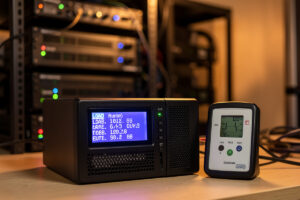
To estimate UPS runtime for a home lab, start with the battery’s energy in watt-hours (battery voltage × amp-hours), multiply by inverter efficiency of roughly 0.85–0.9, and divide by your real watt load. The honest catch: that math gives an optimistic ceiling, because runtime collapses non-linearly as load rises. A typical 1500 VA pure-sine unit that runs ~30 minutes at 100 W will give only ~8–10 minutes at 300 W — not the 10 minutes a linear estimate predicts.
That non-linearity is why “runtime” printed on the box is close to useless for sizing. It is measured at a light load to look impressive. What you actually want to know is: at my real load, do I get enough minutes to shut everything down cleanly with margin to spare? This guide gives you the formula for a ballpark, then shows you why the real number is lower and how to get an honest figure. It is the sizing companion to the UPS and power management hub and the best UPS buyer’s guide.
The formula — and what it really tells you
The starting point is the battery’s stored energy. A UPS battery’s nominal energy in watt-hours equals its voltage multiplied by its amp-hour rating. A common 1500 VA unit carries two 12 V, ~9 Ah batteries in series — 24 V at 9 Ah, or about 216 Wh nominal. The theoretical runtime is that energy, derated for inverter efficiency, divided by your load:
Runtime (hours) ≈ (Battery Wh × inverter efficiency) ÷ Load watts
So 216 Wh × 0.88 efficiency ÷ 250 W ≈ 0.76 hours, or about 46 minutes. If you have ever watched a real UPS at that load, you know it does not give 46 minutes — it gives closer to ten. The formula is correct for the energy involved, but it ignores the single biggest factor in lead-acid runtime: how fast you pull the energy out.
Why runtime collapses under load: the Peukert effect
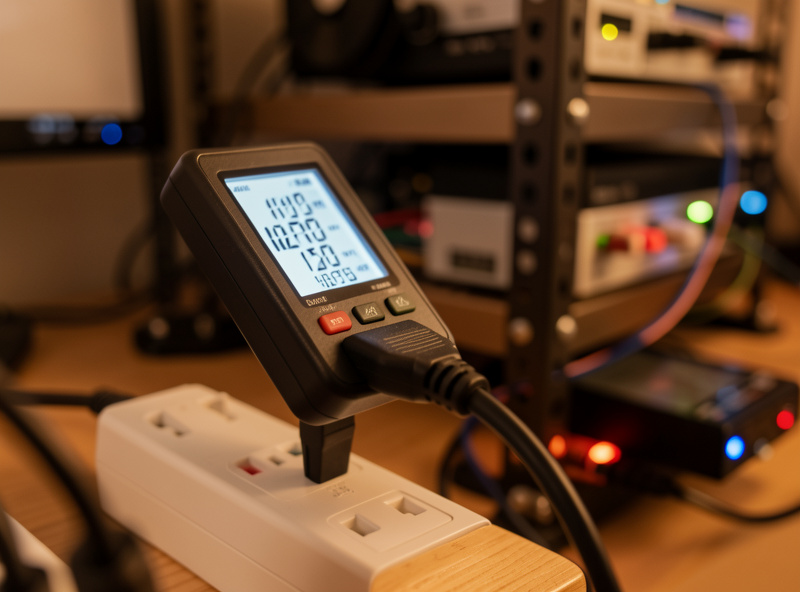
Lead-acid batteries deliver less of their rated capacity the faster you discharge them — the Peukert effect. At a gentle trickle, a battery gives close to its full amp-hour rating. Pull hard, and the usable capacity drops sharply, the cells heat up, and the UPS cuts off earlier to protect them. A home lab load is a hard, fast discharge relative to the small batteries inside a UPS, so the effective usable energy at 300 W might be a third of the nominal figure, while at 100 W it could be two-thirds.
This is the part the formula cannot capture with a single efficiency number, and it is why I treat the watt-hour calculation as an upper bound, never a promise. The practical consequence is simple and worth internalizing: doubling your load more than halves your runtime. You cannot reason about UPS runtime linearly, and any sizing that assumes you can will leave you short exactly when an outage tests it.
A realistic load-vs-runtime table
Here is how a representative 1500 VA pure-sine line-interactive unit behaves across loads. These figures are illustrative of typical vendor discharge curves, not a spec for any single model — always check the manufacturer’s runtime chart for the exact unit. Note how the minutes fall off a cliff as load climbs.
| Load (watts) | Approx. % of unit capacity | Typical real runtime | Linear-math estimate (wrong) |
|---|---|---|---|
| 100 W | ~11% | 30–40 min | ~114 min |
| 200 W | ~22% | 14–18 min | ~57 min |
| 300 W | ~33% | 8–10 min | ~38 min |
| 450 W | ~50% | 4–5 min | ~25 min |
| 600 W | ~67% | 2–3 min | ~19 min |
The right-hand column shows what the watt-hour formula predicts, and the gap between it and the real runtime widens as the load rises — that gap is the Peukert penalty plus the UPS’s protective cutoff. Use the real-runtime column shape to reason about your own setup, and lean on the vendor’s published chart for the actual unit you own.
How much runtime do you actually need?
Less than you think. The job of the battery is to cover short cuts invisibly and to give a graceful shutdown enough time to finish on a long one. A Proxmox host with a few VMs and a NAS shutting down cleanly takes well under two minutes if you have configured it properly. So the runtime target is not “ride out the outage” — it is “survive the flickers, plus comfortably more than my shutdown time.” For my core rack that means I want roughly 8–12 minutes at my real load against a shutdown that completes in under two. The surplus is the buffer that lets me set a generous on-battery delay before the shutdown command fires, so a thirty-second cut never bounces the whole rack.
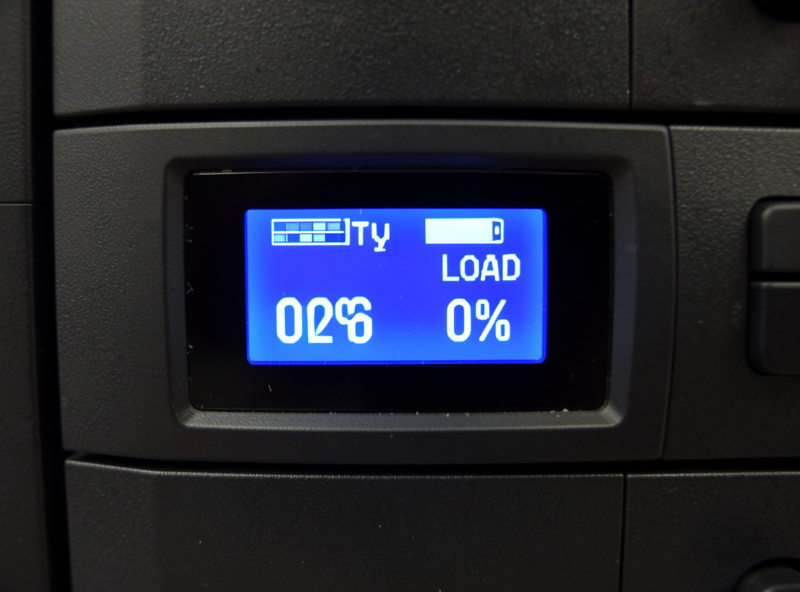
This is also why the shutdown configuration matters as much as the battery. A UPS that holds for ten minutes is wasted if nothing tells the servers to shut down at minute eight — they will simply die when the battery does. Tie the runtime to a coordinated shutdown with Network UPS Tools, and on a virtualization host make sure the guests come down before the host, as covered in the Proxmox integration guide.
Getting an honest number: measure it
The most reliable runtime figure is the one your own UPS reports under your own load. Most units expose an estimated-runtime value over USB that you can read with NUT’s upsc command, and it recalculates against the live load — far more trustworthy than any formula because it reflects your actual battery’s current health. Even better, run a calibration/self-test on battery once or twice a year: it discharges under real load and recalibrates the unit’s runtime estimate, which also surfaces an aging battery before an outage does.
Watch that reported runtime over time. A new battery might report twelve minutes at your load; the same battery at year four might report ninety seconds, and the only warning you get is that falling number. Treat a steadily dropping runtime estimate as the cue to plan a battery replacement, not as something to ignore until the UPS fails its next test.
Extending runtime when you genuinely need more
If your honest math says you need more minutes than the unit gives, you have three real options, in order of sensibility. First, cut the load — move non-critical gear off the UPS so the battery only carries what must shut down cleanly. Second, buy a unit that accepts external battery packs (extended-runtime modules), which add amp-hours at the same voltage and genuinely multiply runtime. Third, accept that what you actually want is hours, not minutes, and step up to a generator or home battery system — a different tier of power covered in the power redundancy guide. What you should not do is buy a wildly oversized UPS hoping for runtime; the non-linearity means the gains are far smaller than the price tag suggests.
Frequently Asked Questions
How do I calculate UPS runtime for a home lab?
Estimate the battery energy as voltage times amp-hours to get watt-hours, multiply by an inverter efficiency of about 0.85-0.9, then divide by your real watt load. This gives an optimistic ceiling. Real runtime is lower because lead-acid capacity drops sharply at the high discharge rates a home lab pulls.
Why is my UPS runtime so much shorter than the formula says?
Because of the Peukert effect: lead-acid batteries deliver far less than their rated capacity when discharged quickly, and a home lab is a fast discharge relative to the small UPS battery. The UPS also cuts off early to protect the cells. Expect a third of nominal energy at heavy load, two-thirds at light load.
How much UPS runtime does a home lab actually need?
Only enough to cover brief cuts invisibly and to complete a graceful shutdown with margin. A Proxmox host plus NAS shuts down cleanly in under two minutes if configured properly, so 8-12 minutes at your real load is generous. Size for shutdown plus a buffer, not to ride out the whole outage.
Does doubling the load halve the runtime?
It more than halves it. Runtime is non-linear because of the Peukert effect, so doubling the watt draw cuts runtime by more than half. You cannot reason about UPS runtime linearly. A unit giving 30 minutes at 100 W may give only 8-10 minutes at 300 W, not the 15 a linear estimate predicts.
What is the most accurate way to know my UPS runtime?
Read the estimated runtime your own UPS reports under your own load over USB, using NUT’s upsc command, and run a calibration self-test once or twice a year. That figure reflects your actual battery’s current health and recalculates against the live load, making it far more trustworthy than any generic formula.
Can I add more runtime to an existing UPS?
Yes, in order of sensibility: move non-critical gear off the UPS to lower the load, buy a unit that accepts external extended-runtime battery packs, or step up to a generator or home battery for hours of coverage. Avoid simply oversizing the UPS, since the non-linear runtime gains rarely justify the cost.
Related Articles
- Home Lab UPS & Power Management Hub
- Best UPS for a Home Lab Server
- NUT Network UPS Tools Setup Guide
- UPS Battery Replacement Guide
- Sizing a UPS for Your Home Network