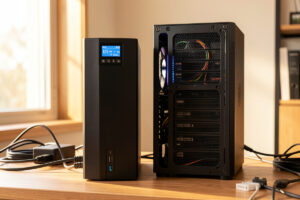
The best UPS for a home lab server is a pure-sine-wave, line-interactive unit sized so your steady load sits near 40–50% of its watt rating — for most small racks that lands on a 1000–1500 VA unit drawing 150–300 W. Brand matters less than two specs: true sine wave output on battery and a watt rating with headroom. Get those right and an APC or CyberPower unit will both serve you well for a decade.
I have run both camps on my core rack, and the buying decision is genuinely simple once you stop shopping by VA number and brand loyalty. Below is the exact filter I apply — the two things that are non-negotiable, the things that are nice-to-have, and the form-factor and connectivity choices that actually change how the unit behaves on a virtualization host. This is the “what to buy” guide; the deeper sizing math lives in the runtime calculation guide, and the full power picture is in the UPS and power management hub.
As an Amazon Associate I earn from qualifying purchases.
The two non-negotiables: pure sine wave and watt headroom
Before brand, before runtime, before price, two specs decide whether a UPS is even eligible for a home lab. The first is pure (true) sine wave output on battery. Modern server power supplies use active power factor correction, and a stepped approximated sine wave — what cheap units output on battery — can trip an active-PFC supply into shutting down the instant the UPS transfers to battery. That turns your power protection into the cause of the crash. Any unit that does not explicitly state pure sine wave output is off my list immediately.
The second is a watt rating with headroom. VA is marketing; watts is what your gear actually pulls. Size so your measured steady-state draw sits around 40–50% of the unit’s watt rating. That keeps the UPS efficient, keeps the battery cool so it lasts longer, and leaves room to add a box without re-buying. A unit advertised as “1500 VA / 900 W” gives you 900 real watts — plan against that number, never the VA figure on the front. You can find a pure sine wave line-interactive UPS in this class from several makers.
The tiers: what to buy at each rack size
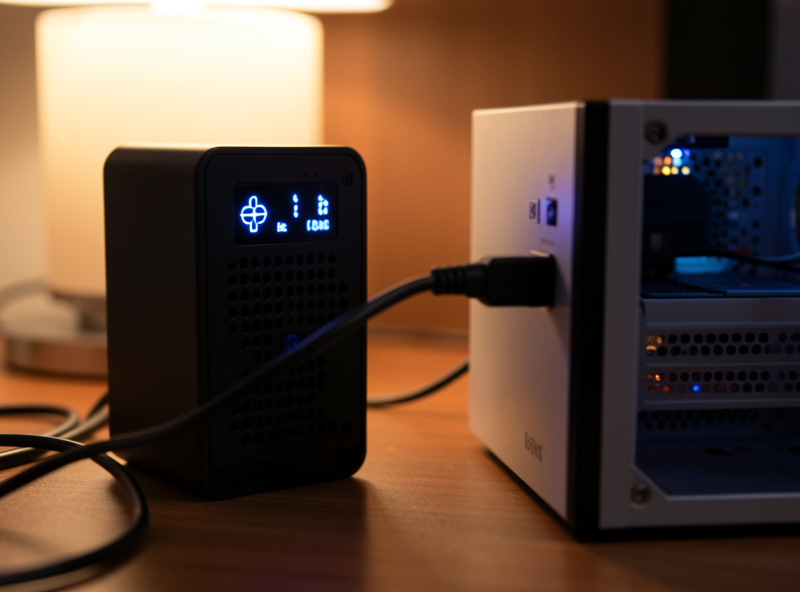
Home lab power needs sort into three tiers, and the right unit is mostly a function of your measured load and whether your rack is a shelf or a real cabinet. A single Proxmox host plus a switch and firewall sits comfortably in the entry tier; add a NAS with spinning disks and a second host and you move up a tier. Here is how I bracket them.
| Tier | Typical load | UPS class | Form factor | Runtime target |
|---|---|---|---|---|
| Entry — firewall + switch + 1 host | 80–180 W | 900–1000 VA pure sine | Tower | 10–20 min |
| Standard — host + NAS + switch + AP | 180–350 W | 1350–1500 VA pure sine | Tower | 8–15 min |
| Full rack — multi-host + NAS + 10G | 350–600 W | 1500 VA+ pure sine, rack-mount | 2U rack | 6–12 min |
Notice the runtime target does not climb with the tier — it falls. Bigger loads pull harder on the same battery chemistry, and runtime is non-linear, so a heavier rack on a bigger UPS often nets fewer minutes, not more. That is fine. The runtime you are buying is enough for a graceful shutdown plus a buffer, not enough to ride out a long outage. If you need hours, that is a generator or a battery system, not a bigger UPS — a line I draw in the power redundancy guide.
Tower vs rack-mount: a real decision, not just looks
If your gear lives on a shelf or in a half-depth wall rack, a tower UPS is cheaper, quieter, and easier to re-battery. If you run a proper rack cabinet, a 2U rack-mount unit bolts in at the bottom where its weight belongs and keeps the cabling tidy. The catch with rack-mount units is depth and noise — many have a fan that runs more aggressively than a tower’s, which matters if the rack is in a living space. I keep a tower on my core rack precisely because it is silent at idle and I can swap the battery in ten minutes without unracking anything.
Weight is the other quiet factor. A 1500 VA unit is heavy — the batteries are lead — so a rack-mount version needs proper rails or a shelf rated for it, and a tower needs a spot on the floor of the rack, not a shelf halfway up. Plan the physical placement before you buy, because moving a fully-loaded UPS later is genuinely unpleasant.
Connectivity: USB is fine, a network card is better at scale
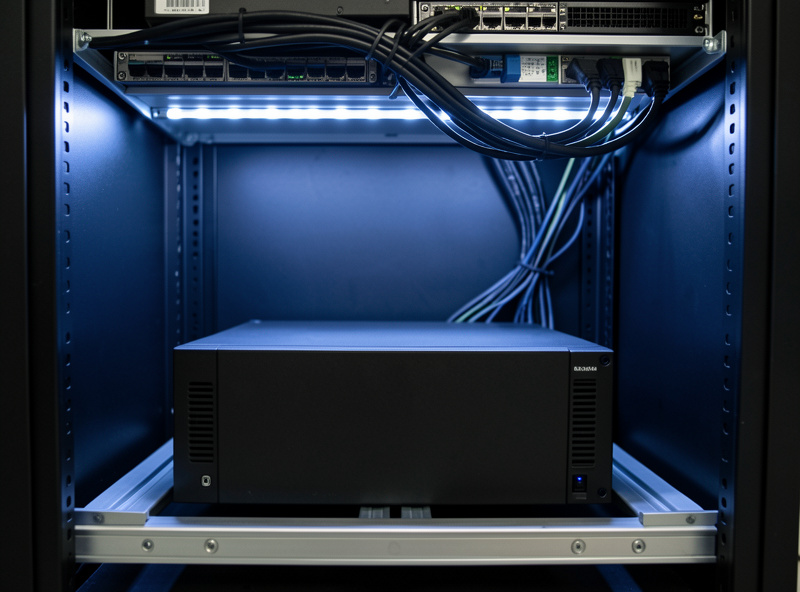
Every UPS worth buying has a USB data port, and for a single host that is all you need — plug it into your Proxmox host, and that host becomes the one machine that talks to the UPS and coordinates everyone else’s shutdown over the network with Network UPS Tools. USB is reliable, free, and well-supported by NUT. Most home labs never need more.
The upgrade path is a network management card — an SNMP/web card that slots into the UPS and puts it directly on the network with its own IP. That decouples UPS monitoring from any single host being up, which is worth it once you have multiple machines that each need to react independently, or if you want the UPS reporting to your dashboards on its own. For a first build, skip it: a USB cable to the host and a NUT primary/secondary setup covers the same ground for free. When you do shop, a unit with an included USB data port is the baseline; the network card is an optional add-on.
APC or CyberPower? Both are right answers
The two brands that dominate the home lab shelf are APC and CyberPower, and within the pure-sine line-interactive class both make units I would put on my own rack. They differ in software ecosystems, in how cleanly they expose data to NUT, in replacement-battery cost, and in warranty handling. None of those differences should override the two non-negotiables above — a pure-sine CyberPower beats a stepped-sine APC for a home lab every time. The detailed head-to-head, including which talks to NUT with less fuss, is in the APC vs CyberPower comparison. You can compare current pure sine wave units from both brands side by side.
What I would skip
Skip anything that does not state pure sine wave — the cheap “battery backup” units at the checkout aisle are stepped-approximation and will fight your server PSUs. Skip oversizing for runtime; a 3000 VA unit to get “more minutes” wastes money and runs your small load at an inefficient fraction of capacity. Skip the standby (offline) topology for a server — the few extra milliseconds of transfer time and the lack of AVR are the wrong trade for gear you care about. And skip the temptation to put everything on the UPS: battery runtime is finite, so it goes to the host, the NAS, the switch, and the firewall — the things that must shut down cleanly or stay up — and not to the IoT gadgets that can lose power without consequence.
Frequently Asked Questions
What is the best UPS type for a home lab server?
A pure-sine-wave, line-interactive UPS. Line-interactive adds automatic voltage regulation to fix sags and surges without draining the battery, and pure sine output keeps active-PFC server power supplies from shutting down on transfer to battery. Online double-conversion is overkill for most racks.
How many watts of UPS do I need for a home server?
Measure your real draw with a plug-in meter, then pick a unit whose watt rating leaves your steady load around 40-50% of capacity. A single host with a switch and firewall often draws 80-180 W; add a NAS and you are at 180-350 W, which a 1350-1500 VA pure sine unit handles well.
Is APC or CyberPower better for a home lab?
Both make excellent pure-sine line-interactive units in the home lab range. They differ in software, replacement-battery cost, and how cleanly they expose data to NUT, but neither difference outweighs getting pure sine output and proper watt headroom. Pick on those specs first, brand second.
Do I need a rack-mount UPS or a tower?
A tower UPS is cheaper, quieter, and easier to re-battery, and it is the right choice for shelf or wall-rack setups. A 2U rack-mount unit suits a full cabinet, bolting in at the bottom where its weight belongs, but it often has a more aggressive fan. Match the form factor to your physical setup.
Can one UPS protect my whole home lab?
Yes, if it is sized to the combined watt load and only feeds the gear that matters — the host, NAS, switch, and firewall. One host owns the USB connection and runs NUT to coordinate a graceful shutdown of every machine. Leave IoT gadgets and non-critical devices off the UPS to preserve runtime.
Why not just buy the biggest UPS I can afford?
Oversizing wastes money and runs your small load at an inefficient fraction of capacity, and it does not buy meaningfully more usable runtime because battery runtime is non-linear. Size for a graceful shutdown plus a buffer. If you need to ride out hours, that is a generator or battery system, not a bigger UPS.
Related Articles
- Home Lab UPS & Power Management Hub
- UPS Runtime Calculation for a Home Lab
- APC vs CyberPower for the Home Lab
- UPS and Proxmox Integration Guide
- Proxmox Homelab Setup Guide