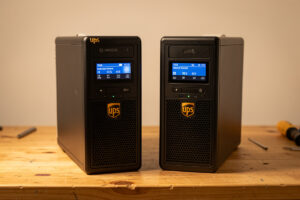
For a home lab, both APC and CyberPower make pure-sine line-interactive units that will serve you well — the real differences are software, replacement-battery cost, and how cleanly each talks to Network UPS Tools. CyberPower tends to be the value pick with cheaper standard replacement cells and plug-and-play NUT behavior; APC carries a deeper enterprise software ecosystem and slightly pricier proprietary battery cartridges. Neither difference outweighs getting pure sine output and the right watt rating in the first place.
I have run both camps on the bench and on my core rack, and I will not pretend there is a knockout winner — there is not. What there is, is a set of practical trade-offs that tip the decision depending on whether you care most about long-term battery cost, software, or NUT simplicity. This is the head-to-head referenced from the best UPS buyer’s guide and the power management hub; if you have not yet settled the pure-sine and sizing basics, start there before choosing a brand.
As an Amazon Associate I earn from qualifying purchases.
The head-to-head at a glance
Here is how the two brands compare on the factors that actually matter in a home lab, where you will almost certainly be running the unit under Linux with NUT rather than the vendor’s own desktop software. The verdict column is my practical lean, not an absolute.
| Factor | APC | CyberPower | Practical lean |
|---|---|---|---|
| Pure-sine line-interactive range | Yes (Back-UPS Pro / Smart-UPS) | Yes (PFC Sinewave series) | Tie — both have good options |
| Vendor software | PowerChute | PowerPanel | Moot if you use NUT |
| NUT (usbhid-ups) behavior | Works well | Works well, often plug-and-play | Slight edge: CyberPower |
| Replacement battery | Proprietary RBC cartridges | Standard form-factor cells | CyberPower cheaper long-term |
| Enterprise ecosystem | Deeper (network mgmt cards) | Solid, more home-focused | Edge: APC for scaling |
| Typical price (same class) | Often higher | Often lower | Edge: CyberPower |
Software: mostly irrelevant in a home lab
APC ships PowerChute and CyberPower ships PowerPanel, and reviewers spend a lot of words comparing them — but in a Linux home lab you will likely use neither. The standard tool for coordinated shutdown across multiple machines is Network UPS Tools, which talks to both brands over USB through the same usbhid-ups driver. So the vendor software comparison matters only if you are protecting a single Windows or macOS machine with the bundled app. The moment you have a Proxmox host and a NAS to coordinate, the brand’s own software drops out of the decision entirely and NUT compatibility takes its place.
On that front, both work, and both are well-supported by NUT’s usbhid-ups driver. In my experience CyberPower units tend to be slightly more plug-and-play — the driver attaches and the values populate with no fuss — while APC units are equally reliable but occasionally want a specific driver parameter on older models. Neither is a dealbreaker; both end up reporting battery charge, load, and runtime cleanly to upsc.
Replacement batteries: the real long-term cost
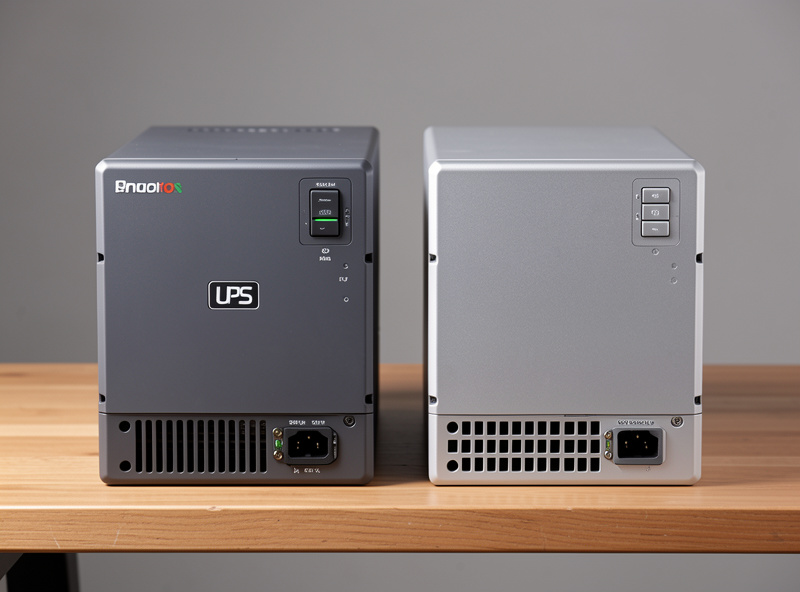
This is where the brands genuinely diverge over a decade of ownership. The UPS chassis outlives three or four sets of batteries, so the cost and availability of replacement cells matters more than the sticker price. APC uses proprietary Replacement Battery Cartridge (RBC) part numbers — the cells inside are standard sealed lead-acid, but the cartridge assembly carries a brand premium and you pay for the convenience of a drop-in part. CyberPower units more often take standard form-factor cells you can source generically, which keeps the long-term battery bill lower.
You can re-cell either brand with generic batteries of the right voltage and amp-hour rating if you are comfortable doing it — the cells are not magic — and that closes most of the cost gap. But if you want the convenience of a labeled drop-in cartridge, APC’s costs more. Factor this into the purchase: a slightly cheaper CyberPower with cheaper batteries can be meaningfully less expensive over ten years than an APC that costs more up front and more to re-battery. The full how-to is in the battery replacement guide.
Where APC pulls ahead
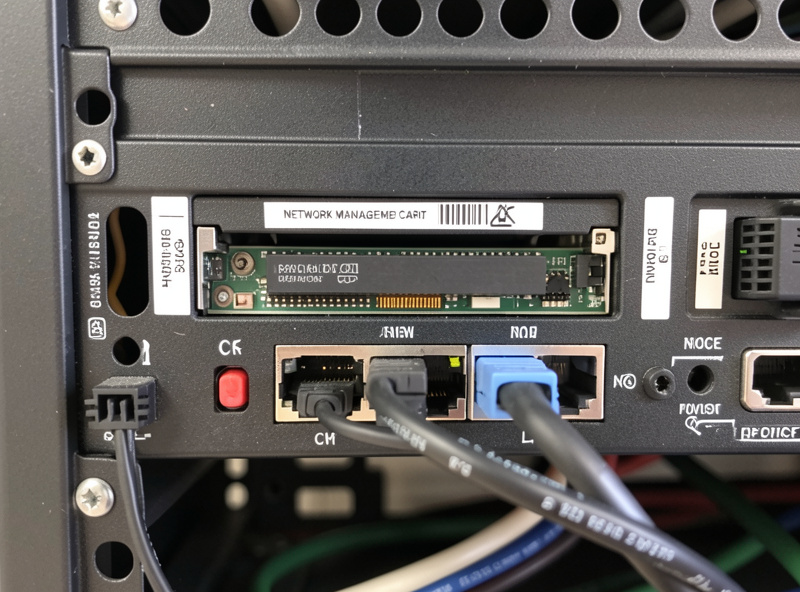
APC’s advantage shows up when you scale beyond a single unit. The Smart-UPS line and APC’s network management cards are a more mature ecosystem for putting a UPS directly on the network with its own IP, SNMP monitoring, and enterprise management — the kind of thing you reach for when the home lab grows teeth. If you anticipate running several units, wanting out-of-band UPS management, or matching gear a workplace already standardizes on, APC’s depth is a real point in its favor. For most single-UPS home labs that depth is unused, but it is there if you grow into it.
APC’s brand longevity also means broad availability of parts and a large secondhand market for Smart-UPS chassis — a used Smart-UPS with a fresh set of batteries is a genuinely good home lab value, since the expensive part (the chassis and electronics) lasts and the consumable part (the battery) is cheap to renew. That is a path I would happily take for a budget build.
Where CyberPower pulls ahead
CyberPower’s pitch is value and simplicity. Its PFC Sinewave line gives you pure-sine output — the non-negotiable spec — at prices that usually undercut the equivalent APC, with replacement cells that cost less to source. For a first home lab UPS protecting one host, a NAS, and a switch, a CyberPower PFC Sinewave unit is the path of least resistance: pure sine, plug-and-play with NUT, and a lower total cost of ownership. It is the unit I most often point a first-time builder toward, precisely because it gets the important things right without the enterprise premium they will not use.
If you want to compare current options directly, look at the CyberPower PFC Sinewave units against the APC pure-sine Smart-UPS line and weigh the price and battery-cost differences for the capacity you sized.
My verdict
For a typical first home lab UPS, I lean CyberPower PFC Sinewave on value and NUT simplicity. For a build that will scale, that wants network management, or that can grab a used Smart-UPS chassis cheaply and re-battery it, I lean APC. Both get the fundamentals right, so you cannot make a bad choice as long as you have already filtered for pure-sine output and proper watt headroom — the specs that matter far more than the badge on the front. Pick on total cost of ownership and how far you expect the lab to grow, and move on to the part that actually protects your data: the shutdown configuration.
Frequently Asked Questions
Is APC or CyberPower better for a home lab?
Both make pure-sine line-interactive units that serve a home lab well. CyberPower tends to be the value pick with cheaper standard replacement cells and plug-and-play NUT behavior; APC offers a deeper enterprise software and network-management ecosystem. Filter for pure sine output and watt headroom first — that matters more than the brand.
Do APC and CyberPower both work with NUT?
Yes. Both talk to Network UPS Tools over USB through the usbhid-ups driver and report battery charge, load, and runtime cleanly. CyberPower units are often slightly more plug-and-play, while APC units are equally reliable but may occasionally want a specific driver parameter on older models. Neither is a dealbreaker.
Which brand has cheaper replacement batteries?
CyberPower, generally. It more often uses standard form-factor cells you can source generically, while APC uses proprietary RBC cartridges that carry a brand premium. You can re-cell either brand with generic batteries of the correct voltage and amp-hour rating, which closes most of the cost gap if you are comfortable doing it.
Does the vendor software matter when choosing a UPS?
Not in a Linux home lab. APC’s PowerChute and CyberPower’s PowerPanel only matter if you protect a single Windows or macOS machine with the bundled app. As soon as you coordinate shutdown across multiple machines, you use NUT instead, and the vendor software drops out of the decision entirely.
Is a used APC Smart-UPS a good home lab buy?
Often yes. The expensive parts — the chassis and electronics — last a long time, while the consumable battery is cheap to renew. A used Smart-UPS chassis with a fresh set of batteries can be a genuinely good value for a budget home lab build, provided the unit is a pure-sine model sized to your load.
Which should a first-time home lab builder buy?
For a first UPS protecting one host, a NAS, and a switch, a CyberPower PFC Sinewave unit is the path of least resistance: pure sine output, plug-and-play with NUT, and a lower total cost of ownership. Choose APC instead if you expect to scale, want network management, or can grab a cheap used Smart-UPS to re-battery.
Related Articles
- Home Lab UPS & Power Management Hub
- Best UPS for a Home Lab Server
- UPS Battery Replacement Guide
- NUT Network UPS Tools Setup Guide
- UPS Runtime Calculation for a Home Lab