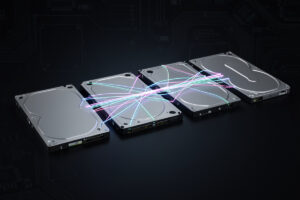
RAID is how a NAS survives a dead drive without losing your data — it spreads data and parity across multiple disks so one (or two) can fail and the array keeps serving. Choosing a level is a three-way trade between usable capacity, how many drives can fail, and how risky the rebuild is, and the right answer shifts with how many disks you have and how big they are. There’s no universally best level, only the one that fits your drive count and your tolerance for risk.
I run RAIDZ2 on the pool I care about and mirrors where I want speed, and I’ve sat through enough rebuilds to respect the part everyone underestimates: with today’s huge drives, the rebuild itself is the dangerous moment. This is the redundancy layer under the home NAS guide — what each level does, the rebuild-risk math, and which to pick for a given number of disks. And the rule to tattoo on the inside of your eyelids first: RAID is not a backup.
First: RAID Is Not a Backup
RAID protects against hardware failure — a drive dying — and nothing else. It does not protect against accidental deletion, ransomware, a corrupted write propagating to every disk, fire, theft, or a controller frying the whole array. RAID is about uptime: keeping the array serving through a dead disk. Backup is about recovery: getting your data back when something bigger goes wrong.
I lead with this in every storage article because it’s the misconception that costs people their data. They build a redundant array, see “protected” in the dashboard, and stop there — then delete the wrong folder, or get hit by ransomware, and discover RAID faithfully replicated the deletion across every disk in real time. Redundancy is one layer; a real backup strategy (3-2-1: three copies, two media, one off-site) is another, and you need both. With that settled, the RAID level you pick decides how much hardware failure your uptime can absorb — which is what the rest of this is about.
The Levels That Matter at Home
For a home NAS, four arrangements cover essentially everything: a mirror (RAID1), striping with single parity (RAID5 / RAIDZ1), striping with double parity (RAID6 / RAIDZ2), and striped mirrors (RAID10). The names differ between traditional RAID and ZFS, but the redundancy ideas are the same.
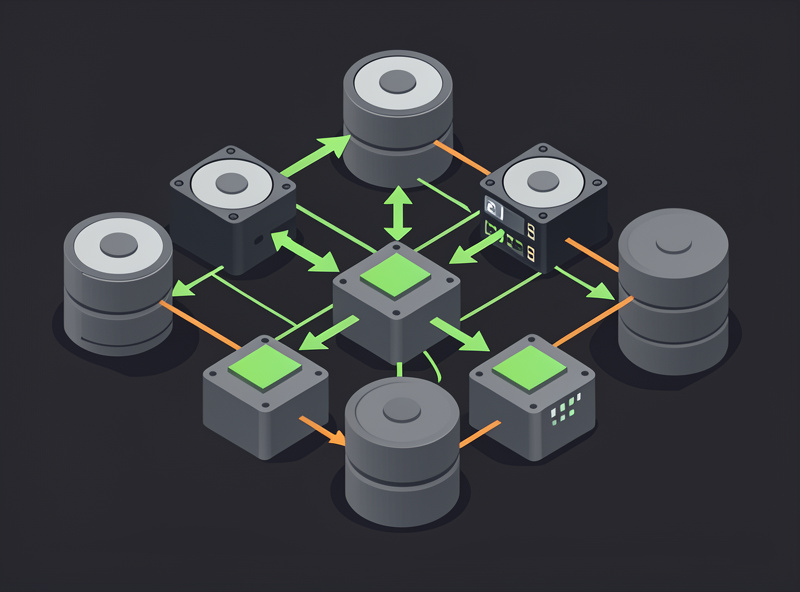
A mirror keeps a full copy of your data on two (or more) drives — simple, fast, survives one drive per pair, but you only get half your raw capacity. Single parity (RAID5/RAIDZ1) stripes data plus one parity block across the drives, so any one drive can fail; you get more usable space than a mirror but slower rebuilds. Double parity (RAID6/RAIDZ2) adds a second parity block so any two drives can fail — the safest practical choice for large arrays. Striped mirrors (RAID10) stripe across multiple mirror pairs for high speed and easy expansion, at the cost of capacity. Each maps to a different priority, which the table makes concrete.
| Level | Redundancy | Drives can fail | Usable capacity | Best for |
|---|---|---|---|---|
| Mirror (RAID1) | Full copy | 1 per pair | ~50% | Speed, simplicity, easy growth |
| RAID5 / RAIDZ1 | Single parity | Any 1 | High | Capacity with some safety (small drives) |
| RAID6 / RAIDZ2 | Double parity | Any 2 | High (minus 2 drives) | Large arrays, data you care about |
| RAID10 (striped mirrors) | Mirrored stripes | 1 per mirror | ~50% | Performance, VM storage, fast rebuilds |
The Rebuild-Risk Math Everyone Skips
The reason I won’t run single parity on large drives is the rebuild window. When a drive in a single-parity array fails, the array recreates its data onto a replacement by reading every block on every remaining drive — and with multi-terabyte disks that can take many hours to days, during which a second failure (or even one unrecoverable read error) loses the whole array.
Two things make this worse as drives get bigger. First, time: a larger drive means more data to reconstruct, so the rebuild runs longer and the danger window stays open longer. Second, the surviving drives are under heavy sustained read load for that entire window — exactly the stress most likely to expose a second marginal drive, and the drives are often the same age and batch as the one that just died. That’s the scenario double parity exists for: with RAIDZ2 a second drive failing mid-rebuild is survivable, because you still have one layer of parity left. This is why my rule of thumb is single parity only on small arrays of small drives, and double parity for anything large or anything I genuinely can’t lose. The bigger your drives, the more the math pushes you to RAIDZ2.
Picking a Level for Your Drive Count
The right level depends mostly on how many drives you have. With two to four drives, mirrors or striped mirrors give you speed and trivial expansion; with six or more, double parity (RAIDZ2) gives you strong protection without sacrificing half your capacity to redundancy.
Here’s how I’d actually choose. Two drives: a mirror — simple, safe, half capacity. Three to four drives: striped mirrors if you want speed and easy growth, or a single RAIDZ2 vdev if capacity matters more than IOPS. Six to eight drives: RAIDZ2 is the sweet spot — double-failure protection while keeping most of your raw capacity. What I avoid is a wide single-parity vdev of large disks (eight big drives in one RAIDZ1), which looks efficient and behaves terrifyingly during a resilver. And on expansion: mirrors grow cleanly by adding pairs, while widening a parity vdev is the decision ZFS makes hard, so plan the layout before you create the pool rather than painting yourself into a corner — the same vdev-layout warning from the ZFS basics primer.
One more factor that quietly decides the answer: how you intend to grow. If you expect to add storage a bit at a time over the years, mirrors are the friendliest shape — each new pair is its own decision and the pool rebalances easily. If you’re buying all your drives at once and want maximum protected capacity from a fixed set, a single RAIDZ2 vdev wins. I plan for the next two years of data, not just today’s, because retrofitting a different layout means destroying and rebuilding the pool from backup — exactly the kind of weekend you don’t want. Decide the growth story up front and the level usually picks itself.
Capacity efficiency is the last piece of the trade. Mirrors and RAID10 hand back roughly half your raw space; RAIDZ2 on eight drives gives you six drives’ worth of usable capacity, which is why it scales so well as drive counts rise. On a small array the “lose two drives to parity” cost of RAIDZ2 stings — half your four drives gone to redundancy is no better than mirrors, with worse rebuild behavior — which is precisely why the level should follow the drive count rather than a blanket “always use RAIDZ2” rule.
A Note on SSDs and Cache
SSDs don’t change the RAID-level logic, but they change where you apply it: a fast SSD pool (often mirrored) is ideal for VM and container storage where IOPS matter, while bulk data lives on a parity pool of spinning drives. You can mix both in one NAS, each with the redundancy that fits its role.
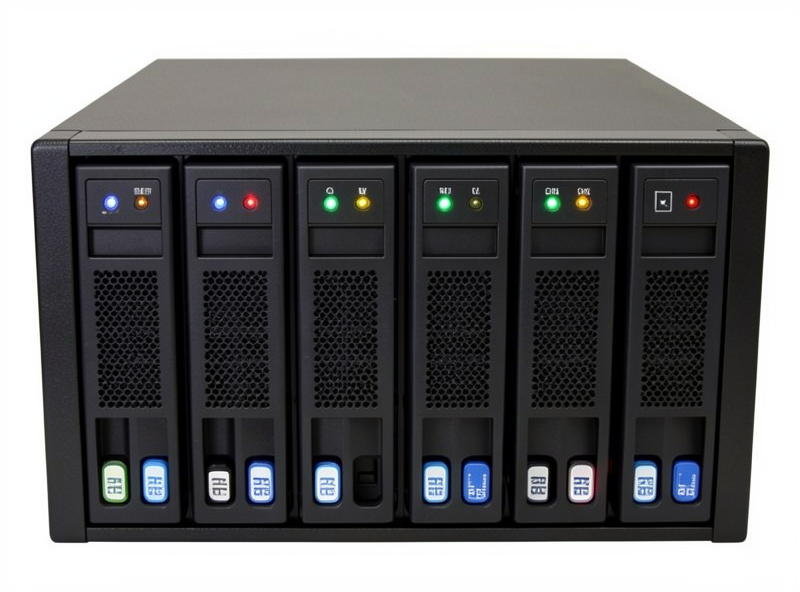
On my box, the spinning RAIDZ2 pool holds media and backups, and a small mirrored SSD pool handles the VMs and the fast scratch space, because those workloads want low latency more than raw terabytes. That split — parity on slow bulk disks, mirrors on fast SSDs — is a common and sensible home layout. Whatever drives you use, buy NAS-rated CMR disks for the spinning pool and match them as a set; a batch of matched NAS-rated CMR hard drives is the right foundation for any of the levels above. The level you pick decides how those drives protect you; the drives themselves decide whether the protection holds up under a 24/7 multi-bay load.
Frequently Asked Questions
Is RAID a backup?
No. RAID protects against a drive failing and keeps the array serving, but it does nothing against accidental deletion, ransomware, fire, or theft — it will faithfully replicate a deletion across every disk. Treat RAID as uptime and keep a separate 3-2-1 backup for recovery.
What RAID level is best for a home NAS?
For data you care about on six or more drives, double parity (RAID6 or RAIDZ2) is the safe default because it survives two failures and large drives make single-parity rebuilds risky. For two to four drives, mirrors or striped mirrors give speed and easy expansion.
Why is RAID5 risky with large drives?
When a drive fails, RAID5 rebuilds by reading every block on every remaining drive, which takes many hours to days on multi-terabyte disks. During that long, high-stress window a second failure or an unrecoverable read error loses the whole array. Double parity removes that single point of failure.
How many drives can fail in RAIDZ2?
Any two drives in the same vdev can fail and the array still recovers. That double-failure tolerance is why RAIDZ2 is the recommended level for large arrays — a second drive can die during the rebuild of the first and your data survives.
Can I mix SSDs and hard drives in one NAS?
Yes. A common home layout puts bulk data on a parity pool of NAS hard drives and runs VMs and containers from a separate fast SSD pool, often mirrored. Each pool gets the redundancy level that fits its workload, and they coexist in the same NAS.
Related Guides
Disclosure: some links on this page are Amazon affiliate links. If you buy through them I may earn a small commission at no extra cost to you — it never changes what I recommend.