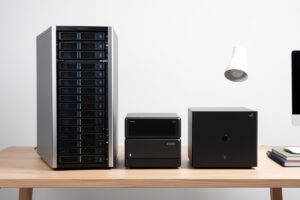
If you’re staring at the three names everyone recommends — TrueNAS, Unraid, Synology — the short version is this: TrueNAS if you want ZFS and you’ll build the box, Unraid if you’ve got a pile of mismatched drives and want flexibility, Synology if you want to buy an appliance and never think about it. I’ve run all three long enough to know where each one shines and exactly where it bites, and the choice is less about which is “best” than about which kind of owner you are.
I run TrueNAS on a self-built box as my daily storage, kept a Synology around as the appliance benchmark to measure against, and have set Unraid up enough times for friends with random drive collections to know its quirks cold. Below is the honest head-to-head — filesystem, drives, expansion, apps, and the failure modes the spec comparisons skip — so you can pick the one whose downsides you can actually live with. This is the OS-decision deep dive that sits under my broader home NAS guide.
The Core Difference: Build vs Buy
The real fork isn’t three options, it’s two: build your own NAS (TrueNAS or Unraid on hardware you pick) or buy a finished appliance (Synology or QNAP, where the box and software ship together). Everything else — ZFS vs the Unraid array, app ecosystems, expansion rules — flows from that first decision.
TrueNAS and Unraid are operating systems you install on a machine you assemble or repurpose. You get more bays, more RAM, faster CPUs, and full control over the hardware for the same money, plus the option to run VMs and containers on the same iron. The cost is that you’re the integrator: you pick the parts, flash the HBA, and own the result when something doesn’t boot. Synology hands you the whole thing — hardware, software, warranty, support line — at a premium per terabyte and with no hardware choices to make. If your idea of a good weekend is sourcing parts and tuning a pool, build. If your idea of a good weekend is anything else, the appliance earns its markup. The same instinct drives how I pick the router hardware for the firewall: build when you want control, buy when you want to stop thinking about it.
TrueNAS: ZFS and Data Integrity
TrueNAS is the choice when data integrity is the priority — it’s built on ZFS, which checksums every block, self-heals corruption from redundancy, and snapshots almost for free. It’s free software, it runs on hardware you choose, and it does at homelab scale what an enterprise filer does, which is why it’s my daily driver.
What you get with TrueNAS is the ZFS feature set without compromise: end-to-end checksumming so silent corruption gets caught and repaired, scheduled scrubs that verify the whole pool, instant snapshots you can roll back or replicate off-site, and the ARC read cache in RAM that makes it feel fast. What you pay for that is ZFS’s rigidity. A vdev’s disks should match in size, expanding a pool means adding a whole vdev (or, more recently, the slower per-disk RAIDZ expansion), and ZFS genuinely wants RAM — it’ll run lean but it’s happiest with plenty. It also rewards a little learning: you need to understand pools and vdevs before you lay one out, because the layout is a long-term commitment. For someone who enjoys that, TrueNAS is the most capable home NAS OS there is.
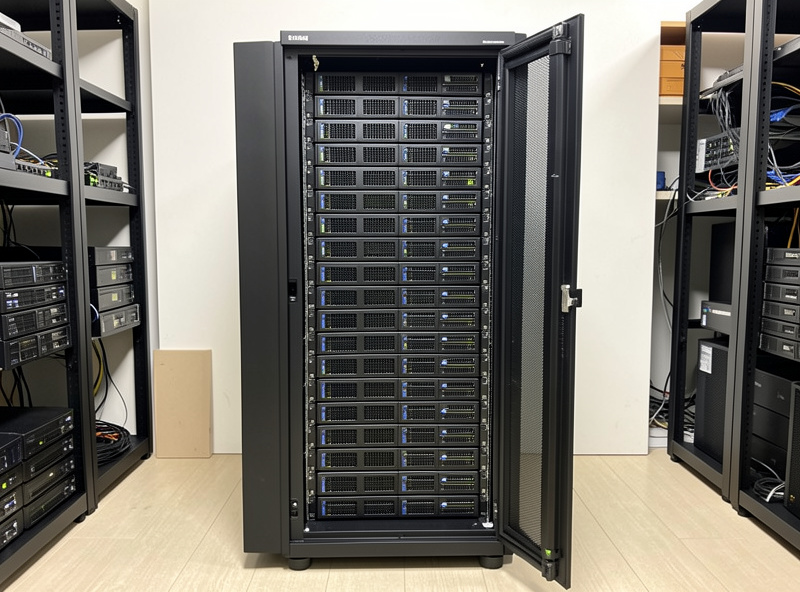
The hardware note that matters: TrueNAS wants raw disks, so never feed it drives through a hardware-RAID card. You either flash an HBA to IT mode so ZFS sees the bare disks, or you buy one that already presents them that way. A solid base for a TrueNAS data pool is a batch of matched NAS-rated CMR drives bought together so they share a size and class.
Unraid: Flexibility and Mixed Drives
Unraid is the answer when your drives don’t match and you want to expand one disk at a time — its array lets you combine any-size drives with one or two parity disks, and add capacity by dropping in a single new drive whenever you outgrow what you have. That flexibility is genuinely unique among the three.
The Unraid array works differently from a striped ZFS pool: each data drive holds complete files (not striped across disks), and a dedicated parity drive (or two) reconstructs a failed one. The upshot is that your parity drive only needs to be as large as your biggest data drive, you can mix a 4 TB, an 8 TB, and a 14 TB in the same array, and growing storage is “buy one drive, add it.” The trade is performance: writes go at roughly single-drive speed because parity is calculated per write, and you don’t get ZFS’s block-level checksumming on the classic array (Unraid has added ZFS pool support, but the headline feature is the flexible array). For a media server fed from a junk drawer of drives, that flexibility beats raw speed every time. Unraid is paid — a one-time license tier — which is fair for what it saves a beginner. It’s also the friendliest of the three to set up if you’ve never built a NAS before, with a clean web UI and a huge community app catalog.
Synology: The Appliance
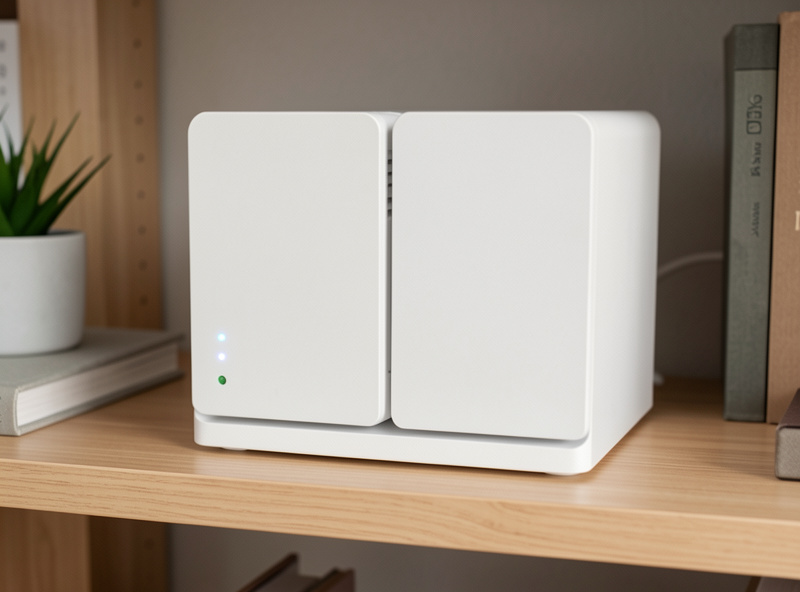
Synology is the buy-and-forget option — you purchase a finished box with the bays, software, and warranty included, run the setup wizard, and have shares and apps working in an afternoon. You pay more per terabyte and give up hardware control, and in exchange you never source a part or flash a controller.
The appliance ecosystem is the real product. Synology’s DSM software is polished, the mobile apps for photos and files are genuinely good, and a non-technical family member can administer the basics without you. It’s the NAS I’d put in my parents’ house. The catch is the premium and the lock-in: you’re paying for the convenience, the bays are fixed, the CPU and RAM are often modest, and on some models you’re nudged toward branded drives. For a homelabber it feels constraining — you can’t throw a half-dozen VMs on it the way you can on a self-build — but for someone who wants storage to be an appliance rather than a hobby, that constraint is exactly the point. QNAP plays in the same space with more powerful hardware and a slightly less polished software story.
Head-to-Head
Here’s the comparison the way I’d lay it out for someone deciding, with the dimensions that actually change the answer rather than the spec-sheet noise.
| Dimension | TrueNAS | Unraid | Synology |
|---|---|---|---|
| Filesystem | ZFS (checksummed) | Flexible array (+ optional ZFS) | Btrfs / ext4 |
| Hardware | You build it | You build it | Buy the appliance |
| Mixed drive sizes | No (per vdev) | Yes | Within model limits |
| Expansion | Add a vdev / slow RAIDZ expand | Add one drive at a time | Add to bays / migrate |
| Cost model | Free software | Paid license | Buy the box (premium) |
| Data integrity | Best (ZFS) | Good (parity, ZFS optional) | Good (Btrfs checksums) |
| Best owner | Homelabber, integrity-first | Mixed drives, beginner build | Buy-and-forget |
Notice what the table doesn’t decide for you: all three will reliably store your files. The choice is about who you are. TrueNAS asks for the most involvement and pays back the most capability and integrity. Unraid asks for a little money and pays back drive flexibility. Synology asks for the most money and pays back the least effort. There is no wrong answer here, only a mismatch between the box and the owner.
How I’d Decide
If you already run a homelab — a Proxmox host, some containers — build TrueNAS and learn ZFS, because the box can do double duty and the skill transfers everywhere. If you have a drawer of mismatched drives and want a friendly first build, Unraid. If you want storage to be invisible and you’ll pay for that, Synology. That’s the whole decision in three sentences.
Two practical caveats from running these for real. First, whatever you pick, the RAID/redundancy layout matters more than the OS badge — a Synology in a single-drive config is more fragile than a well-laid-out TrueNAS pool, and vice versa. Second, none of these three is a backup on its own; redundancy survives a dead disk, not a fire or a fat-fingered delete, so plan an off-site copy regardless of which you choose. With those two settled, any of the three will serve you for years. For the box that ties a homelab together more broadly, the mini PC roundup covers the same low-power, build-it-right thinking applied to the firewall.
Frequently Asked Questions
Is TrueNAS better than Synology?
TrueNAS is more capable and gives you ZFS data integrity, more bays, and the option to run VMs — but you build and maintain the hardware yourself. Synology is better if you want a finished appliance with a warranty and a polished app ecosystem and you would rather not assemble a box.
Can Unraid mix different size hard drives?
Yes, and it is Unraid’s signature feature. Its array combines any-size data drives protected by one or two parity drives, where the parity drive only needs to be as large as your biggest data drive. You expand by adding a single drive at a time.
Does TrueNAS require ECC RAM?
ECC RAM is recommended for ZFS because it protects data in memory from bit errors, but TrueNAS runs fine without it for home use. If your platform supports ECC affordably, use it; if not, a non-ECC build is still far safer than a single-drive enclosure.
Is Unraid free?
No, Unraid uses a paid one-time license with tiers based on the number of attached drives. TrueNAS is free software. For a beginner, Unraid’s friendlier setup and drive flexibility often justify the license cost over a free but more demanding TrueNAS build.
Which NAS is best for a beginner?
For a first build, Unraid is the friendliest because of its clean interface and forgiving mixed-drive array. If you would rather buy than build, a Synology appliance is the easiest path of all. TrueNAS rewards a little more learning before you lay out the pool.
Related Guides
- Home NAS Setup Guide
- Best DIY Router Hardware 2026
- Best Mini PC for pfSense
- 5 Homelab Network Builds
Disclosure: some links on this page are Amazon affiliate links. If you buy through them I may earn a small commission at no extra cost to you — it never changes what I recommend.