pfBlockerNG and Suricata solve different problems and aren’t alternatives. pfBlockerNG is a blocklist enforcer — it stops your network from connecting to known-bad domains and IP ranges using reputation feeds, working at the DNS and IP layer. Suricata is a deep-packet inspection engine that reads the actual contents of traffic and recognizes attack behavior, even to a destination no blocklist has ever heard of. One is a bouncer with a banned-names list; the other reads what people are actually saying at the door.
The confusion is understandable — both live on pfSense, both are “security,” and both reduce risk. But they operate at completely different layers, cost wildly different amounts of CPU, and catch different threats. Understanding the split tells you why the right answer is almost always “run both,” and which to reach for first if you genuinely can only run one. This fits into the broader picture in the home network intrusion detection guide.
The fundamental difference
pfBlockerNG works by reputation and identity: it maintains large lists of domains and IP addresses known to be malicious, used for advertising and tracking, or associated with regions you want to block, and it prevents connections to anything on those lists. The decision is binary and cheap — is this destination on a list? Block it. It never looks inside the traffic; it only cares where the traffic is going.
Suricata works by inspection and behavior: it examines the packets themselves against thousands of signatures describing what attacks look like — an exploit pattern, a malware handshake, a port scan, a known command-and-control protocol. It can flag a threat to a brand-new IP address that’s on nobody’s blocklist, because it recognizes the behavior, not the destination. That power costs CPU: reading every packet is far more expensive than checking a destination against a list.
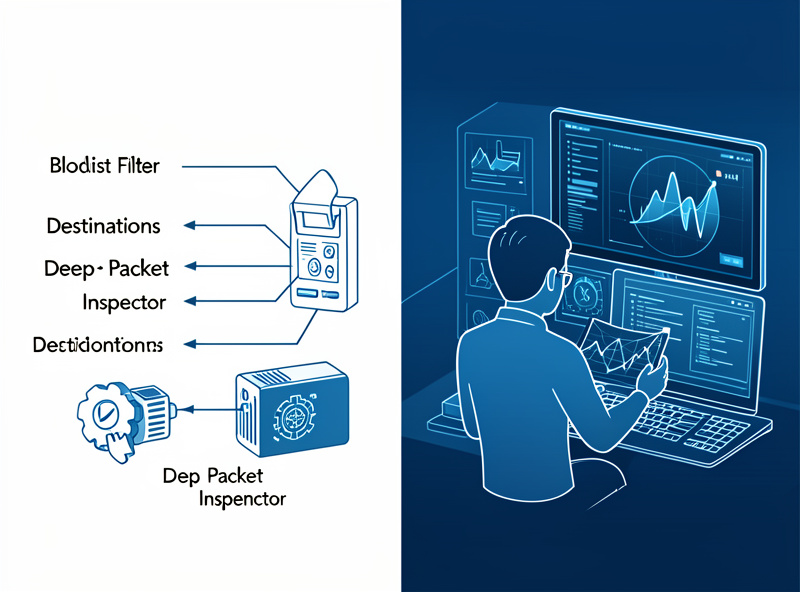
What pfBlockerNG actually does
pfBlockerNG has two halves. The DNSBL side sinkholes DNS lookups for unwanted domains — ad networks, trackers, malware domains — so devices never even resolve them, which is the same network-wide blocking job a DNS sinkhole like Pi-hole does, built into pfSense. The IP side blocks traffic to and from address ranges using reputation feeds and GeoIP, so you can drop connections to known-bad networks or entire countries at the firewall. It’s efficient, low-maintenance once configured, and it kills an enormous amount of junk cheaply — the obvious bad stuff never reaches anything more expensive. The full setup is in the pfBlockerNG tutorial.
What it can’t do is recognize an attack it doesn’t have a list entry for. A compromised site you normally trust, a fresh command-and-control IP registered an hour ago, an exploit delivered over a connection to a legitimate-looking host — none of those are on a blocklist, so pfBlockerNG waves them through. It’s a filter, not an inspector.
What Suricata actually does
Suricata sits inline and inspects. When traffic flows, it matches packet contents and flow characteristics against its rule set, firing named alerts on anything that resembles an attack. Because it reads behavior rather than checking a list, it catches the categories pfBlockerNG structurally can’t: novel infrastructure, in-the-clear exploits, scanning, and the protocol-level fingerprints of malware. In IPS mode it can drop those packets, not just alert. The tradeoff is cost and care — it roughly doubles firewall CPU load and demands tuning to avoid burying you in false positives, a process covered in tuning IDS rules for home networks.
| Aspect | pfBlockerNG | Suricata |
|---|---|---|
| Layer | DNS & IP (destination) | Packet contents (behavior) |
| Method | Reputation blocklists, GeoIP | Signature inspection |
| Catches novel threats? | No (must be on a list) | Yes (recognizes behavior) |
| CPU cost | Low | Moderate to high |
| Maintenance | Low after setup | Ongoing tuning needed |
| Blocks ads/trackers | Yes (DNSBL) | No |
| Primary value | Cheap bulk filtering | Detecting real attacks |
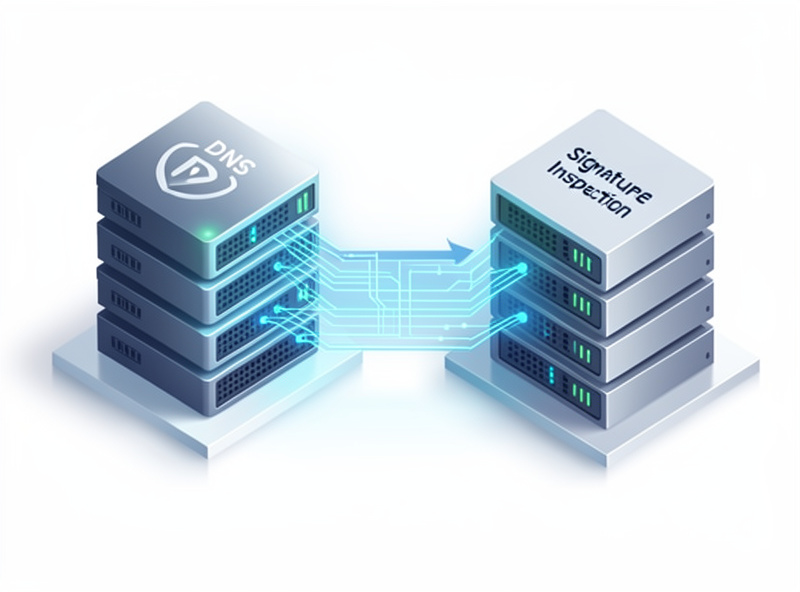
Why you run both
The two are complementary by design, and stacking them is the whole point. pfBlockerNG goes in front and does the cheap, high-volume work — sinkholing ad and tracker domains, dropping connections to known-bad IPs and unwanted regions — so a huge fraction of garbage never reaches the inspection layer at all. That keeps Suricata’s workload down, because it isn’t wasting CPU deep-inspecting traffic that should never have left the building. Then Suricata catches the novel and the in-the-clear nasty that no blocklist knows about. In my setup that’s exactly the arrangement: reputation and DNS filtering as the cheap first layer, signature inspection as the expensive smart layer behind it. They cover each other’s blind spots.
A concrete example makes the division of labor obvious. Say one of your IoT devices gets compromised by firmware-supply-chain malware. If that malware phones home to an IP already flagged in a threat feed, pfBlockerNG drops the connection cold — cheap, instant, done, and you never needed packet inspection. But if it phones home to a freshly registered server on a clean IP, pfBlockerNG sees nothing wrong with the destination and lets it through; Suricata is what notices the command-and-control handshake pattern in the traffic and raises the alarm. Same incident, two different layers doing the catching depending on whether the threat was already known. Neither layer alone covers both cases, which is the entire argument for running them together rather than picking a winner.
If you can only run one
If your hardware or patience only stretches to one, start with pfBlockerNG. It’s the higher-value, lower-maintenance layer for most homes: it blocks ads and trackers network-wide, stops connections to known-malicious infrastructure, and asks almost nothing of your CPU or your time once configured. It delivers the bulk of the practical risk reduction for a fraction of the effort. Suricata is the layer you add when you want genuine detection — visibility into attacks rather than just list-based blocking — and when you have the hardware headroom and the willingness to tune. Add it after you’ve got segmentation and filtering in place, following the Suricata install walkthrough. And whichever you run, the skill that makes it pay off is being able to read the logs and tell a real event from noise.
Frequently Asked Questions
Is pfBlockerNG the same as Suricata?
No. pfBlockerNG blocks connections to known-bad domains and IP ranges using reputation blocklists and GeoIP, working at the DNS and IP layer. Suricata inspects the actual contents of packets and detects attack behavior, even to destinations no blocklist knows. They operate at different layers and catch different threats.
Should I run pfBlockerNG or Suricata?
Run both if you can; they are complementary. pfBlockerNG does cheap bulk filtering of ads, trackers, and known-bad addresses, while Suricata catches novel attacks by inspecting traffic. If you can only run one, start with pfBlockerNG for the most risk reduction per unit of effort, then add Suricata when you want real detection.
Does pfBlockerNG catch new threats?
Only if they are already on a reputation list. pfBlockerNG cannot recognize an attack to a brand-new IP address or a compromised but otherwise trusted site, because it works by matching destinations against blocklists. Suricata catches these by recognizing the attack behavior in the packets rather than the destination.
Which uses more CPU, pfBlockerNG or Suricata?
Suricata, by a wide margin. Checking a destination against a blocklist is cheap, so pfBlockerNG has low overhead. Suricata reads every packet against thousands of signatures, which roughly doubles firewall CPU load. Size your hardware for Suricata; pfBlockerNG runs comfortably on almost anything.
Does Suricata block ads like pfBlockerNG?
No. Ad and tracker blocking is a DNS-level job that pfBlockerNG’s DNSBL or a DNS sinkhole handles by refusing to resolve those domains. Suricata inspects traffic for attack patterns and has no role in ad blocking. This is one reason the two are run together rather than as substitutes.
Related Reading
- Home Network Intrusion Detection: The Complete Guide
- pfBlockerNG Tutorial: Ad Blocking and Threat Feeds
- Installing Suricata on pfSense
- Tuning IDS Rules for Home Networks
- Home DNS and Network-Wide Ad Blocking