
Joplin Server, Obsidian Sync, and Trilium answer three different questions about self-hosted notes: Joplin Server is a self-hostable sync backend for an open-source Markdown client, Obsidian is the best editor but its first-party sync is a paid hosted service you self-host only by syncing the vault as files, and Trilium is a server-first knowledge base with its own editor and a tree structure. Pick by whether you care about the client, the sync model, or the knowledge-graph features.
The reason this comparison confuses people is that “self-hosted notes” sounds like one category when it is really three architectures wearing the same label. A client-plus-server app like Joplin is a different beast from a files-on-disk editor like Obsidian, and both differ from a server-first application like Trilium where the server holds the data and the editor runs in the browser. Choosing without understanding that split is how you end up fighting your notes app instead of writing in it.
I have run all three at different points, and I keep coming back to Joplin Server for the clean self-hosted story — but the right answer genuinely depends on how you think. This is the architectural comparison that actually helps you pick: the sync model, the encryption story, the client quality, and where each one fits in a self-hosted stack alongside the rest of the personal cloud apps guide.
What Are You Actually Comparing When You Pick a Notes App?
You are comparing three things at once: where the data lives (a server, a folder of files, or both), how it syncs (a sync backend, a file replicator, or a server you edit directly), and what you write in (a dedicated client, a folder of Markdown, or a web editor). The app that wins is the one whose answers match how you actually work.
Joplin is a client-plus-server model: a desktop and mobile client that writes Markdown, and a sync backend you can self-host as Joplin Server or point at Dropbox, WebDAV, or a local filesystem. Obsidian is a files-on-disk model: the vault is a folder of Markdown files, the editor is the Obsidian app, and sync is whatever you use to replicate files — Obsidian’s own paid Sync, or Git, or Syncthing. Trilium is a server-first model: the server holds the notes in its own database, you edit in a browser or the desktop client that talks to the server, and the data is a tree of scriptable notes rather than a folder of files.
That distinction is not academic. It determines whether your notes are plain files you can grep and back up trivially (Obsidian), or an app-managed store you back up as a database (Joplin, Trilium). It determines whether sync is the app’s job (Joplin Server, Trilium) or something you bolt on (Obsidian). And it determines whether you are dependent on a single editor (Trilium) or free to open your notes in anything (Obsidian, Joplin). None of these is wrong; each is a trade.
Joplin Server: The Clean Self-Hosted Story
Joplin Server is the self-hostable sync backend for the open-source Joplin note client, and it is the option with the fewest surprises: you run the server, the clients sync to it end-to-end encrypted, and there is no vendor in the middle. It is the choice I recommend to most people who want self-hosted notes without becoming a notes-app administrator.
The server is a Node.js application that runs in a container or an LXC, with a small database (SQLite by default, PostgreSQL optional) for user accounts and sync state. The Joplin clients — desktop for Windows, macOS, and Linux, and mobile for iOS and Android — connect to it and sync notes, tags, notebooks, and attachments. End-to-end encryption is a first-class feature: you set a master password on the client, the notes are encrypted before they leave the device, and the server only ever stores ciphertext. That means a compromised server does not expose your notes, which matters for a self-hosted deployment where you are the one responsible for the box’s security.
What I like about Joplin Server is that it does one thing. It is a sync backend, not a platform with a hundred plugins, and the Markdown notes are portable — if I ever leave Joplin, my notes are plain Markdown files I can read in anything. The editor is competent rather than beautiful, which is the trade for that portability. If you want a reliable, encrypted, genuinely self-hostable notes sync and you do not need a stunning editor, Joplin Server is the path of least resistance. The official site at joplinapp.org documents the server setup.
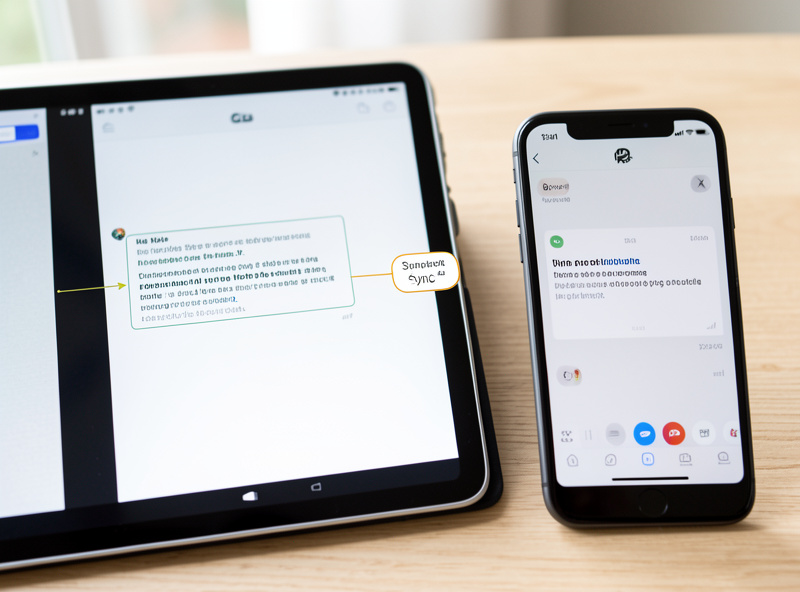
Obsidian Sync: The Editor That Does Not Self-Host
Obsidian is the best notes editor of the three by a comfortable margin — a fast, plugin-rich, Markdown-based app with a knowledge graph and a community that has built everything from task managers to daily-note templates — but its first-party sync is a paid hosted service, and the self-hosted path means syncing the vault as files rather than running a server. You pick Obsidian for the editor and accept that sync is a separate problem.
The vault is a plain folder of Markdown files, which is Obsidian’s great strength and the reason people love it: your notes are future-proof files you can open in any text editor, version with Git, and back up by copying. Obsidian’s own Sync service is a paid subscription that handles sync and E2EE seamlessly across devices, and for people who want zero friction it is excellent — but it is not self-hosted. To self-host Obsidian sync, you replicate the vault folder yourself, typically with Syncthing for continuous peer-to-peer sync or Git for explicit, versioned sync. Both work; neither is as seamless as the official Sync, and neither is aware of Obsidian’s internal index, which is where the rough edges live.
The mistake I made with Obsidian was syncing the vault with Syncthing and hitting a conflict that silently duplicated a folder of notes, because Syncthing replicates files without understanding the Obsidian index and a concurrent edit on two devices produced two copies instead of a clean merge. I switched to Git so every change is an explicit commit and conflicts surface in a diff I can read, at the cost of remembering to push and pull. If you want Obsidian’s editor and you want it self-hosted, Git is the more honest sync method; if you want it to just work, the paid Sync is the answer. The app itself is at obsidian.md.
Trilium: The Server-First Knowledge Base
Trilium is a self-hosted, server-first notes application that stores notes as a hierarchical tree in its own database, with a built-in web editor, scripting, and a focus on building a personal wiki or knowledge base rather than a flat list of notes. It is the choice for people who think in trees and want their notes to be a programmable structure, not a folder of files.
The architecture is the inverse of Obsidian’s. The server holds the data — in SQLite or PostgreSQL — and you edit in a browser or the Electron desktop client that connects to the server. Notes are organized in a tree (which can also be viewed as a graph), and the scripting engine lets you build derived notes, custom views, and automation. That makes Trilium powerful for building a structured knowledge base: a research project can be a tree of notes with script-generated indexes, which is harder to do in a flat Markdown vault. The cost is that your notes live in Trilium’s format and database, so portability is weaker than Obsidian’s plain files, and you are more dependent on the app.
Trilium also has built-in encryption for individual notes and branches, so you can keep a subtree of sensitive notes encrypted within the larger tree — a middle ground between Joplin’s all-or-nothing E2EE and Obsidian’s file-level approach. I ran Trilium for a season when I was building a structured research archive, and it is genuinely impressive for that use case; I moved off it because I missed the portability of plain Markdown and the breadth of the Obsidian plugin ecosystem. The project lives at github.com/zadam/trilium.
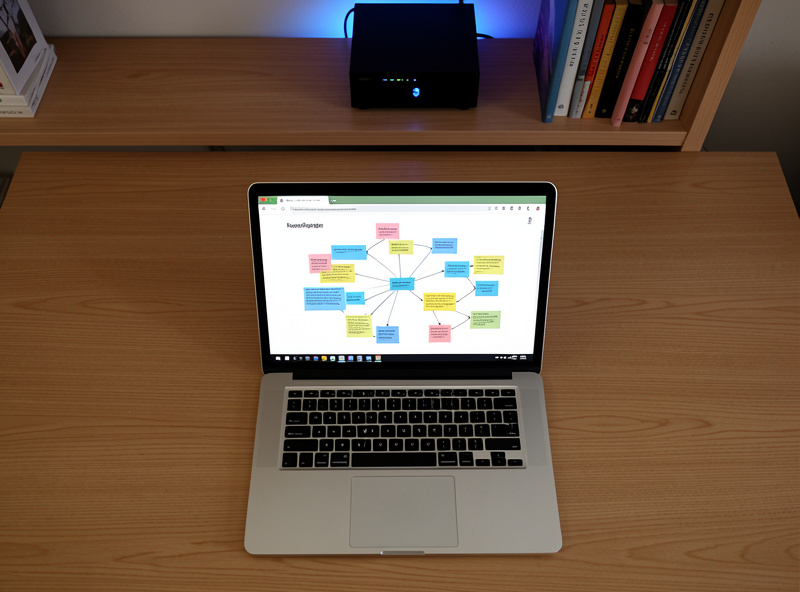
How Do the Sync and Encryption Models Compare?
The decision matrix below is the one I use when someone asks which notes app to run. The sync model column is the most important, because it determines whether sync is the app’s problem or yours, and the encryption column determines how much trust you are placing in the server.
| App | Architecture | Sync model | Encryption | Best for |
|---|---|---|---|---|
| Joplin Server | Client plus server | Self-hosted sync backend | End-to-end, client-side | Clean self-hosted sync, portability |
| Obsidian | Files on disk | Paid Sync, or Git/Syncthing | File-level, via Sync or Git | The best editor and plugin ecosystem |
| Trilium | Server-first | Server you edit directly | Per-note and subtree | Structured, scriptable knowledge base |
Which Notes App Should You Pick?
If you want a genuinely self-hosted sync backend with end-to-end encryption and portable Markdown notes, run Joplin Server — it is the option with the fewest operational surprises. If you want the best editor and you are willing to either pay for Obsidian Sync or manage file replication yourself, run Obsidian. If you think in trees and want a programmable knowledge base rather than a flat note list, run Trilium.
The temptation to avoid is choosing the app with the most features and then fighting the sync. People pick Obsidian for the plugins, try to self-host sync with Syncthing, and spend more time resolving conflicts than writing. If sync friction will derail you, Joplin Server or Trilium — where sync is the app’s job — are the safer picks despite a less dazzling editor. If you will happily run a git commit workflow in exchange for the Obsidian editor, Obsidian-plus-Git is a great combination that I have run myself.
For most people starting out, my honest recommendation is Joplin Server. It is the cleanest answer to the actual question — “can I sync my notes to my own server, encrypted, across my devices” — without importing a second problem. You can always migrate later, because the notes are Markdown.
Where Do Notes Live on My Network?
Whichever you pick, the deployment pattern is the same as the rest of the stack: a container or LXC on the Proxmox host, behind the reverse proxy with a real certificate, reachable over WireGuard, backed up to the NAS. Notes are small, so none of these apps is hardware-heavy — Joplin Server and Trilium each idle comfortably under a gigabyte, and Obsidian has no server component at all.
In my rack, Joplin Server runs in an LXC on the Proxmox host, fronted by Caddy with a Let’s Encrypt certificate, reachable over WireGuard from the management segment. The reverse proxy comparison and the Let’s Encrypt wildcard DNS-01 guide cover the substrate. The database — which for Joplin is the sync state and account data, and for Trilium is the entire note tree — lives on SSD and backs up with a dump to the NAS on a schedule.
The backup pattern differs by architecture in a way worth stating. Joplin’s notes are encrypted client-side, so the server backup is ciphertext you can restore but not read without the client key — back up the clients’ master password somewhere safe separately. Trilium’s database is the whole tree, so a database dump is a complete backup you can restore to a fresh server. Obsidian’s vault is a folder of files, so any file backup (or the Git history) is a complete backup. Each is simple in its own way, as long as you understand what the backup actually contains. The same backup discipline I apply to Vaultwarden applies here: test a restore, do not trust an untested backup.
What I’d Do Starting Today
If I were starting fresh and wanted self-hosted notes with the least operational overhead, I would run Joplin Server in an LXC on the Proxmox host, enable end-to-end encryption on the clients, front it with Caddy and a real certificate, and reach it over WireGuard. I would back up the server database to the NAS and keep the clients’ master password in the Vaultwarden vault, because losing the encryption key is losing the notes even with a perfect server backup.
If I knew I wanted the Obsidian editor specifically, I would accept the trade and sync the vault with Git, committing a daily-note habit to keep the history meaningful. And if I were building a structured research archive rather than a daily notebook, I would run Trilium and lean into the tree and the scripting. The right notes app is the one whose architecture matches how you think — and once you pick it, the substrate underneath is the same Proxmox, reverse-proxy, WireGuard, NAS-backup stack that runs everything else in the rack.