
Wi-Fi 6 mesh networks beat range extenders for smart homes because they deliver consistent throughput across all rooms, handle the 30-80 simultaneous IoT clients that modern smart homes generate, and seamlessly hand devices between nodes without dropping connections — the three exact failure modes that range extenders are notorious for. For most 1,500-3,500 sq ft homes, a 3-node Wi-Fi 6 mesh from TP-Link, eero, or ASUS replaces both your old router and any range extenders for $200-$450 total.
The “I’ll just buy a range extender” approach made sense in 2018 when the average home had 6-10 Wi-Fi devices. In 2026, smart homes routinely run 40-80 wireless clients between phones, tablets, smart bulbs, plugs, sensors, cameras, voice assistants, and streaming devices. Range extenders cannot manage that many clients without halving throughput on every connection — they cut bandwidth in half, broadcast a duplicate SSID that confuses roaming, and become the slowest hop on your network. Mesh systems were designed from scratch to fix exactly those three problems.
Why Range Extenders Fail Smart Homes
Three architectural problems doom range extenders for IoT-heavy use. First, they re-broadcast the entire signal on the same band as they receive it, which halves throughput at every hop (the “single-band repeater” problem). Second, they create a separate network SSID that smart-home devices must manually be re-paired to — and most cheap smart bulbs simply cannot roam between SSIDs. Third, they have weak processors that bottleneck once 15-20 clients connect simultaneously, which is roughly the device count where smart homes today are starting, not ending.
The result is the pattern smart-home users know well: smart bulbs in the basement work for a week, then stop responding to voice commands; the camera at the back door reconnects to “Home_EXT” instead of “Home” and stops appearing in the app; an Alexa hub two rooms over takes 8-12 seconds to respond instead of 2.
What Wi-Fi 6 Specifically Adds
Wi-Fi 6 (802.11ax) introduced four features that matter specifically for smart homes:
OFDMA (Orthogonal Frequency Division Multiple Access). Lets the access point talk to multiple devices simultaneously instead of round-robin, which is the technical fix for “many small low-bandwidth clients” — i.e. the smart-home traffic profile.
Target Wake Time (TWT). Battery-powered IoT devices (sensors, locks, doorbells) negotiate scheduled wake-ups with the access point instead of staying radio-awake to listen for traffic, which meaningfully cuts power draw and extends battery life on the devices that support it (Cisco Meraki 802.11ax technical guide).
Higher client capacity. Wi-Fi 6’s OFDMA and BSS coloring mean each access point handles substantially more simultaneously-connected clients than a Wi-Fi 5 node before performance degrades, which is exactly the smart-home traffic profile of many small, low-bandwidth devices (Cisco Meraki 802.11ax technical guide). A 3-node mesh gives real headroom even for a heavy smart-home client count.
1024-QAM modulation. A denser modulation scheme than Wi-Fi 5’s 256-QAM, giving a real (though condition-dependent) peak-throughput gain per channel for modern phones and laptops, which keeps mesh backhaul fast even with mid-range nodes (Wi-Fi Alliance Wi-Fi CERTIFIED 6).
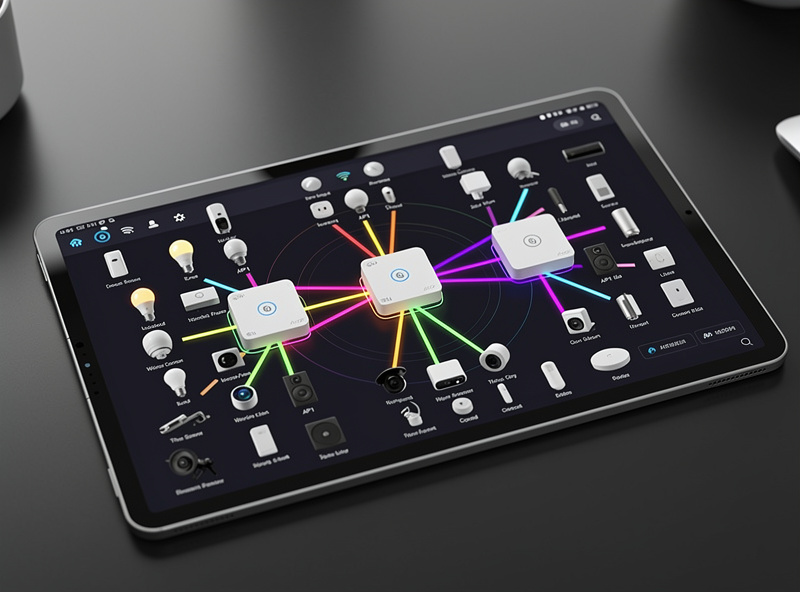
Mesh Topology: Why Tri-Band with Wired Backhaul Wins
The single biggest differentiator between $150 mesh kits and $450 mesh kits is what handles the inter-node traffic (“backhaul”). Three options:
Wireless backhaul on the same band as clients. Cheapest, worst — you halve throughput at every hop, same as a range extender.
Wireless backhaul on a dedicated band (tri-band). The middle tier. Adds a third radio specifically for inter-node communication; clients get the full bandwidth on the user-facing bands. Tri-band mesh kits start around $300-$400 for 3 nodes.
Wired backhaul (ethernet between nodes). Best. Full backhaul throughput, no airtime contention, lowest latency. Requires running a single Cat6 cable between mesh nodes — usually possible if you have a basement or attic, harder in single-story slab-foundation homes.
If you can run ethernet to even one of the satellite nodes, do it. Wired backhaul on a dual-band mesh outperforms wireless backhaul on a tri-band mesh. The configuration is automatic on every modern mesh system — plug ethernet between two nodes and they detect the wired link.
The Right 3-Node Layout for Most Homes
Three nodes covers 1,500-3,500 sq ft consistently. The placement that works for almost every floor plan:
Node 1 (router): At the ISP entry point — typically near where the cable or fiber comes in. Placement here is forced by physical infrastructure.
Node 2 (satellite): Approximately 20-30 ft from Node 1, in a hallway or central living area. This is the “core coverage” node and handles 50-70% of normal household traffic.
Node 3 (satellite): At the far end of the home from Node 1, ideally on a different floor or behind walls that block the first two nodes. This is the “edge coverage” node — bedroom, basement, or back patio.
For 4,000+ sq ft homes, add a Node 4 in the same band at any quadrant the 3-node layout under-covers. Beyond 4 nodes, you typically need a different topology (multiple wired access points instead of mesh) — see the homelab network builds guide for that scale.
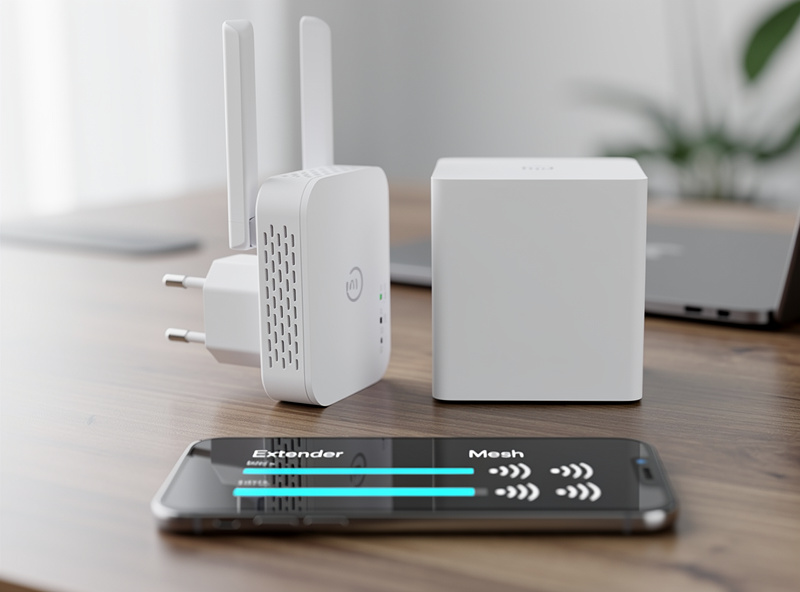
Mesh Recommendations for Smart Home Households (2026)
TP-Link Deco XE75 (3-pack, $250-$320). The best value. Tri-band Wi-Fi 6E (adds 6 GHz), ethernet ports on every node, easy app setup. The right pick for most smart-home households.
Eero Pro 6E (3-pack, $399). Best UX, weakest customizability. Apple-tier reliability and Alexa integration. Excellent for households that want set-and-forget; frustrating for anyone wanting VLAN segmentation or pi-hole DNS.
ASUS ZenWiFi XT8/XT9 (2-pack, $300-$400). The right pick if you want VLAN segmentation, AiProtection, and AiMesh’s flexibility. Steeper setup, more capable for advanced users.
UniFi U6+ (per node, $179). The right pick if you already run UniFi networking. Best long-term ecosystem; hardest single-product setup. Pairs with UniFi Cloud Gateway and UniFi Protect cameras.
Avoid for smart homes: Single-band Wi-Fi 6 mesh kits, anything with explicit “range extender” branding, and Wi-Fi 5 mesh systems sold cheaply as legacy stock.
Smart Home Pairing Tips
Once your mesh is up, the steps that matter for smart-home performance:
Use a single SSID across all bands. Modern devices handle band steering automatically. Splitting 2.4 and 5 GHz into separate SSIDs is 2018 advice; today it breaks roaming on most smart bulbs and plugs.
Disable the guest network’s IoT isolation if your devices need it. Some IoT devices (Hue, Nanoleaf, certain Alexa skills) require broadcast traffic that “client isolation” blocks. If voice commands stop working, this is the first place to check.
Enable WPA3 if all devices support it; otherwise WPA2/WPA3 transitional mode. Most smart bulbs released before 2022 are WPA2-only. Transitional mode is the right default until you have phased out the legacy devices.
Run a separate IoT VLAN for cameras and smart-home devices. Not every mesh supports this — TP-Link Deco does not, ASUS AiMesh does, UniFi obviously does. For VLAN configuration step-by-step, see our pfSense firewall rules tutorial.
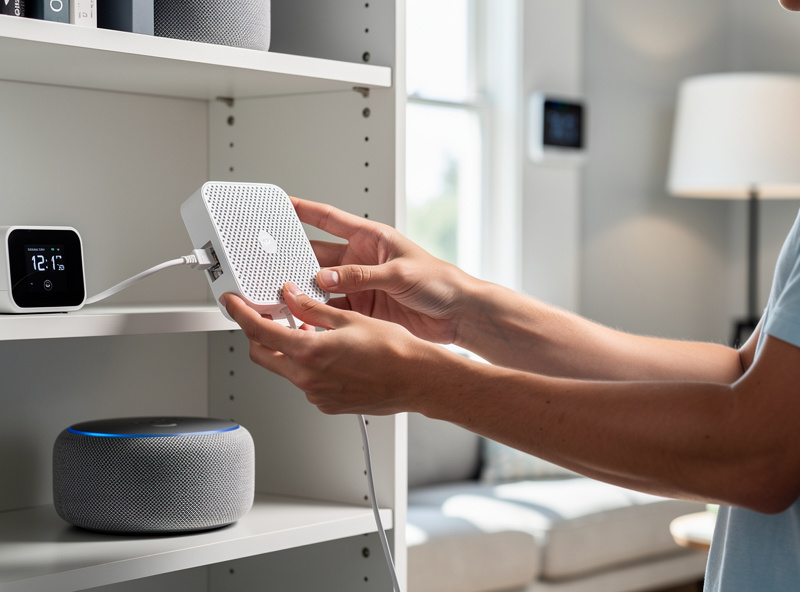
How This Pairs with Smart-Home Architecture
The mesh is the infrastructure layer. The smart-home devices and protocols (Matter, Thread, Zigbee, Z-Wave) sit on top. The interaction matters: a Thread border router needs reliable mesh coverage where it lives; a Zigbee hub needs mesh coverage and physical separation from interfering 2.4 GHz devices; voice assistants need the mesh node closest to them to be on stable backhaul.
For the protocol layer specifically — which protocols to choose, when Matter actually replaces Zigbee, and how to plan a smart-home architecture — see the HomeAutoCentral voice assistants and smart-home protocols complete guide. That hub article is the right next read once your mesh is solid; it covers the device side that the network is designed to support.
Wi-Fi 6E and Wi-Fi 7: Worth Waiting For?
Wi-Fi 6E adds the 6 GHz band, which is mostly empty and benefits high-bandwidth single-client use cases (VR, 8K streaming) more than smart-home traffic. If your mesh has 6E for free (TP-Link Deco XE75, eero Pro 6E), use it. If 6E adds $100+ to the kit, save the money — smart-home benefit is marginal in 2026. Before upgrading hardware, check whether placement or interference is the real issue; the fixing Wi-Fi dead zones guide covers diagnosis steps that fix most coverage problems without new gear.
Wi-Fi 7 (802.11be) has Multi-Link Operation (MLO), which improves latency materially. For smart homes specifically, the gain is small — the bottleneck is rarely Wi-Fi protocol; it is the cheap radio in your $12 smart plug. Wi-Fi 7 is worth it if you are buying new in 2026 and the price gap is under 30%.
Frequently Asked Questions
Is Wi-Fi 6 mesh actually better than a range extender for smart homes?
Yes, by a large margin. Range extenders halve throughput at every hop, broadcast a separate SSID that breaks smart-bulb roaming, and bottleneck above 15 to 20 clients. Mesh systems use OFDMA, dedicated backhaul, and seamless roaming, which is why they handle 80+ smart-home devices reliably while extenders cannot.
How many mesh nodes do I need?
Three for 1500 to 3500 sq ft, four for 3500 to 5000 sq ft. Layout matters more than count. Place the router at the ISP entry, a satellite 20 to 30 feet away in a central area, and a third at the far edge of the home or another floor. Beyond four nodes, switch to wired access points instead of more mesh.
Do I need Wi-Fi 6E or Wi-Fi 7 for smart home use?
Wi-Fi 6 is enough for almost any smart home. 6E adds the 6 GHz band which mostly benefits high-bandwidth single-client use cases like VR or 8K streaming. Wi-Fi 7’s Multi-Link Operation is marginally useful for latency. Pay for 6E or 7 if the kit you want includes it; do not pay a premium specifically for it.
Should I run ethernet backhaul between mesh nodes?
Yes if at all possible. Ethernet backhaul on a dual-band mesh outperforms wireless backhaul on a more expensive tri-band mesh. Plug a single Cat6 between any two nodes and the mesh detects the wired link automatically.
Will mesh handle 80+ smart home devices?
Yes for any modern Wi-Fi 6 mesh, no for cheap Wi-Fi 5 mesh or Wi-Fi 6 mesh with weak per-node radios. The TP-Link Deco XE75, eero Pro 6E, and ASUS ZenWiFi XT8 all handle 100+ clients per node. Total system capacity for a 3-node mesh is 300+ devices, well above any normal smart home.
Should I use a single SSID across 2.4 GHz and 5 GHz?
Yes. Modern devices handle band steering automatically and most smart bulbs released after 2020 prefer it. Splitting 2.4 and 5 GHz into separate SSIDs is older advice that breaks roaming for many IoT devices. Keep one SSID and let the mesh handle band assignment.