A Wi-Fi 7 link needs a Wi-Fi 7 radio on both ends. The access point is only half the connection. If the phone, laptop, or tablet in your hand still has a Wi-Fi 6 or 6E card, buying a Wi-Fi 7 AP changes nothing for that device — it negotiates down to whatever standard it actually speaks.
This is the single most common thing I see people get wrong when they upgrade. They read about 320 MHz channels and Multi-Link Operation, buy the shiny new AP, and then wonder why the throughput graph looks identical to last month. The graph looks identical because the client is identical. So before you spend anything, it’s worth knowing exactly which devices can actually use Wi-Fi 7 today, which can be upgraded, and which are going to sit on older standards for years no matter what you plug into the wall.
The link needs both ends: why the AP alone does nothing
Wi-Fi negotiates to the lowest common capability of the two radios in a connection. An access point advertising Wi-Fi 7 (802.11be) will happily talk Wi-Fi 6 to a Wi-Fi 6 client, Wi-Fi 5 to a Wi-Fi 5 client, and so on down the line. There is no “partial” Wi-Fi 7 where an older device borrows some of the new features. The client either has a Wi-Fi 7 radio and driver, or it connects as whatever it is.
The headline Wi-Fi 7 features all depend on this. The 320 MHz channels, which double the channel width of Wi-Fi 6E’s 160 MHz, require a client radio that can tune that wide. Multi-Link Operation (MLO), where a device uses two bands at once for one logical connection, requires a client that supports MLO — the AP can’t do it alone. Even 4096-QAM, the denser modulation that lifts peak rates, only kicks in when both ends handle it. Every one of these is a two-ended handshake.
So the practical question is never “is this a good Wi-Fi 7 AP.” It’s “which of the devices I own can actually form a Wi-Fi 7 link with it.” That inventory is smaller than most product pages imply, which is exactly the point the full Wi-Fi 7 home network guide keeps coming back to.
What actually ships with Wi-Fi 7 today
Wi-Fi CERTIFIED 7 client radios started appearing in recent flagship phones, and the newest tier of laptops. It is not yet the default across the mainstream device market, and it won’t be for a while. Here is the honest breakdown by device class.
Recent flagship phones. Flagship-class phones from 2023 onward began shipping Wi-Fi 7 radios, and it has spread through subsequent flagship generations. Mid-range and budget phones largely do not have it — those still ship with Wi-Fi 6 or 6E to keep the bill of materials down. If your phone is a current or recent top-tier model, check its spec sheet; there’s a reasonable chance it supports 802.11be.
The newest laptops. Laptops with the latest wireless silicon — Intel’s BE-series cards (the BE200 family) or Qualcomm’s FastConnect Wi-Fi 7 modules — carry Wi-Fi 7. These are found in newer premium and enthusiast laptops. A laptop from a couple of years ago almost certainly has a Wi-Fi 6 or 6E card instead, even if it’s otherwise a capable machine.
A few tablets. Some of the newest premium tablets include Wi-Fi 7. As with phones, it’s a flagship feature, not a broad one, so verify per model rather than assuming.
Almost everything else. Older laptops, desktops without a new card, smart TVs, streaming sticks, game consoles, and essentially the entire universe of IoT gear — smart plugs, bulbs, sensors, doorbells, thermostats — stay on Wi-Fi 6, Wi-Fi 5, or often much older 2.4 GHz-only radios. IoT devices in particular are built to be cheap and low-power; they have no reason to carry Wi-Fi 7 silicon, and they won’t for the foreseeable future. That’s fine — those devices don’t need the bandwidth. But it means the bulk of your network’s client count will never touch Wi-Fi 7.
Device class availability at a glance
| Device class | Wi-Fi 7 availability | Notes |
|---|---|---|
| Recent flagship phones | Yes, on 2023+ flagships onward | Mid-range and budget phones still ship Wi-Fi 6/6E |
| Newest premium laptops | Yes, with Intel BE-series / Qualcomm FastConnect cards | Older laptops carry Wi-Fi 6/6E cards |
| Premium tablets | Some of the newest models | Verify per model; not universal |
| Laptops with an open M.2 slot | Upgradeable via M.2 Wi-Fi 7 card | Needs OS/driver support and antenna access |
| Desktops | Upgradeable via M.2 or PCIe card | Same driver caveat as laptops |
| USB-connected devices | Scarce; adapters immature | Few USB Wi-Fi 7 adapters exist and support is spotty |
| TVs, streaming sticks, consoles | No | Stay on Wi-Fi 5/6 for years |
| IoT (plugs, bulbs, sensors) | No | Mostly 2.4 GHz; no Wi-Fi 7 roadmap |
Upgrading a device you already own
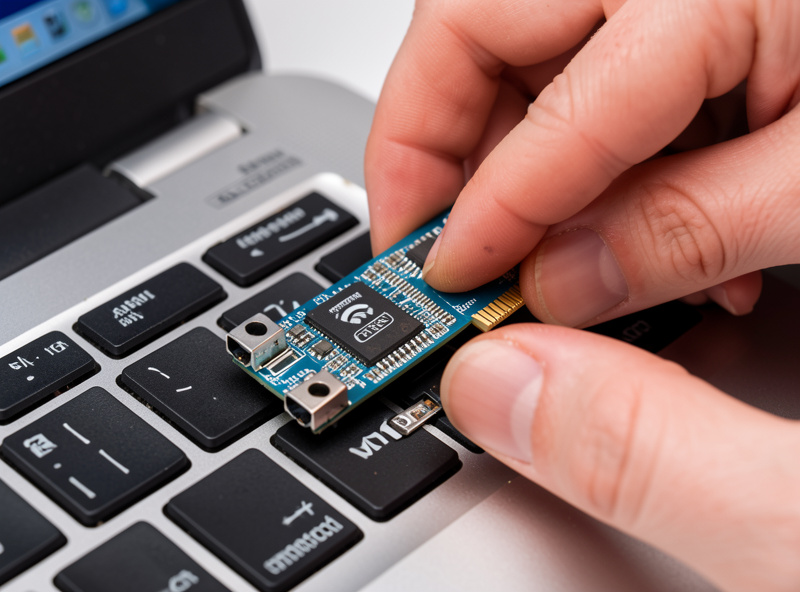
If you have a laptop or desktop with an accessible M.2 slot, you can usually add Wi-Fi 7 with an M.2 card — the Intel BE200 is the card most people reach for. The catch is that it’s not purely a hardware swap. The card needs a driver for your operating system, and it needs the antennas connected. On many laptops the Wi-Fi card sits in an M.2 2230 slot with two tiny antenna leads (the antennas run up into the lid). Swapping the card is straightforward if the slot is reachable; on some ultrabooks the wireless module is soldered or buried, in which case you’re stuck with what came in it.
Driver support matters more than people expect. A Wi-Fi 7 card that works perfectly on a current OS build may have flaky or missing drivers on an older release, and some cards have platform quirks. Before you buy, confirm there’s a working driver for your exact OS version.
Desktops have it easier — an M.2 or PCIe Wi-Fi 7 card with external antennas drops in with room to spare, and antenna routing is trivial compared to a laptop.
USB is the weak spot. USB Wi-Fi 7 adapters are scarce and immature right now; the ecosystem hasn’t caught up, driver support is inconsistent across operating systems, and the ones that exist often can’t deliver the features that make Wi-Fi 7 worth having in the first place. If you need to add Wi-Fi 7 to a machine, an internal card is the far better route wherever it’s possible.
Browse Wi-Fi 7 M.2 cards on Amazon if your machine has an open slot, and Wi-Fi 7 USB adapters here if an internal card genuinely isn’t an option — just go in knowing the USB side is still rough.
As an Amazon Associate I earn from qualifying purchases.
netsh wlan show drivers lists the radio types your adapter supports.How to check what a device actually supports
Don’t guess from the marketing. There are four reliable ways to find out what a device really speaks.
The spec sheet. The manufacturer’s technical specifications will list the Wi-Fi standard — look for “Wi-Fi 7” or “802.11be.” This is the fastest check for phones and tablets, where you can’t swap the radio anyway.
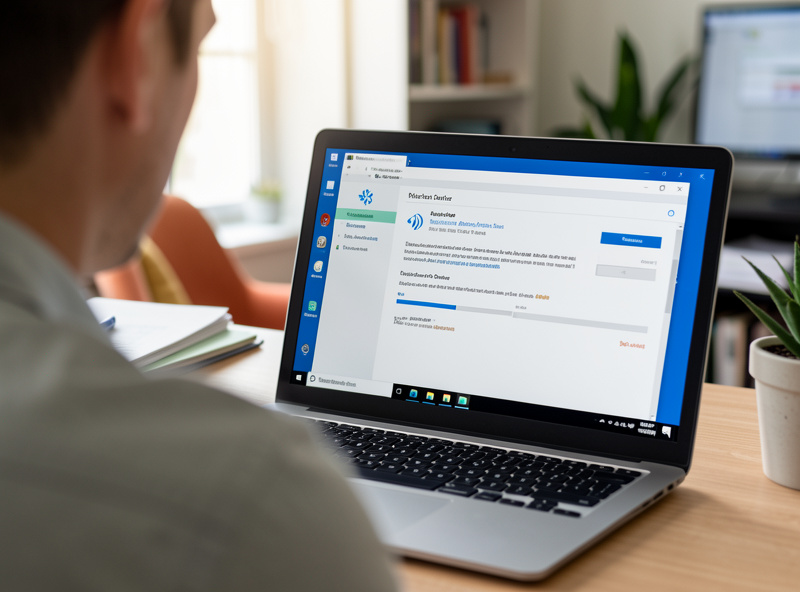
Windows: netsh wlan show drivers. Open a command prompt and run it. The output includes a “Radio types supported” line; if it lists 802.11be, the adapter and driver support Wi-Fi 7. The same window shows the adapter’s driver name and version, which tells you the exact card — an Intel BE200, for instance, is unambiguous.
The adapter model itself. On a laptop or desktop, identify the physical Wi-Fi card. In Windows, Device Manager under Network adapters names it; on Linux, lspci or lsusb will show the chipset. Once you have the model, its spec confirms the standard. An Intel BE-series or Qualcomm FastConnect Wi-Fi 7 part is a Wi-Fi 7 radio; anything AX-series is Wi-Fi 6/6E.
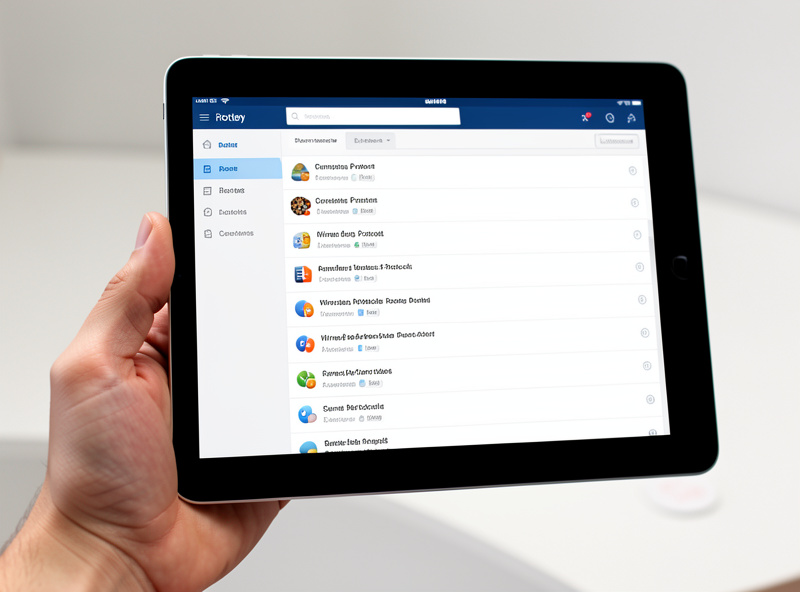
The router or AP client list. This is the ground truth. A decent access point’s admin page shows connected clients and the protocol each one negotiated. If a device is genuinely linking at Wi-Fi 7, the client list will say so; if it connected as Wi-Fi 6 despite having a Wi-Fi 7 card, that tells you something’s wrong (wrong band, driver, or channel-width setting). I check this whenever I add a new client, because it cuts through every spec-sheet assumption in one glance.
The honest buying takeaway
Buy the AP for the clients you actually own, or will own soon. That’s the whole decision. If you have a recent flagship phone and a new laptop with a BE200 card, a Wi-Fi 7 AP gives those two devices something real to use, and it’s a reasonable purchase — my full take on that trade-off lives in is Wi-Fi 7 worth it, and if you’ve decided it is, the best Wi-Fi 7 access point guide covers what to actually buy. If you’re planning to replace your phone or laptop with a Wi-Fi 7 model in the next year, buying the AP first so it’s ready is defensible.
But if you have zero Wi-Fi 7 clients today and no near-term plan to get one, Wi-Fi 6E delivers the same real-world experience for less money. Wi-Fi 6E already gives you the clean 6 GHz band with 160 MHz channels; without a Wi-Fi 7 client to negotiate 320 MHz or MLO, a Wi-Fi 7 AP behaves like a Wi-Fi 6E AP with a higher price tag — the Wi-Fi 6E vs Wi-Fi 7 comparison breaks down exactly where the two diverge. There’s no benefit hiding in the box that older clients can quietly unlock.
Keep the two-ended rule front of mind: MLO needs client support, 320 MHz needs client support, the dense modulation needs client support. None of it is delivered by the AP alone. Match the AP to the radios you have, and you’ll get exactly what you paid for — no more, no less.
Can an old phone use a Wi-Fi 7 router?
It can connect, but only at whatever standard its own radio supports — Wi-Fi 6, 6E, or older. A Wi-Fi 7 router gives no Wi-Fi 7 benefit to a phone that lacks a Wi-Fi 7 radio.
Which phones have Wi-Fi 7?
Recent flagship phones from 2023 onward began shipping Wi-Fi 7 radios, and it has spread through later flagship generations. Mid-range and budget phones generally still use Wi-Fi 6 or 6E. Check your model’s spec sheet to be sure.
Can I add Wi-Fi 7 to my existing laptop?
Often yes, if the laptop has an accessible M.2 slot and you can connect the antennas. An M.2 Wi-Fi 7 card such as the Intel BE200 works, provided there’s a driver for your operating system. Some laptops have soldered or inaccessible modules and can’t be upgraded.
Are USB Wi-Fi 7 adapters any good yet?
Not really. USB Wi-Fi 7 adapters are scarce and immature, with inconsistent driver support and limited feature delivery. An internal M.2 or PCIe card is the far better choice wherever it’s possible.
How do I check if my computer supports Wi-Fi 7?
On Windows, run netsh wlan show drivers and look for 802.11be under supported radio types. You can also identify the adapter model (an Intel BE-series or Qualcomm FastConnect part is Wi-Fi 7) or read the negotiated protocol in your router’s client list.
Is Wi-Fi 7 worth it if I have no Wi-Fi 7 devices?
No. Without a Wi-Fi 7 client, a Wi-Fi 7 AP behaves like a Wi-Fi 6E AP at a higher price. If you own no Wi-Fi 7 devices and don’t plan to soon, Wi-Fi 6E gives the same real-world experience for less.