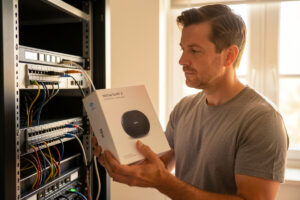
Wi-Fi 7 can hit multi-gigabit link rates on paper, but the standard mandates almost nothing in your house: the access point, the wire feeding it, the switch behind that, and the client radio all have to keep pace, or you paid for a number you will never see on a real transfer.
I run this stuff for a living at home. OPNsense on fanless x86, a Proxmox spine, managed switches trunking VLANs, APs wired back on PoE. So when people ask me “is Wi-Fi 7 worth it?” my honest answer is: it depends entirely on what is already in your rack and what clients you actually own. This guide is a cost-benefit walkthrough and a decision framework, not a sales pitch. If you want the full technical picture first, start with my Wi-Fi 7 home network guide.
The whole-chain problem nobody mentions
Here is the thing every marketing page skips. Wi-Fi 7’s headline throughput comes from wider channels (up to 320 MHz in the 6 GHz band), 4096-QAM modulation, and Multi-Link Operation aggregating bands — the headline additions in Wi-Fi CERTIFIED 7. Those are real. But a single client pulling, say, 2 Gbps of usable throughput off the AP has to send that traffic somewhere. If the AP’s uplink is a single gigabit Ethernet port, you are capped at roughly 940 Mbps regardless of how fast the radio negotiates.
So the chain is: client radio → air → AP → AP uplink cable → switch port → the rest of your LAN (or your internet router). The slowest link in that chain sets your real-world ceiling. A Wi-Fi 7 AP hanging off a gigabit switch is a Wi-Fi 7 AP delivering gigabit-class results. You spent extra for capability you cannot drain.
I see this constantly. Someone buys the shiniest AP, plugs it into the same switch it replaced, runs a speed test, and gets a number barely different from before. Then they blame the AP, or the standard, when the real culprit was the gigabit port it was hanging off. The radio was fine. The pipe behind it was the problem. Before you spend a krona, walk the chain link by link and find your actual bottleneck. Nine times out of ten it is the switch or the client, not the air.
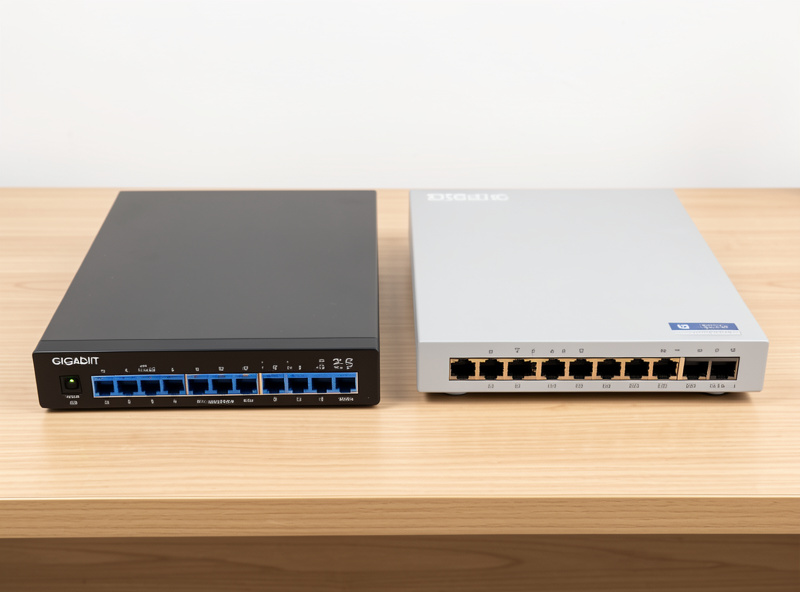
This is why I keep pushing people toward the wire before the radio. I wrote a dedicated comparison on this exact trade-off in Wi-Fi 7 vs 2.5G Ethernet, because for a lot of homelab tasks a cheap run of Cat6 to a 2.5G port beats a premium AP.
Where the money actually goes
An honest cost-benefit means counting the whole bill, not just the AP box. A genuine Wi-Fi 7 upgrade that you can actually saturate usually involves three purchases:
- The access point. A decent wired Wi-Fi 7 AP is the visible line item. This is the part people fixate on, and it is often the smallest problem.
- A multi-gig switch. To feed the AP past gigabit you need 2.5G (or faster) on the AP’s uplink port. That means a 2.5G switch, and if you power the AP over Ethernet, a switch that does PoE+ (802.3at) so you are not also buying injectors. I keep a running list in my best Wi-Fi 7 access point guide.
- The cabling. Cat6 comfortably carries 2.5G at household run lengths, so most people are fine here, but if your walls are wired with old Cat5e or you are relying on a flat cable behind the baseboard, verify it. This is a real cost only if you have to re-pull.
Add those up and the “cheap” AP upgrade becomes a switch-plus-AP project. That is not a reason to avoid it. It is a reason to know what you are signing up for before the second box arrives and surprises you.
Who should upgrade
Upgrade now if one or more of these describes you honestly:
- You already own a Wi-Fi 7 client you lean on. A recent flagship phone, a laptop with a Wi-Fi 7 card, a headset. If your heaviest wireless device can actually speak Wi-Fi 7, the AP has something to talk to. Check what your gear supports in my Wi-Fi 7 client device support rundown first.
- You run, or are about to run, 2.5G to your APs. If your switch already has multi-gig ports, or one is on your shopping list anyway, the uplink bottleneck disappears and the AP can breathe.
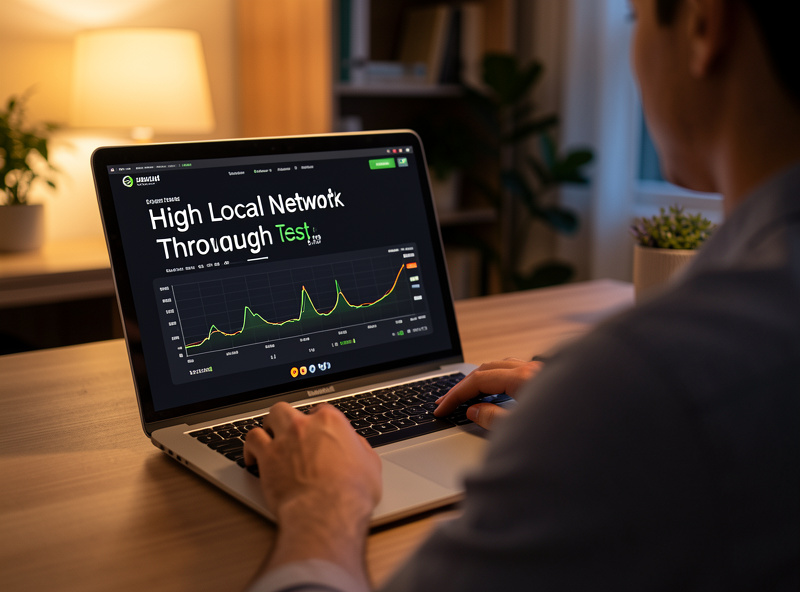
- You do big local transfers over wireless. Moving footage to a NAS, backing up laptops to a local server, shuffling VM images. These are the workloads that actually push past gigabit and where you feel the difference.
- You care about latency and airtime, not just peak speed. This is the underrated reason. Multi-Link Operation lets a client use two bands at once, which helps with responsiveness and congestion in a busy RF environment even when your raw throughput need is modest. I break down how that works in MLO explained.
Who should wait
Wait, and spend the money elsewhere, if this is you:
- All your clients are Wi-Fi 6 or 6E. A Wi-Fi 7 AP will happily serve them, but they cannot use the new features. You are paying for headroom your devices cannot reach. Wi-Fi 6E already gives you the clean 6 GHz band, which is where most of the real-world benefit lived. See Wi-Fi 6E vs Wi-Fi 7 for the honest gap.
- Your switch is gigabit and staying gigabit. Without a multi-gig uplink, a Wi-Fi 7 AP delivers roughly what a good Wi-Fi 6E AP already does. The bottleneck is the wire, not the radio.
- Your real bottleneck is the internet plan. If you have a 300 Mbps or even gigabit WAN connection and your complaint is “the internet feels slow,” Wi-Fi 7 changes nothing. Your LAN was never the limiter. No wireless standard makes your ISP faster.
Decision framework
Match yourself to a scenario. This is the table I would hand a friend before they open a shopping cart.
| Scenario | Verdict | Why |
|---|---|---|
| Wi-Fi 7 laptop/phone + already have a 2.5G PoE+ switch | Upgrade | Whole chain keeps pace; you will actually hit multi-gig on local transfers. |
| Wi-Fi 7 client but gigabit switch, no plan to change | Wait or budget the switch too | AP is capped at ~940 Mbps by the uplink; you are paying for an unusable ceiling. |
| All clients Wi-Fi 6/6E, everything works fine | Wait | Clients cannot use Wi-Fi 7 features; no measurable gain today. |
| Complaint is “internet is slow,” WAN under 1 Gbps | Do not upgrade | Bottleneck is the ISP link, not your wireless. Wrong fix. |
| Big local NAS/backup transfers over wireless, latency-sensitive work | Upgrade (with multi-gig) | This is the workload Wi-Fi 7 and MLO were built for. |
| New build / re-cabling anyway | Upgrade | Marginal cost is low when you are already running cable and buying a switch. |
The future-proofing argument, honestly
“Buy Wi-Fi 7 so you are set for years” is the most common justification, and it is partly fair. Access points are long-lived; you might keep one five years or more. If you are buying an AP anyway and the Wi-Fi 7 model is a modest premium over the Wi-Fi 6E equivalent, taking the newer standard is defensible even if no current device uses it.
But be honest about two things. First, future-proofing only pays off if the rest of your chain also moves forward. A Wi-Fi 7 AP behind a gigabit switch is not future-proofed; it is future-hobbled until you upgrade the switch. Second, the “future” that Wi-Fi 7 unlocks is bandwidth most homes will not saturate for years. Buying ahead of your own usage is a preference, not a performance win. There is no shame in it, but call it what it is.
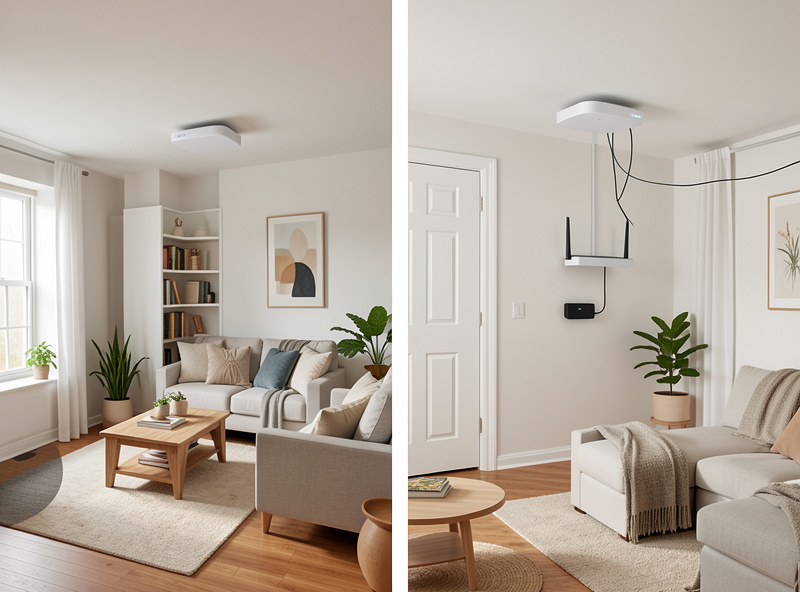
If you are wiring for the long haul, the more durable investment is often the backbone, not the radio. A solid multi-gig or 10G core lets every future AP and every wired machine benefit. My 10G switch guide covers where that makes sense, and my take on wired APs vs mesh explains why I wire everything back rather than chaining wireless.
What I would actually buy
If you have decided to go for it and want to hit the numbers, buy the switch and the AP together. For the switch, look for 2.5G ports with PoE+ so the AP is powered over the same cable that feeds it. For the AP, a wired ceiling-mount model with a 2.5G uplink is the sane pick for a homelab.
Starting points: 2.5G PoE switches on Amazon and Wi-Fi 7 access points on Amazon. Match the AP’s uplink speed to a switch port that can actually feed it, and confirm the PoE budget covers the AP’s draw. As an Amazon Associate I earn from qualifying purchases.
Whatever you buy, test it the boring way: a real file transfer between a Wi-Fi 7 client and a wired machine, watched end to end. That single test tells you more than any advertised link rate.
Frequently asked questions
Is Wi-Fi 7 worth it if I only have Wi-Fi 6 devices?
No. A Wi-Fi 7 access point will serve Wi-Fi 6 clients, but those clients cannot use Wi-Fi 7 features like 320 MHz channels or Multi-Link Operation, so you gain nothing measurable until you own Wi-Fi 7 clients.
Do I need a 2.5G switch for Wi-Fi 7?
To exceed gigabit throughput, yes. A single gigabit uplink caps a Wi-Fi 7 access point at roughly 940 Mbps no matter how fast the radio negotiates. A 2.5G port on the AP’s uplink removes that ceiling.
Will Wi-Fi 7 make my internet faster?
No. Wi-Fi 7 only affects your local wireless link. If your WAN plan is 300 Mbps or 1 Gbps, that is your internet ceiling regardless of your wireless standard. It helps local transfers, not your ISP speed.
Is Wi-Fi 7 worth it for future-proofing?
Partly. If you are buying an access point anyway and the Wi-Fi 7 model is only a small premium, it is defensible. But it only pays off if your switch and cabling also move to multi-gig, and most homes will not saturate the extra bandwidth for years.
What is the single biggest mistake when upgrading to Wi-Fi 7?
Buying the access point alone and leaving it on a gigabit switch. The uplink wire, the switch port, and the client radio all have to keep pace, or you are paying for a link rate you will never actually hit.
Related guides
- Wi-Fi 7 Home Network Guide
- Wi-Fi 7 vs 2.5G Ethernet
- Wi-Fi 7 Client Device Support
- Best Wi-Fi 7 Access Point for a Home Network
- Wi-Fi 6E vs Wi-Fi 7
- Wired Access Points vs Mesh