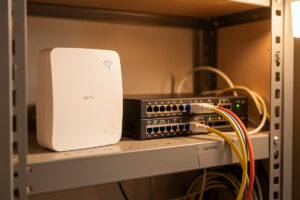
Wi-Fi 7 close-range throughput now lands around 1.5 to 2 Gbps in my testing, which finally exceeds a single gigabit wire. For the first time a wireless client can bottleneck a 1G uplink, so a Wi-Fi 7 access point genuinely needs a 2.5G port behind it. Below I lay out when that matters and when a wire still wins.
Why gigabit is suddenly the bottleneck
For two decades the answer was simple: if you wanted speed, you ran a Cat5e wire and got a steady gigabit, and Wi-Fi was the compromise you accepted for convenience. Real-world Wi-Fi 5 topped out around 400 to 600 Mbps in a normal home, and Wi-Fi 6 pushed that closer to 800 to 900 Mbps on a good day. In every case the gigabit switch port feeding the AP had headroom to spare.
Wi-Fi 7 breaks that assumption. With 320 MHz channels in the 6 GHz band, 4K-QAM modulation, and Multi-Link Operation aggregating bands — the additions that define Wi-Fi CERTIFIED 7 — a good client sitting a few metres from the AP can pull 1.5 to 2 Gbps of actual TCP throughput. On the host side I have seen a single laptop saturate more than a gigabit repeatedly. The moment that happens, a 1G uplink stops being headroom and becomes the ceiling. Your fast new AP hands the client a fraction of what the radio could deliver, and the wire is the reason.
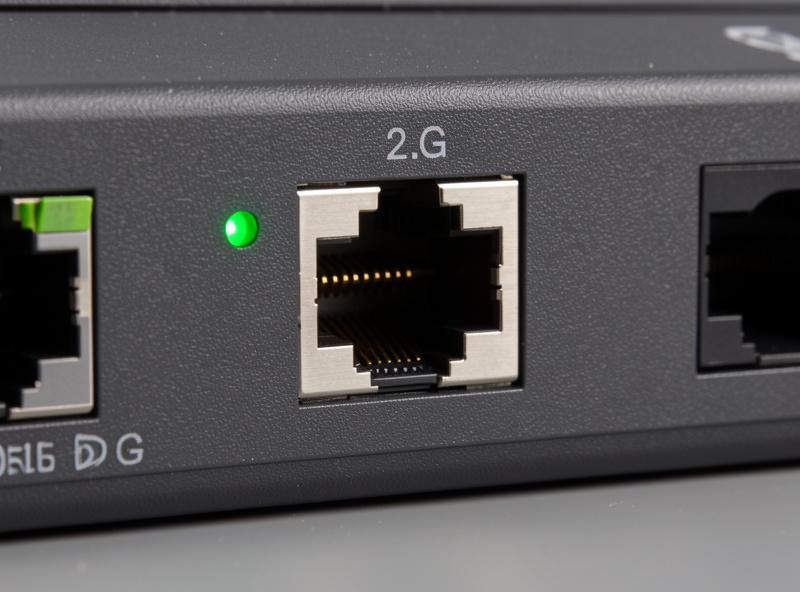
This is the core of the wifi 7 vs 2.5g ethernet question. It is not really wireless versus wired at all — it is whether the wire behind your wireless is fast enough to let the radio breathe. For a full picture of how the AP, the switch, and the cabling fit together I keep a running Wi-Fi 7 home network guide that ties these pieces into one build.
2.5G Ethernet basics: cheap, quiet, and good enough
2.5GBASE-T (IEEE 802.3bz) is the standard that fills the awkward gap between 1G and 10G. The single best thing about it is that it runs over the cabling you already own. Cat5e and Cat6 both carry 2.5 Gbps comfortably at typical home run lengths — I have driven it over a 20-metre Cat5e run without a single drop. You do not need to re-pull cable, which is exactly why it caught on where 10GBASE-T never did.
The rest of the pitch follows from that. 2.5G switches and NICs cost a fraction of their 10G equivalents. Power draw and heat are far lower, so a fanless 2.5G switch is a realistic thing to own, whereas most 10GBASE-T gear runs hot and loud. A USB or PCIe 2.5G adapter is an inexpensive way to bring an old machine up to speed. For anyone weighing the jump, I compared the tiers in my best 10G switches for a home lab write-up — 2.5G is the sane default and 10G is the enthusiast overshoot for most homes.
Practically, a 2.5G port gives you a rock-steady 2.5 Gbps in each direction, full duplex, all day, with latency measured in fractions of a millisecond. There is no shared medium, no airtime contention, no interference from the neighbour’s microwave. That consistency is the whole point of a wire, and it is the yardstick against which any wireless number has to be judged.
What the numbers actually mean
Marketing figures for Wi-Fi 7 quote link rates north of 5 Gbps or higher. Those are theoretical PHY rates under ideal conditions, and you will never see them as usable throughput. Wireless is a shared, half-duplex medium: every device on the channel takes turns, and a chunk of airtime is spent on overhead, retries, and management frames. A realistic close-range Wi-Fi 7 result is roughly 1.5 to 2 Gbps of TCP throughput to one client, and it falls off with distance, walls, and every extra device competing for the same air.

A 2.5G wire behaves nothing like that. It delivers a steady 2.5 Gbps in both directions at the same time, and it does not care how many other devices are on the network — each wired port has its own dedicated capacity. So even though the headline Wi-Fi 7 rate is bigger, the sustained, predictable, simultaneous-both-ways number belongs to the wire. Wireless has finally reached the point where it can saturate a 2.5G port on a good burst, but only the wire holds that line under load.
Wi-Fi 7 vs 2.5G wired at a glance
| Factor | Wi-Fi 7 (close range) | 2.5G wired (2.5GBASE-T) |
|---|---|---|
| Real throughput | ~1.5–2 Gbps, one client, bursty | Steady ~2.5 Gbps, full duplex |
| Latency | 2–10 ms typical, variable | Well under 1 ms, stable |
| Consistency | Drops with distance, walls, load | Constant regardless of clients |
| Duplex / medium | Shared, half-duplex airtime | Dedicated, full duplex |
| Cabling / cost | No cable, but needs 2.5G uplink | Runs on Cat5e/Cat6, cheap gear |
| When to pick | Mobile devices, phones, laptops | Desktops, NAS, servers, uplinks |
When to just run a wire
Wi-Fi 7 is genuinely good enough now that I run more devices wireless than I used to. But some things still belong on copper, and the decision is easy once you frame it around consistency rather than peak speed.
Run a wire to anything that sits still and moves real data: a NAS, a Proxmox host, a desktop you edit large files on, a backup target. These devices benefit from the steady full-duplex 2.5 Gbps and the sub-millisecond latency, and they never move, so the cable is a one-time cost. In my setup the spine of the network is entirely wired, and the wire behind every access point is a non-negotiable — an AP on a slow uplink is the single most common self-inflicted bottleneck I see. My home network cabling guide covers how to plan those runs so you only pull cable once.
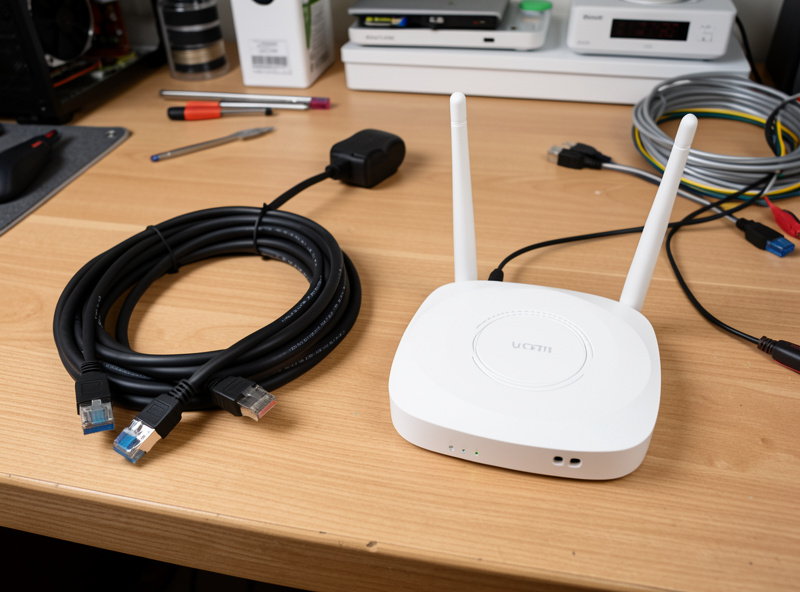
Rely on Wi-Fi 7 for the things that actually roam: phones, tablets, laptops, and the growing pile of devices that have no Ethernet port at all. For those, close-range Wi-Fi 7 now clears a gigabit, so the experience is excellent — provided the AP itself is wired back on a 2.5G port so it is not throttled before the signal even leaves the antenna. The exact port and cable requirements are laid out in my Wi-Fi 7 AP switch and cabling requirements piece.
Building it out sensibly
The clean architecture is boring and it works: a 2.5G-capable switch as the aggregation point, wired 2.5G to the fixed heavy hitters, and every Wi-Fi 7 AP wired back to a 2.5G port with PoE where you can get it. That way the wireless clients get the full radio, the wired clients get their steady lane, and nothing upstream is starving anyone.
If you are shopping, a small managed 2.5G switch is the heart of this, and a cheap 2.5G USB adapter is the fastest way to bring a laptop or an older desktop up to speed for testing.
Browse 2.5G managed network switches on Amazon and, for older machines, a 2.5G USB Ethernet adapter is an easy upgrade.
As an Amazon Associate I earn from qualifying purchases.
Before you buy the AP itself, it is worth deciding whether the standard even earns its place in your home. I worked through that in is Wi-Fi 7 worth it and in the head-to-head Wi-Fi 6E vs Wi-Fi 7 comparison. If the answer is yes, my notes on the best Wi-Fi 7 access point for a home network will point you at hardware that actually has the 2.5G uplink this whole argument depends on.
The honest take
Wi-Fi 7 is the first wireless standard that can genuinely saturate a 2.5G wire on a good burst, and that is a real milestone. But it does so as a shared, half-duplex, distance-sensitive medium, while the wire delivers the same number steadily, both directions, forever, no matter what else is on the network. So the two are not competitors — they are partners. Feed your Wi-Fi 7 AP a 2.5G uplink, wire the things that sit still, and let the radio handle the things that move. If you want the full-rack version of that logic, my DIY 10GbE router build shows where the wired spine goes next once 2.5G starts to feel tight.
Frequently asked questions
Does a Wi-Fi 7 access point really need a 2.5G uplink?
Yes, if you want the radio’s full speed. Close-range Wi-Fi 7 throughput of 1.5 to 2 Gbps exceeds a single gigabit wire, so a 1G uplink becomes the bottleneck. A 2.5G port lets the AP deliver what it is capable of.
Can 2.5G Ethernet run over my existing cables?
In most homes, yes. 2.5GBASE-T runs reliably over Cat5e and Cat6 at typical home run lengths, so you rarely need to re-pull cable. That backward compatibility is the main reason 2.5G caught on where 10GBASE-T did not.
Is Wi-Fi 7 faster than a wired connection now?
On a close-range burst to one client, Wi-Fi 7 can match or beat a 2.5G wire. But wireless is shared and half-duplex, so the wire still wins on sustained, simultaneous both-way throughput, latency, and consistency under load.
Should I wire my NAS or use Wi-Fi 7?
Wire it. A NAS sits still and moves large sustained transfers, which is exactly where a steady 2.5 Gbps full-duplex wired link with sub-millisecond latency beats any wireless link. Save Wi-Fi 7 for devices that actually roam.
Is 2.5G enough or should I jump straight to 10G?
For most homes 2.5G is enough and far cheaper, cooler, and quieter than 10G. It runs on existing cabling and comfortably feeds a Wi-Fi 7 AP. Only move to 10G if you regularly move very large files between wired machines.
Related Guides
- Wi-Fi 7 Home Network Guide
- Wi-Fi 7 AP Switch and Cabling Requirements
- Best Wi-Fi 7 Access Point for a Home Network
- Is Wi-Fi 7 Worth It?
- Home Network Cabling Guide