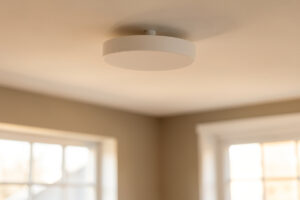
The best Wi-Fi 7 access point for a wired home is a ceiling-mount unit with at least one 2.5G uplink port and PoE+ input. Anything on a gigabit port caps at gigabit, no matter how many radios it carries. Wire it, power it over PoE, done.
I run APs wired back on PoE with each SSID mapped to its own VLAN, and after living with three generations of this layout I have opinions. Wi-Fi 7 changes the client-side math, but the thing that actually decides whether you get the throughput you paid for is boring: the port you plug it into and the switch that feeds it. This is a buyer’s guide for people who already have (or will have) Ethernet in the walls.
The one number that matters most: the uplink port
A Wi-Fi 7 radio can move well over a gigabit of real-world aggregate throughput to modern clients. If that AP’s Ethernet uplink is a plain 1GbE port, your entire ceiling unit is capped at gigabit minus overhead. You bought multi-gig radios and stapled a gigabit straw to the front of them. This is the single most common way people waste money on Wi-Fi 7.
So the first spec I check on any AP is the uplink port speed. For a wired home in 2026 you want a 2.5GbE (2.5G) uplink at minimum. Some higher-end APs offer 5G or 10G, which is nice for dense deployments but overkill for most homes. A 2.5G port is the sweet spot: it clears the gigabit ceiling, and 2.5G switch ports and PoE budgets are cheap and common now.
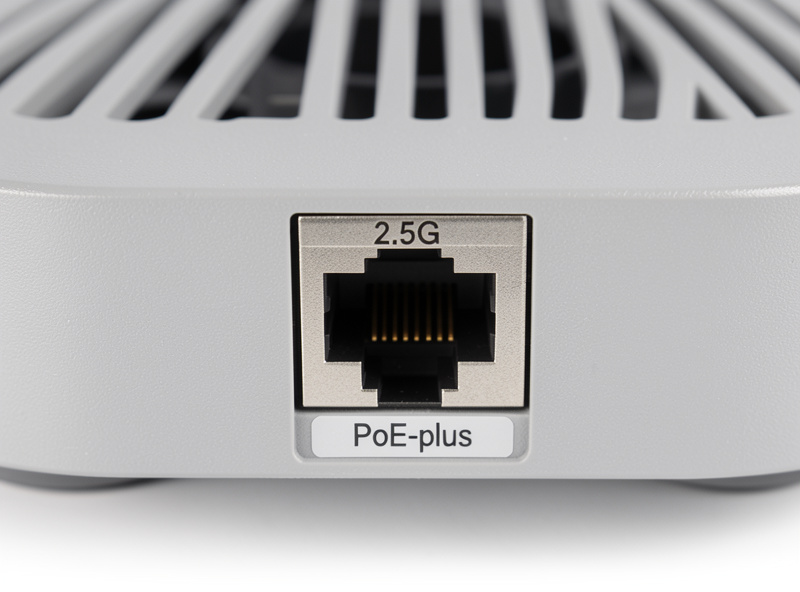
Be honest with yourself about the whole chain. The AP’s 2.5G port only helps if the switch port it lands on is also 2.5G, and if the run back to your router or aggregation switch is fast enough. In my setup the APs trunk into a managed switch on 2.5G ports, and that switch has a 10G uplink to the core. If your only switch is a gigabit box, a 2.5G AP still runs at gigabit today, but at least it is future-proof for a cheap switch swap later.
MLO: the actual Wi-Fi 7 feature you care about
Multi-Link Operation (MLO) is the headline Wi-Fi CERTIFIED 7 capability. It lets a capable client bind to more than one band at once (say 5 GHz and 6 GHz) for higher aggregate throughput and lower latency, and it can fail traffic over between links instead of dropping. For a wired-backhaul home this is the feature worth paying for, because your backhaul is not the bottleneck anymore.
Two caveats I hammer on. First, MLO needs both ends: the AP and the client must support it, and Wi-Fi 7 client adoption is still climbing. Second, MLO’s benefit is real but band-dependent, and it does nothing to improve a slow uplink. Buy the AP for MLO, but wire it properly or you have wasted the feature.
PoE class: power it over the same cable
The whole point of a wired AP is one cable doing everything: data and power. That means Power over Ethernet. Wi-Fi 7 APs draw more than older units because they light up more radios, so check the PoE class the AP requires, not just “PoE.”
Most current ceiling Wi-Fi 7 APs want PoE+ (802.3at, up to ~25.5W at the device). Some higher-stream units push into PoE++ (802.3bt) territory. If you feed a PoE+ AP from an older 802.3af switch that only delivers ~12.95W, the AP either refuses to boot or runs in a crippled low-power mode with radios disabled. Match your switch’s per-port PoE budget to the AP’s requirement before you buy either one. My rule: budget PoE+ per AP port and you will rarely be caught short.
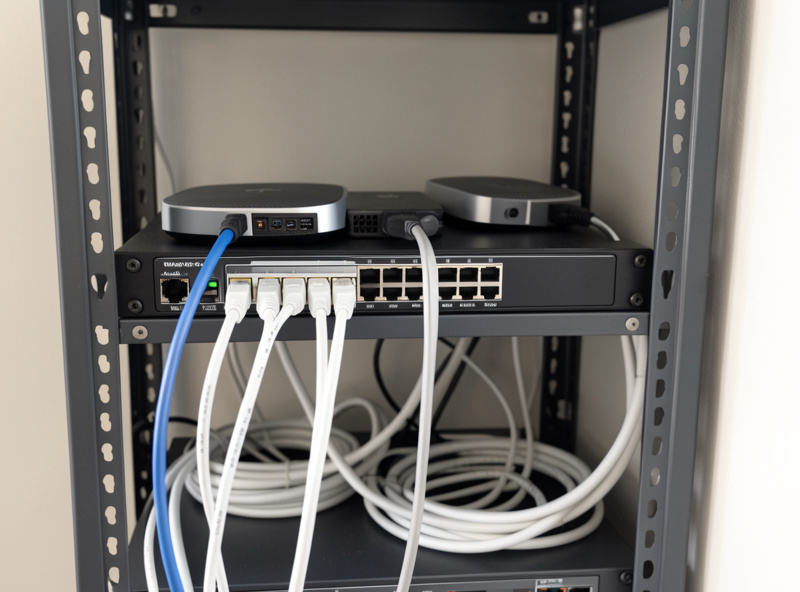
Wired ceiling APs beat mesh. Every time.
If you have Ethernet in the walls, a mesh kit is the wrong tool. Mesh exists to solve the “I have no cabling” problem by using a wireless backhaul hop, and that hop steals airtime and adds latency. A ceiling-mounted wired AP has a dedicated wired path back to the switch, so every bit of its radio capacity serves clients instead of relaying to another node.
Placement is also just better. A puck on the ceiling in the middle of a room radiates down and out evenly; a mesh node on a shelf fights furniture and walls. And I treat mesh as a coverage band-aid, never a security boundary. My segmentation lives on the switch and firewall, with each SSID pinned to its own VLAN, and a wired AP slots into that cleanly. For the full comparison see my Wi-Fi 7 mesh vs wired backhaul writeup and the more general wired access points vs mesh breakdown.
Streams, radios, and when tri-band is a trap
Stream count (2×2, 4×4) sets how much the AP can serve concurrently. For a normal home, a solid 2×2 or 4×4 Wi-Fi 7 AP is plenty. More streams help when many capable clients hammer the same AP at once, which is a dense-deployment or office problem, not a three-people-and-a-TV problem.
Tri-radio (adding a second 5 GHz radio) units exist to add capacity in high-density environments. Unless you genuinely have a lot of simultaneous heavy clients per AP, you are paying for silicon you will not use. For most wired homes, two or three well-placed dual/standard Wi-Fi 7 APs beat one maxed-out tri-radio monster. Coverage comes from AP count and good placement, not from one giant unit.
Controller vs standalone, and the vendor question
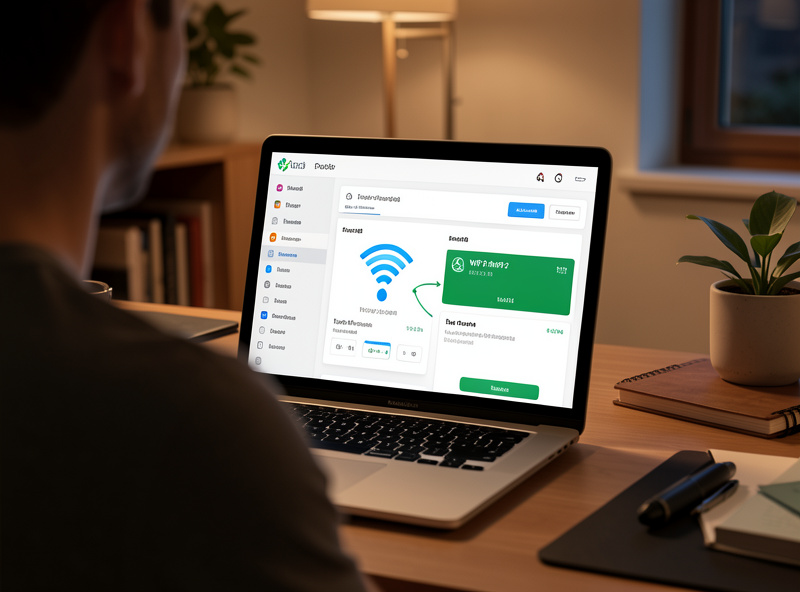
The other big fork is management. Controller-based ecosystems (UniFi-class systems, for example) give you one dashboard for many APs, roaming tuning, VLAN-to-SSID mapping, and clean firmware handling. That is what I run, and roaming between ceiling APs is far smoother when a controller coordinates them. The UniFi access point setup guide walks the wired-adoption flow.
Standalone APs from other vendors are simpler and can be cheaper per unit, and for a one- or two-AP house they are perfectly fine. The trade-off is you configure each one by hand and roaming is less coordinated. If you plan to grow past two APs, buy into a controller ecosystem from the start so you are not re-buying later. Either way, confirm the AP supports 802.1Q VLAN tagging so you can map SSIDs to VLANs; that is non-negotiable in my book. If you are still deciding whether the upgrade is justified at all, my is Wi-Fi 7 worth it and Wi-Fi 6E vs Wi-Fi 7 pieces lay out the honest case.
What to check before you buy: the shortlist table
| What to check | Why it matters | What to pick |
|---|---|---|
| Uplink port speed | A 1GbE port caps the whole AP at gigabit no matter the radios | 2.5G minimum; 5G/10G only for dense sites |
| MLO support | The core Wi-Fi 7 gain: multi-band aggregation and lower latency | Required, on both AP and client |
| PoE class | Under-powering disables radios or blocks boot | PoE+ (802.3at); PoE++ for high-stream units |
| Stream count | Sets concurrent serving capacity | 2×2 or 4×4 for homes; more only if dense |
| Tri-radio | Adds density capacity you may never use | Skip unless many heavy clients per AP |
| Management model | Controls roaming, firmware, VLAN mapping | Controller ecosystem if growing past 2 APs |
| 802.1Q VLAN tagging | Lets you pin each SSID to its own VLAN | Non-negotiable for segmentation |
How I’d actually shop for it
Start from the switch, not the AP. Confirm you have (or will buy) 2.5G PoE+ ports to land the APs on, then pick APs that match. Buy the smallest number of APs that covers your floor plan with good placement, wire each on its own drop, and map SSIDs to VLANs at the switch. If you are unsure how many drops and what cable class you need, my AP and switch cabling requirements guide covers the run lengths and PoE budgeting, and the broader PoE for access points primer explains the classes.
When you are ready to compare specific current units, filter listings by uplink port speed and PoE class first, then MLO. Browse Wi-Fi 7 ceiling access points with 2.5G PoE uplinks, and if you are building the wired backbone at the same time, compare 2.5G PoE+ managed switches to feed them. As an Amazon Associate I earn from qualifying purchases.
For the full architecture, start at my Wi-Fi 7 home network guide, then work outward from cabling to VLANs. And if you want the beginner-level overview of the whole layout, the home Wi-Fi guide is the gentler on-ramp.
Does a Wi-Fi 7 AP need a 2.5G port?
For a wired home, yes. A Wi-Fi 7 AP can move more than a gigabit of aggregate throughput to modern clients, so a plain 1GbE uplink caps the whole unit at gigabit. A 2.5G uplink is the practical minimum.
Is a wired ceiling AP better than mesh?
If you have Ethernet in the walls, yes. Mesh uses a wireless backhaul hop that steals airtime and adds latency. A wired ceiling AP has a dedicated wired path, so all its radio capacity serves clients instead of relaying.
What PoE class do Wi-Fi 7 APs need?
Most current ceiling Wi-Fi 7 APs need PoE+ (802.3at, up to about 25.5W at the device). Some high-stream units require PoE++ (802.3bt). Older 802.3af switches often underpower them and disable radios.
Do I need MLO on my access point?
MLO is the core Wi-Fi 7 feature worth paying for, letting capable clients bind multiple bands at once for higher throughput and lower latency. It needs support on both the AP and the client, and it will not fix a slow uplink.
Controller or standalone access points?
For one or two APs, standalone is fine. If you plan to grow past two, buy into a controller ecosystem from the start for coordinated roaming, firmware, and SSID-to-VLAN mapping, so you are not re-buying hardware later.
Related Guides
- Wi-Fi 7 Home Network Guide
- Wi-Fi 7 Mesh vs Wired Backhaul
- AP and Switch Cabling Requirements
- PoE for Access Points
- UniFi Access Point Setup