
For any home you can run a cable through, wired access points beat a wireless mesh on throughput, latency, and stability — and usually on price too. A mesh spends part of its spectrum talking to itself over the air; a wired AP spends all of it on your devices. I’ve run both in the same house, and the wired layout is the one I never had to apologize for.
That said, mesh isn’t useless — it’s a specific tool for a specific problem. This is the honest comparison: where each one wins, what the real tradeoffs are, and how to tell which your home actually needs before you spend money.
The Core Difference Is Backhaul
The single thing that separates wired APs from mesh is backhaul — the link each node uses to reach the rest of the network. Wired APs use Ethernet for backhaul, so 100% of their radio time goes to clients. Mesh nodes use radio for backhaul, so they spend part of every airtime cycle talking to each other instead of to you.
This is why a mesh node “loses half its speed” the further it sits from the main unit: a node relaying traffic over the air has to receive a packet and resend it, and unless it has a dedicated backhaul radio, that happens on the same band your phone is using. Good tri-band mesh systems carve out a separate 5 GHz or 6 GHz radio purely for backhaul to soften this, which helps a lot — but that backhaul still degrades through walls and competes with the neighbors. A wired AP has no such tax. Its uplink is a cable doing gigabit (or multi-gig) regardless of walls, weather, or how many APs you add. That’s the whole argument in one sentence, and it’s covered in the broader context of the home Wi-Fi setup guide.
| Factor | Wired Access Points | Wireless Mesh |
|---|---|---|
| Backhaul | Ethernet — full rate, every node | Wireless — shared/dedicated radio |
| Throughput at far node | Full per-AP rate | Drops with distance and walls |
| Latency / jitter | Low and consistent | Higher, varies with backhaul |
| Install effort | Run a cable per AP | Plug in and place |
| VLAN / SSID control | Full (controller-managed) | Usually one guest toggle |
| Best for | Homes you can cable | Homes you can’t cable |
Where Mesh Genuinely Wins
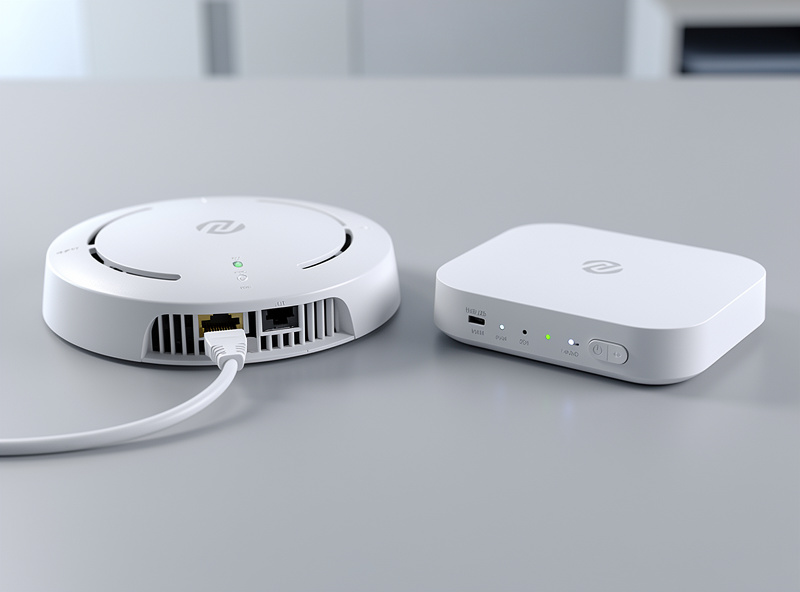
Mesh wins in exactly one situation: when you cannot run Ethernet to where coverage is needed. Renters, solid-plaster walls, listed buildings, and detached outbuildings are the real cases — and there, a good mesh kit beats fighting with extenders or drilling holes you’re not allowed to drill.
I won’t pretend wired is always practical. If you’re renting and can’t put a single hole in a wall, a quality tri-band mesh with dedicated backhaul is a genuinely good network — far better than a single router plus extenders. The vendor handoff between mesh nodes is also seamless out of the box, where wired multi-AP roaming needs you to enable the fast-transition standards yourself. For pure smart-home coverage specifically, I broke down why mesh beats range extenders in Wi-Fi 6 mesh for smart homes. The trick most people miss is the hybrid: run one wired AP as the anchor and mesh additional nodes off it. You get a rock-solid wired core and only pay the wireless-backhaul tax on the satellites you couldn’t cable.
Where Wired Access Points Win
Wired APs win on every performance metric and on long-term flexibility. Full throughput at every AP, consistent low latency, real VLAN-per-SSID segmentation, and a layout that scales by running one more cable rather than rebuying a kit — that’s what the wired approach buys.
The flexibility point is underrated. A mesh kit is a sealed appliance: you get the SSIDs and features the vendor ships, and a “guest network” usually means one isolated toggle. A controller-managed wired AP lets me publish as many SSIDs as I want and tag each to its own VLAN, so my IoT gear, guest devices, kids’ tablets, and main network are genuinely separate trust zones — enforced by the firewall, not by hope. That’s the same segmentation discipline from the home network VLAN guide, extended onto the wireless side. Coverage also scales cleanly: when I added an AP for the garage, I ran a cable and adopted it — no re-pairing a whole mesh, no satellite that drops at the edge of range.
There’s a reliability angle too that rarely makes the spec sheets. Wireless backhaul is one more thing that can degrade silently — a neighbor installs a new router on your backhaul channel, or a microwave runs at the wrong moment, and your far node’s throughput quietly tanks until you go looking for it. A cabled uplink simply doesn’t have that failure mode; the link is the link. Over a year of running mine, the wired APs have been the most boring part of the network, which on a home network is the highest praise I can give. The mesh phase, by contrast, was where I spent the most time diagnosing “why is the back bedroom slow tonight.”
The Cost Comparison Is Closer Than You Think
A two-AP wired setup with a small PoE switch often costs the same as or less than a three-pack mesh kit, while delivering better performance. The hidden cost is the cabling labor, not the hardware.
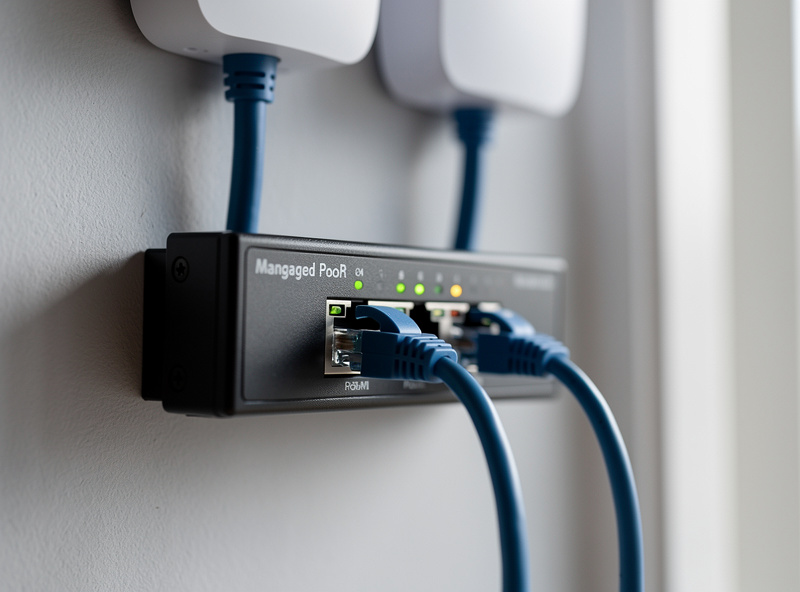
People assume “prosumer” means expensive, but a pair of solid PoE access points plus an 8-port managed PoE switch lands in the same bracket as a mid-range mesh three-pack — and the APs don’t expire when the vendor stops pushing firmware. Where mesh genuinely saves money is labor: it’s plug-and-place, while wired means pulling cable or paying someone to. If you’re comfortable running Cat6 yourself, wired is cheaper and faster. If you’d have to hire an electrician to fish cable through finished walls, factor that in honestly. For the hardware that anchors either approach, the best DIY router hardware guide covers the router/firewall side.
How to Decide for Your Home
Ask one question: can you run an Ethernet cable to each spot that needs coverage? If yes, go wired. If you can cable to some spots but not all, go hybrid — wired anchors, mesh satellites. If you can cable nowhere, buy the best tri-band mesh you can afford.
That’s the entire decision. Don’t overthink the Wi-Fi standard at this stage — a wired Wi-Fi 6 AP will outperform a Wi-Fi 7 mesh node sitting two rooms away on wireless backhaul, every time, because backhaul beats band. Once you’ve picked the layout, the next steps diverge: wired users should read UniFi access point setup and PoE for access points to get the gear powered and provisioned, then access point placement to position them. If you’re starting from scratch with the ISP box, the beginner’s guide to home routing is the on-ramp.
If you want hardware to start with, a controller-managed PoE access point such as a UniFi PoE access point paired with an 8-port managed PoE switch is the core of the wired layout I’d build today.
Frequently Asked Questions
Is a wired access point faster than mesh?
Yes, especially at distance. A wired AP uses Ethernet for backhaul, so all its radio time serves clients. A mesh node spends part of its airtime relaying over the air, which cuts throughput the further it sits from the main unit and through walls.
When should I use mesh instead of wired access points?
Use mesh when you cannot run Ethernet — renting, solid plaster, or listed buildings. A good tri-band mesh with dedicated backhaul beats a router plus extenders. Where you can cable even one anchor AP, a wired or hybrid layout performs better.
Can I mix wired access points and mesh?
Yes, and it is often the best layout. Run one wired AP as the anchor and mesh additional nodes off it. You keep a full-rate wired core and only pay the wireless-backhaul penalty on the satellites you genuinely could not cable.
Is a mesh system cheaper than wired access points?
Not necessarily. Two PoE access points plus a small managed PoE switch often cost the same as a three-pack mesh kit while performing better. Mesh saves on labor since it is plug-and-place, while wired requires running Ethernet cable.