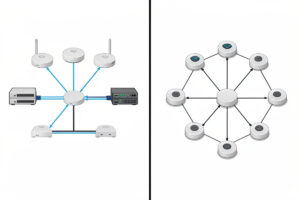
Wire your access points if you possibly can. A wired backhaul gives every AP the full pipe, no shared airtime, and the lowest, most predictable latency. Wi-Fi 7 mesh closes the gap with a dedicated 6 GHz backhaul link, but it is still a compromise against a cable.
I run wired-back APs on my own network: a couple of ceiling units, each with its own Ethernet run back to a managed switch, every SSID mapped to a VLAN. That layout is boring on purpose. It performs the same at 8 PM on a Sunday as it does at 3 AM, because nothing is fighting for airtime to move backhaul traffic. When people ask me about “wifi 7 mesh vs wired backhaul,” the honest answer is that they solve different problems, and most homes that can pull cable will be happier having done it.
What backhaul actually means
Backhaul is the link that carries traffic between an access point and the rest of your network — the switch, the router, the internet. Client devices talk to the AP; the AP has to get that traffic somewhere. There are two ways to do it.
Wired backhaul is an Ethernet cable from each AP back to a switch. The radio on that AP does one job: talk to clients. All of its airtime and all of its throughput are available for the devices in the room.
Wireless mesh backhaul uses radio for that link. A satellite node relays traffic to the main node over the air, and — critically — it does that using the same radios it uses to serve clients, unless it has a band set aside just for the backhaul. That sharing is the root of every mesh compromise.
Why wired backhaul wins on paper
The advantages are not subtle, and they are the reason I keep recommending a cable pull to anyone who owns their walls.
- Full pipe per AP. A Cat 5e run does 1 Gbps, Cat 6/6a will carry 2.5 GbE or 10 GbE if the AP and switch support it. That bandwidth is dedicated to that AP. No neighbor node is borrowing it.
- No shared airtime. The AP’s radios spend 100% of their time serving clients. On a wireless mesh, a node splits airtime between clients and backhaul, so effective client throughput can fall by half or more on a shared-band hop.
- Lowest latency. A wired hop adds well under a millisecond. Each wireless backhaul hop adds a few milliseconds and, worse, jitter — which is what actually hurts video calls and gaming.
- Predictability. A cable does not care about your microwave, your neighbor’s Wi-Fi, or how many devices are awake. Interference and congestion do not degrade it.
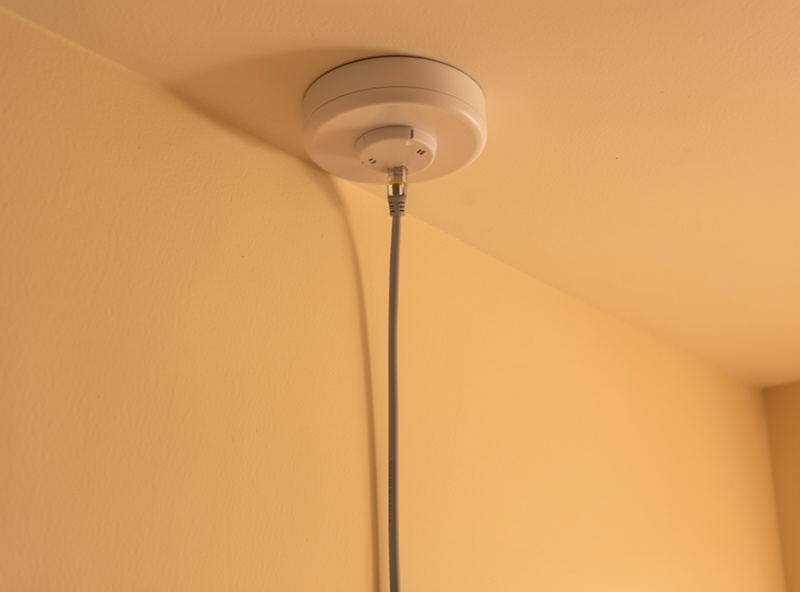
- Clean power. Wire the AP with PoE and the same cable carries data and power, so you can mount a unit on a ceiling with no outlet nearby.
If you want the deeper cabling story — what category cable to run, PoE budgets, and switch uplinks — I broke that out in the Wi-Fi 7 AP and switch cabling requirements guide.
What Wi-Fi 7 actually changes for mesh
Mesh has a reputation from the Wi-Fi 5 and early Wi-Fi 6 era, when satellites often backhauled over the same 5 GHz band they used for clients and throughput collapsed under load. Wi-Fi 7 — certified by the Wi-Fi Alliance as Wi-Fi CERTIFIED 7 — genuinely improves the situation, and it is worth being fair about how.
The big one is the 6 GHz band with 320 MHz channels. A tri-band Wi-Fi 7 system can dedicate that wide 6 GHz channel purely to backhaul, which gives the satellite-to-main link real headroom — enough that the backhaul is no longer the obvious bottleneck it used to be. I wrote up how those wide channels behave in the 320 MHz channels on the 6 GHz band piece.
Multi-Link Operation (MLO), part of the IEEE 802.11be standard, also helps. MLO lets a device use more than one band at once, which can add resilience and aggregate throughput on the backhaul link. And Wi-Fi 7’s 4K-QAM raises peak data rates roughly 20% over Wi-Fi 6E’s 1024-QAM when signal conditions are clean.
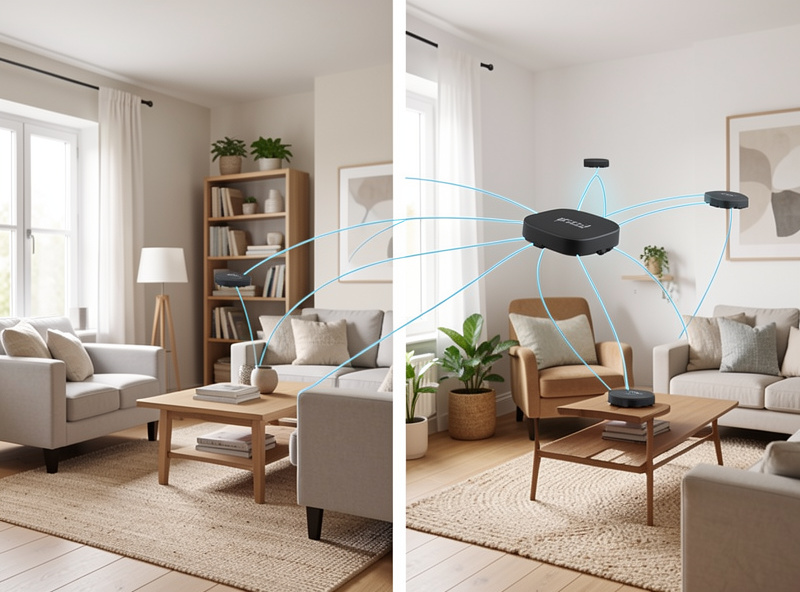
Here is the honest limit, though. A dedicated 6 GHz backhaul link is still a wireless link. It degrades with distance and obstacles — and 6 GHz attenuates through walls faster than 5 GHz, so the further apart your nodes are, the more that headroom bleeds away. It still adds a latency hop. And 6 GHz range indoors is shorter, so the very placement that gives you coverage can starve the backhaul. Wi-Fi 7 makes mesh good enough for far more homes than before. It does not make it equal to a wire.
Wired backhaul vs Wi-Fi 7 mesh: the comparison
| Factor | Wired backhaul APs | Wi-Fi 7 wireless mesh |
|---|---|---|
| Throughput per AP | Full wired pipe (1 / 2.5 / 10 GbE), dedicated | High on a dedicated 6 GHz link, but shared and distance-dependent |
| Latency | Sub-millisecond, no added hop | Extra few ms and jitter per wireless hop |
| Reliability | Immune to RF interference and congestion | Degrades with interference, walls, distance, and load |
| Install effort | High — pulling cable, terminating, PoE switch | Low — place nodes and power them |
| Cost | Cable, keystones, PoE switch, APs | Kit price only; no cabling or switch |
| Best use | Homes you own and can drill; performance and predictability | Rentals, no-drill layouts, temporary or detached-building coverage |
When mesh genuinely earns its place
I am not anti-mesh. I am anti-mesh-when-you-could-have-run-a-cable. There are real situations where wireless backhaul is the right call, not a fallback:
- Rentals and no-drill homes. If you cannot open walls or your lease forbids it, mesh gives you multi-room coverage without a single hole. This is the single most common good reason.
- Detached buildings without conduit. A garage, workshop, or garden office with no buried Ethernet is a legitimate mesh hop — or, better, a point-to-point wireless bridge if line-of-sight allows.
- Temporary setups. A rental you will leave in a year, an event, a construction phase — anywhere the install effort of cabling is not worth it.
- The last hop only. The best hybrid: wire every AP you can, and mesh only the one node you genuinely cannot reach with a cable.
If you are weighing the two purely on outcomes, my wired access points vs mesh comparison and the best Wi-Fi 7 access point for a home network roundup both feed into this decision.
Best practice: wire what you can, mesh the last hop
The layout I run and recommend is a hybrid biased hard toward wire:
- Dedicate a backhaul band. If any node has to go wireless, use a tri-band system and reserve the 6 GHz 320 MHz channel for backhaul only. Never let clients and backhaul fight over the same radio.
- Wire whatever you can reach. Every AP with a cable is one less radio hop and one less thing to degrade. Even wiring half your nodes takes pressure off the mesh.
- Mesh only the last hop. Keep the wireless link short and with as much line-of-sight as you can manage. A single hop is fine; daisy-chaining three satellites is where throughput and latency fall apart.
- Place for the backhaul, not just coverage. A satellite too far from its parent has great client signal and a starved uplink. My access point placement notes cover this.
Mesh is a coverage tool, not a security boundary
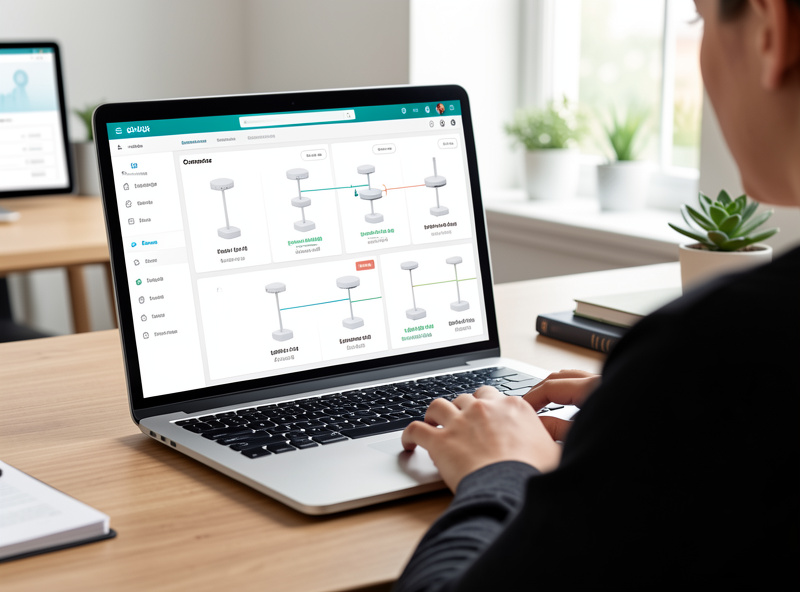
This is the point I care most about, and it gets lost in throughput arguments. Mesh solves coverage. It does not segment your network. Whether a node is wired or wireless, your VLAN segmentation — IoT on its own VLAN, guests isolated, cameras walled off — comes from the wired side: the switch trunking 802.1Q tags and the controller mapping each SSID to a VLAN.
A mesh satellite is just another radio broadcasting those same SSIDs. It does not enforce isolation on its own; it inherits whatever policy the controller and switch define. So do not treat “I added a mesh node” as a security decision. Design your segmentation on the wired backbone, then let the APs — wired or meshed — carry it. If you want the full home layout, the Wi-Fi 7 home network guide ties the switch, VLANs, and APs together, and fixing Wi-Fi dead zones covers the coverage side that mesh is actually there to solve.
Recommended gear
For a wired-back layout, a PoE access point is the workhorse — one cable for data and power. If you truly cannot cable, a tri-band Wi-Fi 7 mesh system with a dedicated backhaul band is the version worth buying.
As an Amazon Associate I earn from qualifying purchases.
Is Wi-Fi 7 mesh as fast as wired backhaul APs?
No. A dedicated 6 GHz Wi-Fi 7 backhaul link has real headroom and is far better than older mesh, but it is still a shared wireless link that degrades with distance, walls, and load. A wired AP gives every unit a dedicated pipe with sub-millisecond latency.
Does wireless mesh add latency?
Yes. Each wireless backhaul hop adds a few milliseconds and, more importantly, jitter. A wired hop adds well under a millisecond. For video calls and gaming the jitter matters more than the raw throughput.
What is a dedicated backhaul band?
A tri-band system reserves one radio — on Wi-Fi 7 usually the 6 GHz 320 MHz channel — purely for node-to-node backhaul, so client traffic and backhaul never share the same airtime. It is the single most important setting for good mesh performance.
Does mesh improve my network security?
No. Mesh is a coverage tool, not a security boundary. VLAN segmentation and SSID isolation come from the wired side — the switch trunking 802.1Q and the controller mapping SSIDs to VLANs. A mesh node just rebroadcasts those SSIDs.
Can I mix wired APs and a mesh node?
Yes, and it is the best practice. Wire every AP you can reach and mesh only the last hop you genuinely cannot cable. That keeps the wireless link short and takes load off the backhaul.