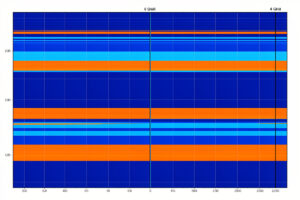
A 320 MHz channel is twice the width of the widest channel Wi-Fi 6E ever offered, and the 6 GHz band it lives on spans roughly 1200 MHz of clean spectrum in the most open regulatory domains. That sounds like room to spare. In practice you fit only about three of those channels, and only if your regulator opened the whole band.
This is the headline feature of Wi-Fi 7 (IEEE 802.11be), and it is also the most misunderstood. Doubling the channel width doubles the theoretical throughput, but it does nothing kind for range. A 320 MHz channel spreads the same transmit power budget across twice the spectrum, so power density per hertz drops, and the signal gives up sooner as it pushes through walls. On my own bench, running OPNsense feeding a set of PoE-wired access points, the fast-close-to-the-AP numbers are genuinely impressive. The whole-home numbers are a different, quieter story.
What a 320 MHz channel actually is
Channel width is how much contiguous spectrum a single Wi-Fi link occupies. Wi-Fi 5 topped out at 80 MHz in most homes and could bond to 160 MHz on capable hardware. Wi-Fi 6E kept 160 MHz as the ceiling. Wi-Fi 7 introduces 320 MHz, a headline capability of Wi-Fi CERTIFIED 7, and it can only exist on the 6 GHz band, because that is the only place with enough contiguous, uncluttered spectrum to fit a channel that wide.
The relationship between width and speed is close to linear. Double the channel and you roughly double the data you can push per unit of time, holding the modulation scheme constant. That is the appeal, and it is real: a single 320 MHz Wi-Fi 7 stream to a close, capable client will comfortably outrun a gigabit wired link and start to lean on 2.5G Ethernet as the sensible backhaul. If you have only ever run 80 MHz channels, the jump feels like changing the road from two lanes to eight.
How many 320 MHz channels fit in 6 GHz
Here is where the physics and the regulators intrude. The 6 GHz band, in the regions that opened all of it, provides on the order of 1200 MHz of usable spectrum. Divide that by 320 MHz and you get three-and-a-bit. In practice, once you account for band edges and the standard channel plan, you get roughly three non-overlapping 320 MHz channels in a full 6 GHz allocation.
Three. That is the whole non-overlapping set for the widest channel Wi-Fi 7 offers. If you have a dense environment, or neighbours also running Wi-Fi 7 on 6 GHz, three channels is not a lot of room to plan around co-channel contention, and it is a strong argument for stepping down to 160 MHz where you have six or more non-overlapping channels to work with.
And that is the best case. Your regulatory domain decides how much of the band you actually get. Some regions opened the full band; many opened only the lower portion, commonly the lower roughly 500 MHz known as U-NII-5. In a partial allocation like that, a single 320 MHz channel can consume most of what you have, and you may be able to place only one clean 320 MHz channel at all. Whether you get three, one, or none depends entirely on where you live, so check your own regulator’s 6 GHz rules before you plan a channel layout around 320 MHz.
The range tax nobody prints on the box
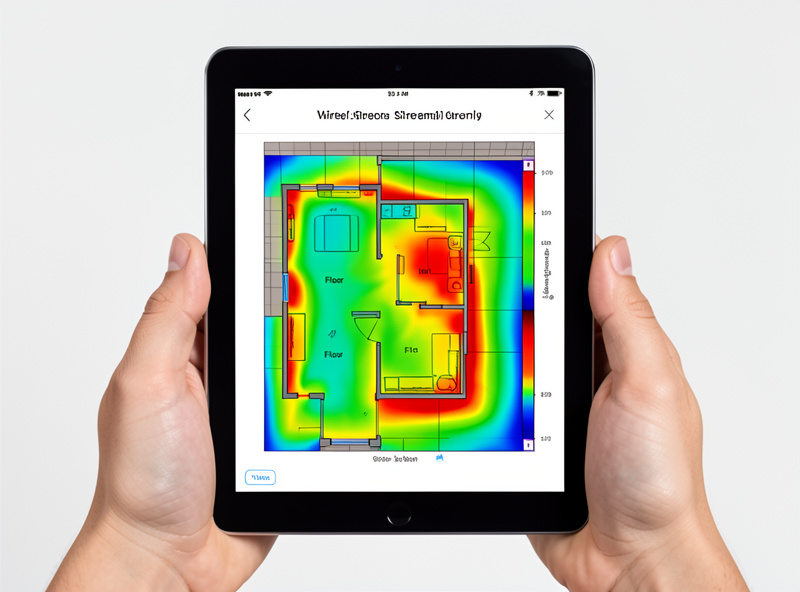
Wider channels are not free. A radio has a finite transmit power budget, and regulators cap the power spectral density, the power allowed per unit of bandwidth. Spread that budget across 320 MHz instead of 80 MHz and the energy in any given slice of spectrum is lower. The receiver a few rooms away hears a weaker, noisier version of the signal, and the link responds the only way it can: it drops the data rate, or it falls back to a narrower channel.
That fallback is automatic and continuous. A client sitting next to the AP negotiates 320 MHz and flies. Walk to the far bedroom and the same client quietly renegotiates down to 160 MHz, then 80 MHz, trading width for reach because a narrower channel concentrates the available power and survives the walls. Nothing is broken when this happens; it is the protocol doing exactly what it should. But it means the 320 MHz headline number describes a small bubble around the access point, not your house.
6 GHz is shorter-ranged than 5 GHz to begin with
Stack a second effect on top. The 6 GHz band sits at a higher frequency than 5 GHz, and higher frequencies attenuate more as they pass through drywall, brick, and the general clutter of a home. Even at identical channel widths, a 6 GHz signal covers less ground than the same signal on 5 GHz. Combine higher-frequency attenuation with the power-density penalty of a very wide channel and you have two range-reducing forces pulling in the same direction.
The upside is that 6 GHz is clean. There is no legacy Wi-Fi 4 or 5 traffic, no microwave-oven interference, and critically no radar to share with. That last point matters: on 5 GHz, large chunks of the band are DFS channels where the AP must monitor for radar and vacate on detection, which causes those irritating mid-stream dropouts. On 6 GHz there is no DFS requirement at all, because the band was allocated fresh. Cleaner spectrum, but shorter legs.
AFC, LPI, and why your AP might be quiet
6 GHz drops DFS but introduces its own power rules. Indoor access points typically run as Low Power Indoor (LPI) devices, which are allowed to transmit without coordination but at a capped power level, and generally without an external antenna. Standard-power operation, which is louder and better for reach, requires Automated Frequency Coordination (AFC): the AP checks in with a database of incumbent licensed users and is told which channels and power levels it may use at its location.
For a home setup this mostly means your 6 GHz AP is running at LPI power, which reinforces everything above. It is indoors, it is power-capped, and on a 320 MHz channel that capped power is thinly spread. The takeaway is not that 6 GHz is bad; it is that you should size your expectations to LPI reality rather than to a marketing chart drawn at standard power.
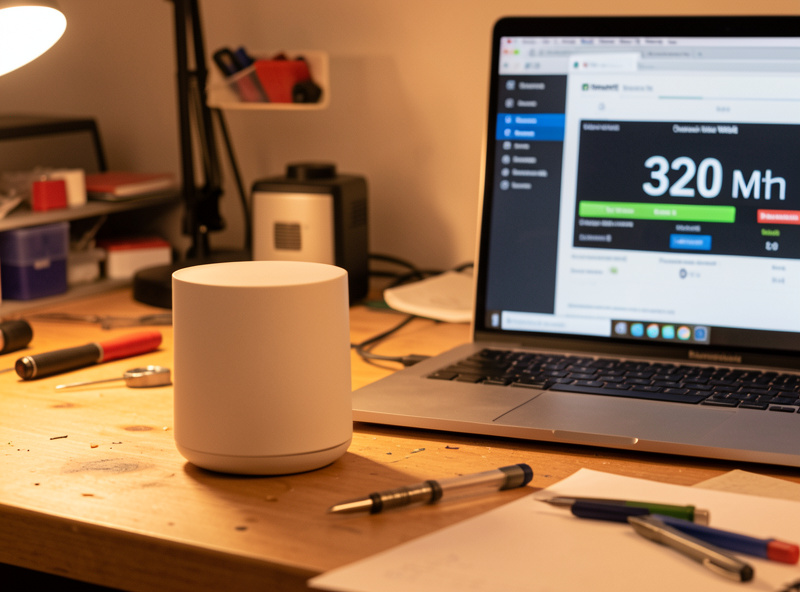
Channel width versus range: the tradeoff table
| Channel width | Relative bandwidth | Non-overlapping channels in full 6 GHz | Relative range / wall penetration | Best use |
|---|---|---|---|---|
| 80 MHz | Baseline | Many (roughly a dozen) | Best | Coverage, dense areas, many clients |
| 160 MHz | ~2x of 80 MHz | Around six | Good | Balanced whole-home Wi-Fi 7 default |
| 320 MHz | ~4x of 80 MHz | Roughly three | Weakest | Fast client close to the AP |
Read that table as a spectrum-planning tool, not a ranking. There is no single best width; there is the width that fits how far your clients sit from the access point and how many APs you are willing to wire in.
How to actually deploy this at home
The practical conclusion writes itself. 320 MHz is a close-range speed feature. If you have one workstation or a media box sitting near a 6 GHz AP and you want the fastest possible link, enable 320 MHz for that band and enjoy it. It is the one place the number and the experience line up.
For coverage, plan on 160 MHz as your working default and solve range with more access points rather than wider channels. Wire each AP back on PoE, place them so no client is ever far from one, and let 6 GHz do the fast last hop while your 2.5G Ethernet backhaul carries the aggregate. This is the same discipline that fixes any wireless dead spot: coverage is an access-point-placement problem, not a channel-width problem, and no amount of 320 MHz will paper over an AP that is one wall too far away. If you are chasing dead zones, add a wired AP; do not widen the channel and hope.
320 MHz also pairs naturally with Multi-Link Operation, which lets a Wi-Fi 7 client use 6 GHz and 5 GHz at once, leaning on the wide 6 GHz channel while it is in range and keeping the more resilient 5 GHz link alive as a floor. That combination is the honest way to get both the peak speed and the coverage, and it is a good reason to prioritise it when you choose an access point. If you are still deciding whether the jump from 6E is worth it, the Wi-Fi 6E versus Wi-Fi 7 comparison covers the wider picture, and the full Wi-Fi 7 home network guide ties the whole build together.
If you want a 6 GHz-capable Wi-Fi 7 access point to experiment with, browse Wi-Fi 7 access points with 6 GHz support. As an Amazon Associate I earn from qualifying purchases.
How many 320 MHz channels fit in the 6 GHz band?
In regions that opened the full 6 GHz band (roughly 1200 MHz of spectrum), about three non-overlapping 320 MHz channels fit. Where only the lower portion is available, you may get just one or none.
Does a 320 MHz channel improve Wi-Fi range?
No. It improves peak throughput but reduces effective range. The transmit power budget is spread across twice the bandwidth, lowering power density, so the signal weakens sooner through walls and clients fall back to 160 or 80 MHz.
Is 6 GHz shorter range than 5 GHz?
Yes. 6 GHz is a higher frequency and attenuates more through walls than 5 GHz at the same channel width, so it covers less area even before you factor in the extra penalty of very wide channels.
Does 6 GHz use DFS like 5 GHz?
No. The 6 GHz band has no DFS requirement because it was allocated as clean spectrum without radar to share. Instead it uses power rules: LPI for indoor devices and AFC for standard-power operation.
What is the difference between LPI and standard power on 6 GHz?
LPI (Low Power Indoor) devices transmit at a capped power without coordination, typical for home APs. Standard power is louder and better for range but requires AFC, where the AP checks a database to learn permitted channels and power at its location.
Should I set 320 MHz for whole-home Wi-Fi 7 coverage?
No. Use 320 MHz for a fast client sitting close to the access point. For whole-home coverage, run 160 MHz and add more wired access points rather than widening the channel.
Further reading
- The Wi-Fi 7 home network guide
- Multi-Link Operation explained
- Wi-Fi 6E versus Wi-Fi 7
- Access point placement
- The home Wi-Fi guide