
Jellyfin and Plex both turn your own movie and TV library into a Netflix-style streaming service you run at home — the core difference is that Jellyfin is fully open-source and free with no paywalled features, while Plex is more polished with better apps but gates some features behind a one-time or subscription purchase. I have run both off the same library on my NAS, and the right answer genuinely depends on what you value more: owning the whole stack, or the smoothest experience on the widest range of devices.
A media server is the self-hosted app that most visibly improves daily life for everyone in the house, which is why it is one of the headline picks in the best self-hosted apps list. This is the honest head-to-head — where each one wins, where each one frustrates, and how to decide — so you pick once and stop second-guessing it. Both run happily on a NAS acting as a home server or a dedicated box.
What Both Do
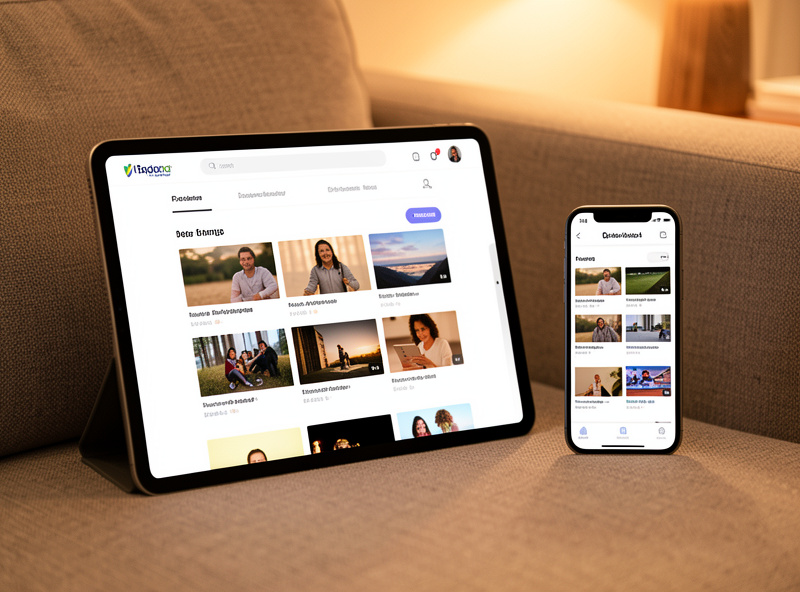
At their core, Jellyfin and Plex do the same job: they scan a folder of video files, fetch artwork and metadata so your library looks like a proper streaming catalogue, and stream it to apps on your TVs, phones, and tablets — transcoding on the fly when a device cannot play the original format. Point either at your media folder and within minutes you have your own private streaming service.
Both support multiple user accounts, watch-state syncing so you resume where you left off across devices, and hardware-accelerated transcoding to handle several streams at once. Both run as a Docker container and read directly from the storage they stream. The plumbing is genuinely similar; the difference is in philosophy, polish, and what costs money — which is exactly where the decision lives.

Jellyfin: Free and Fully Yours
Jellyfin is completely free and open-source, with no premium tier, no account with a third party, and no features held back behind a paywall. Hardware transcoding, mobile access, multiple users — everything is included because there is nothing to upsell. For self-hosters who want to own the entire stack with zero dependence on an outside company, Jellyfin is the natural choice.
The trade-offs are real and worth knowing. Jellyfin’s apps are good and improving fast, but they are not quite as polished as Plex’s on every platform, and a few of the smart-TV apps lag behind. Remote access is something you set up yourself — ideally over a VPN rather than exposing it — whereas Plex hands you that more easily. None of this is a dealbreaker; it is the difference between a community project you fully control and a commercial product that smooths the edges in exchange for a relationship with a company. For me, on a stack built around owning my data, that control is exactly the point.
Plex: Polished and Convenient
Plex is the older, more commercial option, and the polish shows. Its apps are excellent across an enormous range of smart TVs, streaming sticks, and consoles, its remote streaming setup is nearly automatic, and the overall experience is the most “just works” of the two. For a household that wants a media server to feel exactly like a commercial streaming app, Plex delivers.
The catch is the business model. Plex is free for local streaming, but some conveniences — particularly mobile apps and certain features — sit behind a Plex Pass purchase, and the company has shifted what is free over the years, which makes some self-hosters wary. There is also an account with Plex in the loop, and your server checks in with their servers, which matters if your reason for self-hosting is to keep everything local. Plex is the better experience for the least effort; it just is not the “own everything” option that Jellyfin is.
Head to Head
The decision usually comes down to four things: cost, app polish, how local you want it, and how much setup you are willing to do. Here is how they line up.
| Factor | Jellyfin | Plex |
|---|---|---|
| Cost | Fully free, no paywall | Free locally; Plex Pass for some features |
| Open source | Yes | No |
| App polish | Good, improving | Excellent, widest device support |
| Account required | None | Plex account |
| Remote access | DIY, ideally via VPN | Built-in, near-automatic |
| Stays fully local | Yes | Checks in with Plex servers |
| Best for | Owning the whole stack | Most polished, least effort |
The Hardware Underneath
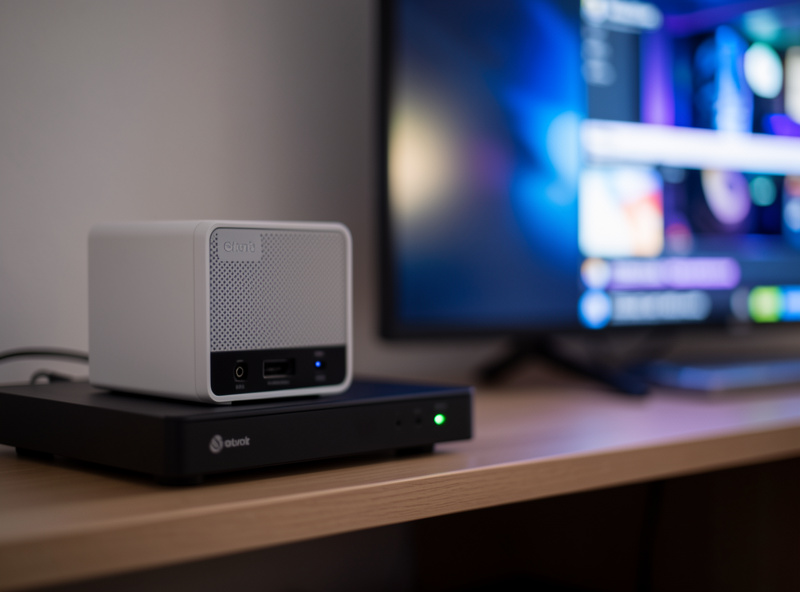
Whichever you pick, the demanding part is transcoding — converting video on the fly when a device cannot play the original file. One direct-play stream is trivial; several simultaneous 4K transcodes need real horsepower, ideally hardware acceleration from an Intel CPU with Quick Sync or a GPU. Both Jellyfin and Plex support hardware transcoding, and it is the single biggest factor in how many streams your server handles smoothly.
The practical guidance: if your devices can direct-play your files, almost any box copes, including a modest NAS. If you have multiple users on different devices that force transcoding, that is where a separate Proxmox host or a NAS with a capable CPU earns its keep. I keep the media library on the NAS and let a host with Quick Sync do the transcoding when it is needed — the same “storage and heavy compute want different hardware” principle that runs through the whole self-hosting build. Match the box to how many streams you actually run, not to a worst case you will never hit.
Getting the Library Right
Whichever server you choose, the thing that makes or breaks the experience is how your files are named and organized, because both Jellyfin and Plex rely on tidy naming to fetch the right artwork and metadata. Movies in their own folders named with the title and year, TV shows split into season folders with consistent episode numbering — get that right and the library populates with posters and descriptions automatically.
The most common “why does my media look like a mess” complaint is almost always a naming problem, not a server problem. A file named with a clear title and year matches correctly; a cryptic release name does not. It is worth spending an evening getting the folder structure consistent before you point the server at it, because a clean library scans into something that genuinely looks like a commercial catalogue, and a messy one fights you forever. Keep the library on redundant storage — the same RAID and backup discipline that protects the rest of your data applies here, because rebuilding a curated media collection is a chore nobody wants to do twice.
So Which Should You Run?
If owning the entire stack with zero subscriptions and nothing leaving your network matters most, run Jellyfin — it is free, open, and fully local, and its apps are good enough that the gap keeps shrinking. If you want the most polished experience on the widest range of TVs with the least setup, and you do not mind a company in the loop and paying for some features, run Plex.
My own bias, on a network built around self-hosting and segmentation, is Jellyfin — it fits the philosophy of the rest of the stack, and “free and mine” beats “polished and partly theirs” for something I want to run for a decade. But I genuinely recommend Plex to people who just want a media server that feels like Netflix and never want to think about it again. There is no wrong answer here; there is only which trade-off matches you. Try one for a fortnight against your real library and your real devices — that tells you more than any comparison table, including this one.
Frequently Asked Questions
Is Jellyfin really completely free?
Yes. Jellyfin is open-source with no premium tier and no paywalled features. Hardware transcoding, mobile access, and multiple users are all included because there is nothing to upsell. You do not need an account with any third party to use it.
What does Plex charge for?
Plex is free for local streaming, but some features, particularly the mobile apps and certain extras, sit behind a Plex Pass purchase available monthly, yearly, or as a lifetime option. The company has changed what is free over time, which makes some self-hosters prefer Jellyfin.
Which has better apps, Jellyfin or Plex?
Plex has the more polished apps and the widest support across smart TVs, streaming sticks, and consoles. Jellyfin’s apps are good and improving quickly, but a few smart-TV apps still lag Plex. If app polish on many devices is your priority, Plex leads today.
Do I need a powerful server for Jellyfin or Plex?
Only if you transcode. A single direct-play stream runs on almost anything, including a modest NAS. Multiple simultaneous 4K transcodes need a capable CPU with hardware acceleration like Intel Quick Sync. Match the hardware to how many streams you actually run at once.
Can I keep my media server fully local and private?
Jellyfin stays entirely local with no outside account. Plex requires a Plex account and your server checks in with their servers. For both, reach the server remotely over a VPN like WireGuard rather than exposing it directly to the internet for the best privacy.
Can I run Jellyfin and Plex at the same time?
Yes. Both can read the same media library, so you can run them side by side to compare before committing. They use different ports and apps, so there is no conflict, though running both transcoding at once doubles the load on your server’s CPU.
Related Guides
- Self-Hosting Guide: Run Your Own Homelab Services
- NAS as a Home Server
- Best Self-Hosted Apps 2026
- Docker Basics for Self-Hosting
- Proxmox Homelab Setup Guide