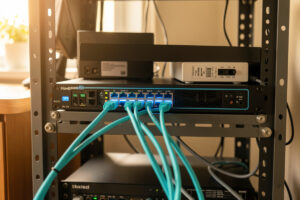
A 10G home network is worth building when one specific link is your bottleneck — usually NAS-to-workstation or NAS-to-Proxmox host — not as a blanket upgrade. In my setup, exactly two links run 10G and everything else sits on 2.5G or gigabit, and that mixed topology moves big files at 1.1 GB/s without rewiring the house.
That last sentence is the whole guide in miniature. The mistake almost everyone makes is treating 10G as something you flip on for the whole network. You don’t. You build a multi-gig topology where the fast links live exactly where the traffic is, and the rest stays cheap. This page is the map for the whole cluster: how to decide if you even need it, what NICs and switches to buy, how to cable it, and where the money actually goes. I’ve racked, flashed, and re-trunked every box on the way to the setup I run now, so I’ll tell you which decisions matter and which are spec-sheet noise.
Do you actually need 10G at home?
Most homes don’t, and that’s the honest answer. 10G earns its keep when you regularly move files larger than your RAM cache between two machines and the wire is the limiter — editing 4K footage off a NAS, running VM storage over the network, or backing up a workstation in minutes instead of an hour. If your daily traffic is streaming, browsing, and the occasional Steam download, your internet pipe is the ceiling and 10G inside the house does nothing for it.
The test I use is simple: copy a 50 GB file between the two busiest machines you own and watch the throughput. If it pins at ~112 MB/s you’re saturating gigabit and a faster link would help. If it stalls at 60 MB/s, your bottleneck is a slow disk or SMB tuning, and 10G will change nothing. I walk through the full decision in do you need a 10G home network — including why 2.5G is the right answer for most people who think they want 10G.
The multi-gig tier map: 1G, 2.5G, 5G, 10G
Multi-gig is not one speed — it’s four, and they’re priced an order of magnitude apart. 2.5GBASE-T runs on the Cat5e you already have and costs almost nothing per port now. 10G over copper (10GBASE-T) runs hot and pricey; 10G over SFP+ (DAC or fiber) runs cool and cheap if both ends are close. Picking the tier per-link instead of network-wide is what keeps a build sane.
| Tier | Cabling | Per-port cost (2026) | Power/heat | Best for |
|---|---|---|---|---|
| 1GbE | Cat5e+ | ~$2 | Negligible | Clients, IoT, anything that streams |
| 2.5GbE | Cat5e+ | ~$8 | Low | Desktops, APs, the cheap whole-house upgrade |
| 5GbE | Cat6 | ~$20 | Moderate | Rare; awkward middle tier |
| 10GBASE-T | Cat6a | ~$35 | High (runs hot) | Long copper runs already in the wall |
| 10G SFP+ (DAC) | Twinax | ~$15 | Very low | Rack-internal NAS/host/switch links |
| 10G SFP+ (fiber) | OM3/OM4 + SFP+ | ~$25 | Low | Runs over ~7m, between rooms |
The cheapest real upgrade for most people is 2.5G, not 10G, because it rides existing cable and the switches are now disposable-cheap. I lay out a complete sub-$200 path in the 2.5G budget network build — it’s the build I’d hand to anyone who isn’t moving multi-gigabyte files daily.
10G network interface cards: what goes in the machines
The NIC is where 10G either works flawlessly or eats your weekends. The reliable answer in a homelab is a used enterprise SFP+ card — an Intel X520/X710 or Mellanox ConnectX-3/4 — for $20-40 on the second-hand market, paired with DAC inside the rack. They run cool, the drivers are in every OS already, and they don’t carry the heat and latency penalty of 10GBASE-T copper PHYs. As an Amazon Associate I earn from qualifying purchases.
The trap is buying 10GBASE-T add-in cards (Aquantia/Marvell AQC107 class) expecting them to behave like the gigabit cards you know. They run 8-10W, get genuinely hot in a closed case, and the cheaper ones have shaky driver support outside Windows. In my lab the X520-DA2 has never given me a driver surprise across OPNsense, Proxmox, and TrueNAS. I rank the cards I’d actually run in best 10G network interface cards, with the caveats for each OS.
Cabling: DAC, fiber, or copper
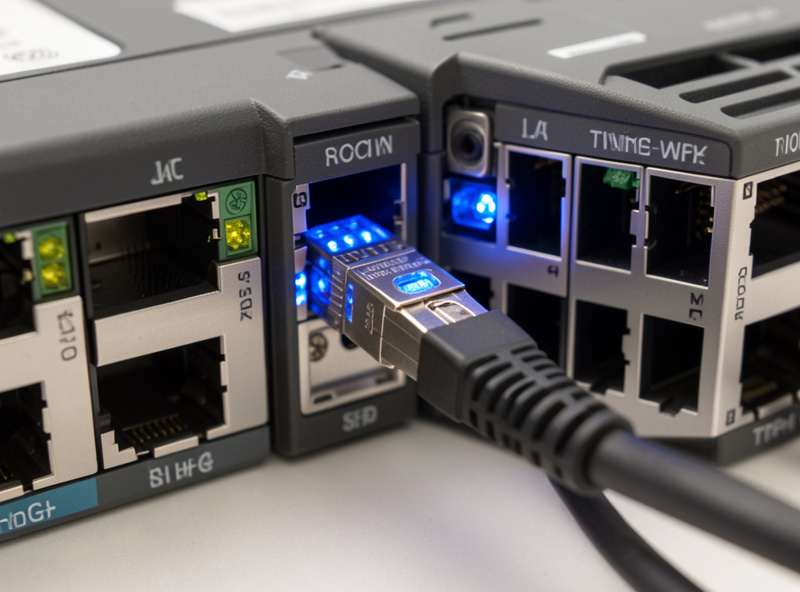
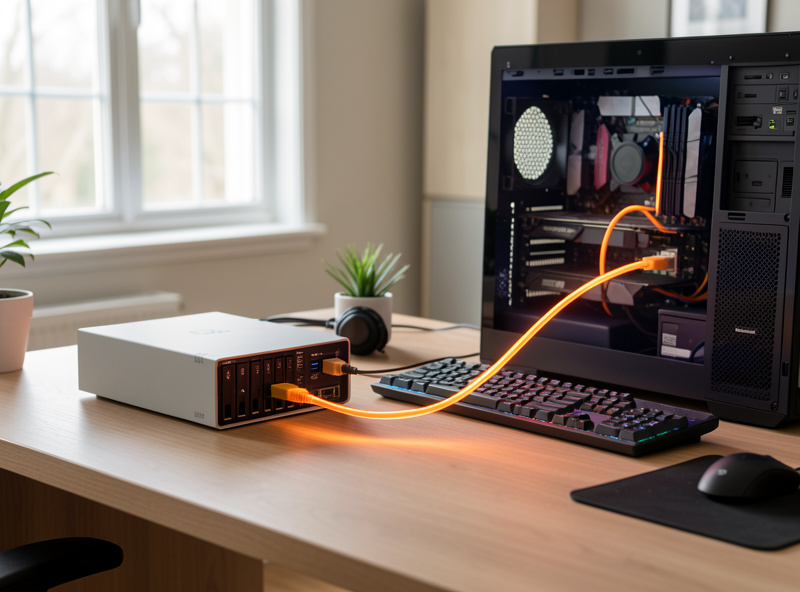
For 10G, the cable is a real decision, not an afterthought. Inside a rack where the NAS, host, and switch sit within a couple of meters, a passive DAC (direct-attach copper) cable is the obvious win: it’s a single $15 part with the SFP+ transceivers built in, draws almost no power, and adds no latency. Between rooms or beyond ~7 meters, fiber with separate SFP+ transceivers is the move. 10GBASE-T copper only makes sense when you already have Cat6a in the walls and can’t pull new cable.
The two articles that go deep here: DAC vs fiber vs copper for 10G covers the cost, power, and distance tradeoffs head to head, and Cat6a vs fiber for 10G runs tackles the specific question of in-wall runs — which one to pull when you’re opening up a wall once and want to do it right. The short version: I run DAC in the rack and OM3 fiber for the one run that crosses into the office.
10G switches for a home lab
A home 10G switch doesn’t need 48 ports of 10GBASE-T — it needs a handful of SFP+ cages and the sense to put them where your fast devices are. The sweet spot in 2026 is a managed switch with 4-8 SFP+ ports and a stack of 2.5G or gigabit copper for everything else: a MikroTik CRS-class managed switch, the cheaper QNAP/Zyxel multi-gig boxes, or a UniFi aggregation switch if you’re already in that ecosystem. Fanless matters more than you’d think — a screaming 1U switch in a living space gets unplugged within a week.
The thing I care about most is whether it’s managed: VLAN trunking, so the 10G links respect the same segmentation as the rest of the network. A flat 10G switch that ignores your VLANs is a hole in the firewall, not an upgrade. I cover the models I’d buy and why fanless and managed both matter in best 10G switches for a home lab, and the broader switching picture lives in my network switch buying guide and the hands-on managed switch setup walkthrough.
Where 10G actually pays off: the NAS
If there’s one link in a home that justifies 10G, it’s the NAS uplink. A NAS with a few spinning disks in a striped or mirrored pool will happily push 400-600 MB/s sequentially — four to six times what gigabit allows — and an all-SSD pool will saturate 10G outright. Putting a 10G card in the NAS and the one workstation that hammers it is the highest-value pair of NICs you can buy.
The setup details — SMB multichannel, jumbo frames, where the NAS sits on your VLANs, and how to actually verify you’re getting line rate — are in the 10G NAS setup guide. It builds directly on my NAS network setup and home NAS build guide, so if your NAS isn’t running yet, start there. On the Proxmox side, a 10G link or a LACP bond to the host is what makes network storage feel local.
Fitting 10G into a segmented network
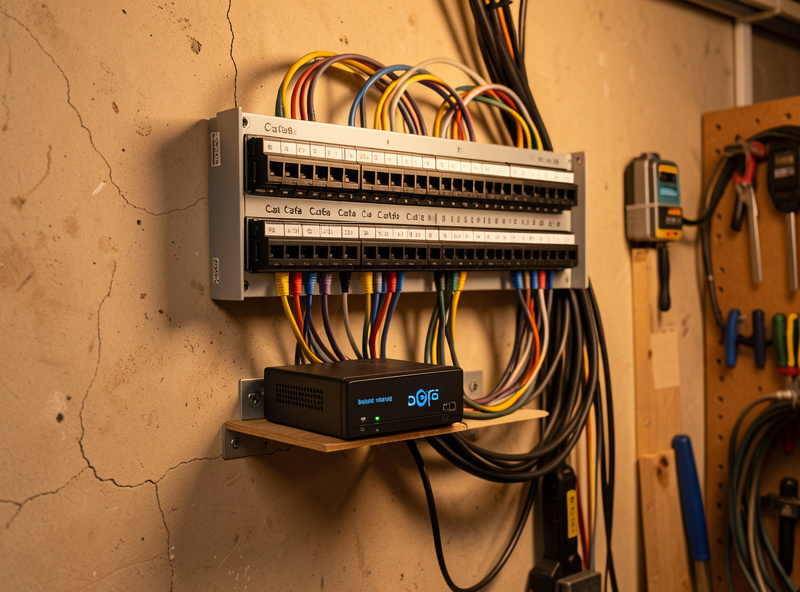
Speed without segmentation is just a bigger blast radius. Every 10G link in my house still lives inside the same VLAN structure as the gigabit gear — the NAS sits on a storage segment, the workstation on the trust LAN, and the firewall rules between them are default-deny with explicit allows. A 10G switch that can’t tag VLANs doesn’t get bought.
If you haven’t segmented yet, do that before you spend on speed. My home network VLAN guide and network segmentation walkthrough lay out the 7-zone setup I run, and VLAN firewall rules covers the default-deny recipes that keep the fast links from becoming a liability. The whole point of building this network is that the hydro lab, the workshop sensors, the kids’ consoles, and the lab subnet are separate trust zones — 10G doesn’t change that, it just makes the storage segment quick.
The build order that works
Hardware first is the wrong order. The sequence that saves money: segment the network, identify your one or two real bottleneck links, buy used SFP+ NICs for exactly those machines, run DAC in the rack, add a small managed SFP+ switch, and leave everything else on 2.5G or gigabit. That’s a $150-250 build that gets you line-rate 10G where it matters and zero wasted ports where it doesn’t.
If you’re building the underlying router and switching from scratch, the 10GbE router DIY build and best DIY router hardware guides cover the firewall side, and the SFP+ and DAC cable guide covers the physical connections. The Proxmox homelab guide ties the host into all of it.
Does the router or firewall need 10G?
Almost never, and this is where people waste the most money. Your firewall only needs to be fast on the links that cross it — WAN to LAN, and between VLANs. Unless you have a multi-gig internet plan or you’re routing heavy traffic between two 10G segments through the firewall, the box running OPNsense is fine on 2.5G or gigabit. The 10G traffic that matters most — NAS to workstation on the same VLAN — never touches the router at all; it’s switched at layer 2.
I run OPNsense on a fanless quad-i226 appliance, and the WAN side is the slowest link in the house by design. The 10G lives on the switch fabric between the NAS, the Proxmox host, and the one workstation that needs it. If you find yourself shopping for a 10G-capable firewall, stop and ask which traffic actually needs to be routed at 10G — for most homelabs the answer is none of it. Sizing a firewall for 10G aggregation is genuinely an enterprise obligation; at home it’s a solution looking for a problem. The OPNsense vs pfSense comparison covers the appliance side if you’re building the firewall itself.
Jumbo frames, MTU, and the tuning that actually matters
Out of the box, a 10G link often delivers 3-4 Gbps because the bottleneck moves from the wire to the protocol stack. The two settings that recover the rest are jumbo frames and SMB multichannel. Jumbo frames raise the MTU from the default 1500 to 9000, so each packet carries six times the payload and the CPU spends far less time on per-packet overhead — that alone can lift a sequential transfer from 4 Gbps to near line rate.
The catch with jumbo frames is consistency: every device on that path — NIC, switch, and the far-end NIC — must agree on MTU 9000, or you get silent fragmentation and worse performance than you started with. The clean way to do it is to keep jumbo frames on an isolated storage VLAN where only the NAS, the host, and the fast workstation live, and leave the rest of the network at MTU 1500. That’s exactly why I segment storage onto its own VLAN — it lets me tune that path aggressively without breaking everything else. SMB multichannel, meanwhile, lets a single transfer use multiple TCP streams and is on by default in modern Windows and Samba; it’s most of why a 10G NAS link feels fast in real use rather than just in benchmarks.
How a switch mixes 2.5G, 10G, and gigabit
A managed multi-gig switch handles mixed speeds transparently — each port negotiates independently, and the switch buffers and forwards between them at wire speed. A gigabit client talking to a 10G NAS through the switch still gets its full gigabit; the NAS just isn’t the bottleneck anymore because it can serve several clients at once without saturating its uplink. This is the real argument for putting 10G on the NAS even in a mostly-gigabit house: it’s not about one client going faster, it’s about the NAS never being the choke point when three machines hit it at once.
The one thing to watch is buffer behaviour when a 10G source floods a 1G destination — the switch has to drop or pause, and cheap switches handle this worse. In practice, for home traffic patterns it’s a non-issue; you’d need sustained many-to-one congestion to notice. The port discipline that matters more is VLAN tagging across those mixed-speed ports, which I cover in the managed switch setup and UniFi VLAN setup walkthroughs.
A real 10G build, with the money on it
Here’s the build I’d put together today for someone who edits video off a NAS and wants the NAS-to-desk link quick. Two used Intel X520-DA1 NICs at about $25 each, one for the NAS and one for the workstation. A passive SFP+ DAC cable at $15 if they’re rack-adjacent, or a pair of SFP+ transceivers plus OM3 fiber at about $40 if they’re in different rooms. A small managed switch with at least two SFP+ cages — a MikroTik CRS-class box around $150. That’s roughly $215 all-in for true line-rate 10G between the two machines that need it, with every other device staying on the 2.5G and gigabit ports of the same switch.
Compare that to the lazy version: a 10GBASE-T switch with eight copper ports runs $350-500, draws far more power, gets hot, and gives you six ports you’ll never use at 10G. The per-link approach isn’t just cheaper, it’s the topology that actually matches how home traffic flows. I break the switch options down in best 10G switches for a home lab and the NIC choices in best 10G NICs.
When 10G won’t negotiate: the failure modes
The first time I brought up a 10G link it sat dark, and the cause was the single most common one: an SFP+ transceiver the switch refused to accept because of vendor lock. Many switches whitelist transceivers, and a generic module either won’t link or links at the wrong speed. The fix is either a coded module for your switch brand or a switch that doesn’t enforce vendor lock — another reason I lean toward DAC, which sidesteps transceiver compatibility entirely because the SFP+ ends are integrated and matched to the cable.
The second failure mode is the link negotiating down — a 10G port quietly running at 1G. That’s almost always a cabling problem: a DAC that’s too long for a passive run, a fiber type mismatch, or 10GBASE-T over cable that can’t carry it. Check the negotiated speed on the switch, not the NIC’s claimed capability. The third is thermal: a hot 10GBASE-T NIC in a closed case throttling under sustained load, which shows up as transfers that start fast and decay. I troubleshoot the whole chain in the network troubleshooting guide, and the physical-layer specifics live in the SFP+ and DAC cable guide.
Frequently Asked Questions
Do I need 10G for my whole home network?
No. 10G earns its place on one or two specific links, usually NAS-to-workstation or NAS-to-host. The rest of the network stays on 2.5G or gigabit. Build a mixed multi-gig topology, not a network-wide 10G upgrade.
Is 2.5G enough instead of 10G?
For most homes, yes. 2.5GBASE-T runs on existing Cat5e, costs about $8 per port, and is 2.5x faster than gigabit. Unless you regularly move multi-gigabyte files between two machines, 2.5G is the smarter spend.
What is cheaper, 10GBASE-T copper or SFP+ DAC?
SFP+ with DAC is cheaper and cooler for short rack-internal links: a used SFP+ NIC runs $20-40 and a DAC cable about $15, versus $35+ per 10GBASE-T port plus the heat. Copper only wins when Cat6a is already in the wall.
Will 10G speed up my internet?
No. Internal 10G only affects traffic between devices inside your house. Your internet speed is capped by your ISP plan and WAN link. 10G helps file transfers, NAS access, and VM storage, not browsing or streaming.
Can I run 10G over my existing Cat5e?
Not 10G. Cat5e tops out at 2.5GBASE-T reliably over a full run, and sometimes 5G over short distances. True 10GBASE-T needs Cat6a for a 100m run. For 10G, use SFP+ with DAC or fiber instead of betting on old copper.
Does a 10G switch need to be managed?
For a segmented network, yes. A managed switch tags VLANs so your 10G links respect the same firewall segmentation as everything else. An unmanaged 10G switch is fast but punches a hole through your network zones.